
Въведение
This manual provides essential instructions for the proper installation, operation, and maintenance of your Samsung BN07-01044A LCD-Panel. Please read this manual thoroughly before attempting to install or use the product to ensure safe and efficient operation. Keep this manual for future reference.
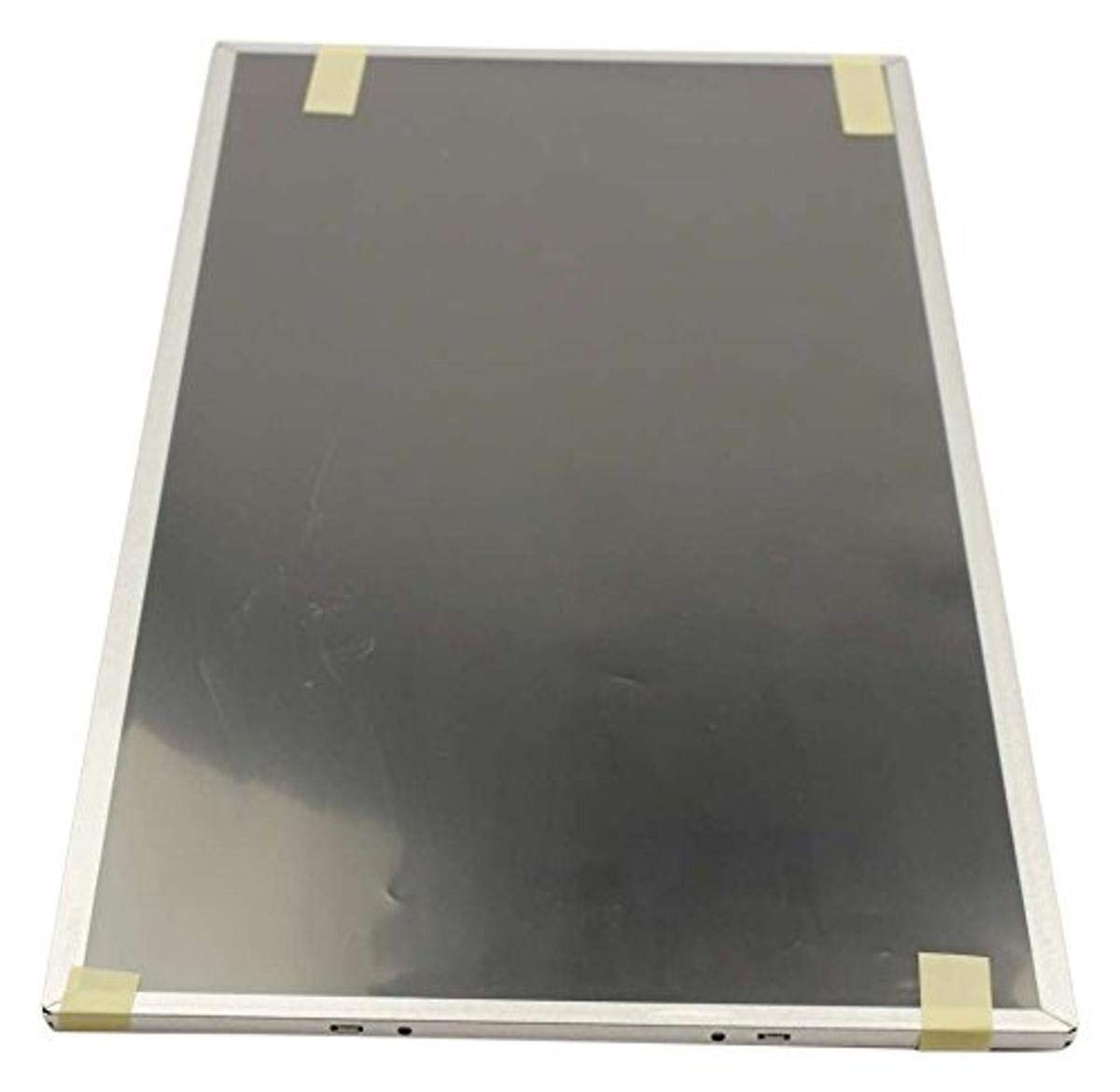
Figure 1: Samsung BN07-01044A LCD-Panel. This image displays the Samsung BN07-01044A LCD-Panel, showing its general form factor and connectors.
Информация за безопасност
Винаги спазвайте следните предпазни мерки, за да предотвратите повреда на продукта или нараняване:
- Disconnect power from the device before installation or removal of the LCD panel.
- Handle the LCD panel with care. Avoid touching the screen surface directly.
- Wear anti-static gloves to prevent electrostatic discharge (ESD) damage.
- Уверете се, че всички връзки са здрави, преди да възстановите захранването.
- Не излагайте панела на влага или екстремни температури.
- Ако не сте сигурни относно някоя стъпка, консултирайте се с квалифициран техник.
Съдържание на пакета
Проверете дали вашият пакет съдържа следните елементи:
- 1 x Samsung BN07-01044A LCD-Panel
- (Additional components, if any, will be listed on the product packaging.)
Настройка и инсталиране
This LCD panel is an OEM authorized replacement part. Installation typically involves replacing an existing panel within a compatible Samsung device. The following steps are general guidelines; refer to your specific device's service manual for detailed instructions.
- Приготвяне: Power off the device completely and disconnect it from all power sources. Remove the battery if applicable.
- Разглобяване: Carefully disassemble the device to access the existing LCD panel. This may involve removing bezels, hinges, and screws.
- Изключване на стария панел: Gently disconnect the video cable (e.g., LVDS or eDP) and any backlight cables from the old panel. Note their orientation.
- Премахване на стария панел: Remove the old LCD panel from its housing.
- Инсталиране на нов панел: Position the new Samsung BN07-01044A LCD-Panel into the housing. Ensure it fits securely.
- Свързване на кабели: Reconnect the video cable and backlight cables to the new panel. Ensure connections are firm and correctly oriented.
- Повторно сглобяване: Carefully reassemble the device, ensuring no cables are pinched and all screws are tightened appropriately.
- Първоначален тест: Before fully closing the device, connect power and briefly test the display to ensure it functions correctly.
Забележка: Professional installation is recommended for this component to avoid damage to the panel or the host device.
Работа с LCD панела
Once installed, the Samsung BN07-01044A LCD-Panel operates as the primary display for your compatible device. Its functionality is managed by the device's operating system and graphics hardware.
- Включване: Turn on your device as usual. The LCD panel should display the boot sequence and operating system interface.
- Настройки на дисплея: Adjust display settings (e.g., resolution, brightness, contrast) through your device's operating system display preferences. Ensure the native resolution of the panel is selected for optimal clarity.
- Графични драйвери: Ensure your device has the latest graphics drivers installed for proper display performance.
Поддръжка и грижа
Proper care will extend the lifespan and maintain the performance of your LCD panel.
- Почистване на екрана: Използвайте мека кърпа без власинки, специално предназначена за електроника. Леко почистетеampen the cloth with water or a screen-cleaning solution (avoid ammonia-based cleaners). Gently wipe the screen in one direction.
- Избягвайте натиска: Do not press firmly on the screen, as this can damage the LCD matrix.
- Условия на околната среда: Keep the device and panel away from direct sunlight, excessive heat, cold, or humidity.
- Прах: Regularly dust the screen and surrounding areas with a soft brush or compressed air.
Отстраняване на неизправности
If you encounter issues with your LCD panel, refer to the following common problems and solutions:
| проблем | Възможна причина | Решение |
|---|---|---|
| Няма дисплей/Черен екран | Loose video cable, incorrect installation, faulty panel. |
|
| Трептене или изкривено изображение | Loose cable, incompatible drivers, panel defect. |
|
| Incorrect colors or brightness | Display settings, graphics driver issues. |
|
If these steps do not resolve the issue, contact Samsung customer support or a qualified service technician.
Спецификации
| Характеристика | детайл |
|---|---|
| производител | Samsung |
| Номер на част | BN07-01044A |
| Номер на модела на артикул | BN07-01044A |
| Размери на продукта | 21 x 15 x 3 инча |
| Тегло на артикула | 5.71 паунда |
| Артикул Опаковка Количество | 1 |
| Включени компоненти | appliance-replacement-parts |
| ASIN | B01GSLDALU |
| Дата на първа наличност | 8 юни 2016 г |
Гаранция и поддръжка
As an OEM authorized part, this Samsung BN07-01044A LCD-Panel is typically covered by the warranty terms provided by Samsung for their replacement parts. Please refer to the official Samsung website or contact Samsung customer service for detailed warranty information specific to replacement components.
For technical support or service inquiries, please visit the official Поддръжка на Samsung webсайт или се свържете директно с техния отдел за обслужване на клиенти.