
1. Продуктът свършиview
The Amazon Echo Show 8 (3rd Generation) is a smart display designed to enhance your daily life with immersive entertainment, smart home control, and seamless communication. Featuring an 8-inch HD touchscreen and spatial audio, it offers a rich visual and auditory experience. The device integrates a built-in smart home hub for simplified control of compatible devices and a 13 MP camera for clear video calls.
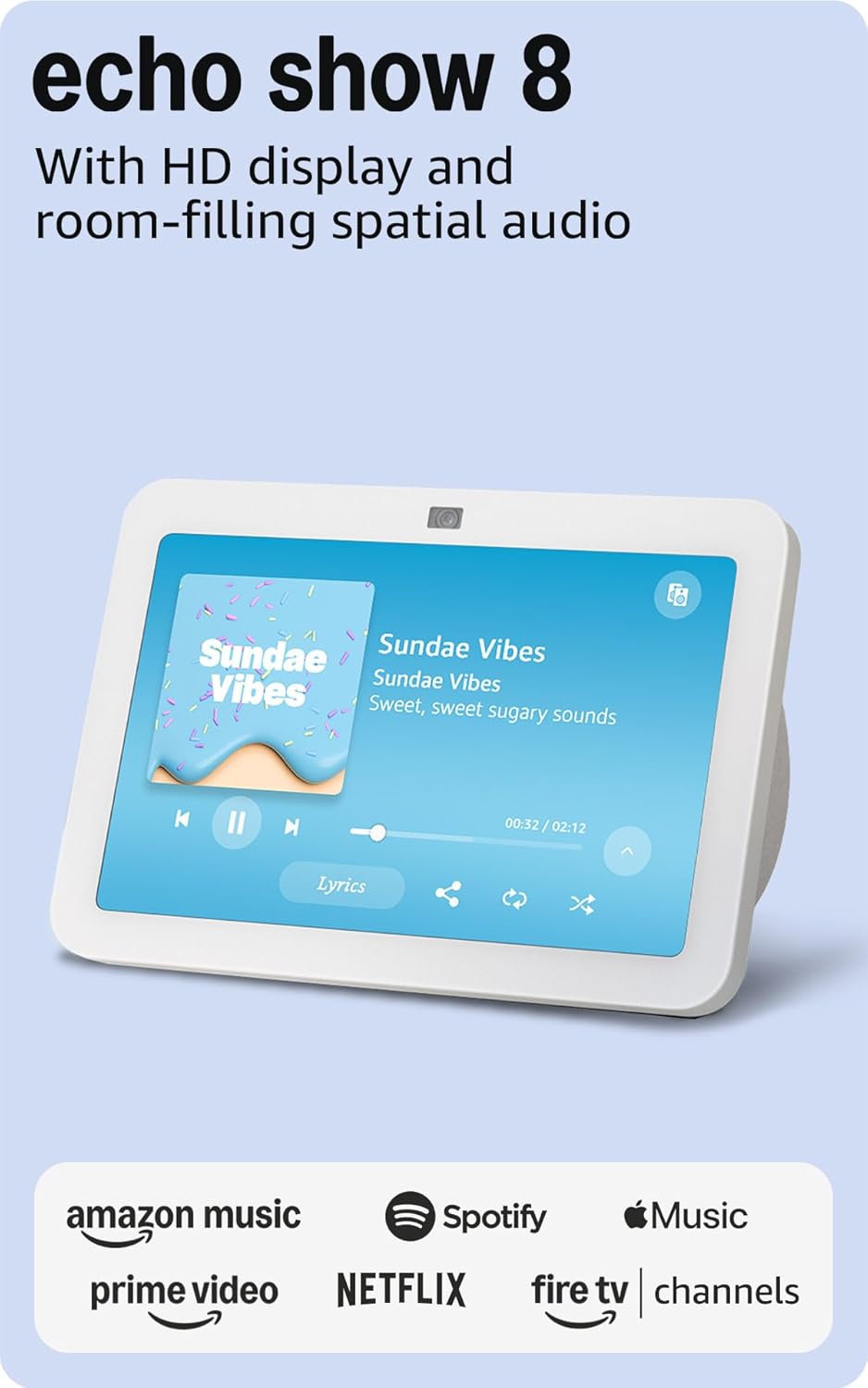
Изображение: Отпред view of the Amazon Echo Show 8 (3rd Gen) in Glacier White, displaying a music interface.
2. Какво има в кутията
- Echo Show 8 (3rd Gen) device
- Glacier White power adapter (30W) with 4.9 ft. cable
- Ръководство за бърз старт
3. Ръководство за настройка
3.1 Първоначално включване
- Connect the power adapter to the Echo Show 8 and plug it into a wall outlet.
- The device will power on automatically and display the Amazon logo.
3.2 Мрежова връзка
- Follow the on-screen instructions to select your language and connect to your Wi-Fi network. The Echo Show 8 supports dual-band Wi-Fi (802.11a/b/g/n/ac).
- For simplified setup, Amazon Wi-Fi simple setup allows compatible devices to connect to your Wi-Fi network in a few easy steps.
3.3 Amazon Account Login
- Sign in with your Amazon account credentials. An Amazon account is required for full functionality.
- If you do not have an Amazon account, you can create one at amazon.com.
НЕ Персонализация
Follow the prompts to personalize your device, including setting up Visual ID for personalized greetings and content display based on who is near the device. Alexa processes images on the device to recognize you.
4. Инструкции за работа
4.1 Voice Commands with Alexa
The Echo Show 8 is primarily voice-controlled. Simply say "Alexa" followed by your command or question. Exampвключват:
- „Алекса, пусни музика.“
- „Алекса, какво е времето?“
- „Алекса, настрой таймера за 10 минути.“
- "Alexa, show me the front door camera."
4.2 Навигация на сензорния екран
The 8-inch HD touchscreen allows for intuitive navigation and control:
- Плъзнете надолу отгоре: Access quick settings like Home, Settings, Do Not Disturb, Brightness, Notifications, Alarms, Photo Frame, Communicate, Music, Smart Home, Video, and Routines.
- Swipe left from the right edge: View adaptive content such as calendar, reminders, news, and suggested activities.
- Tap icons: Interact with on-screen elements, select options, or open applications.
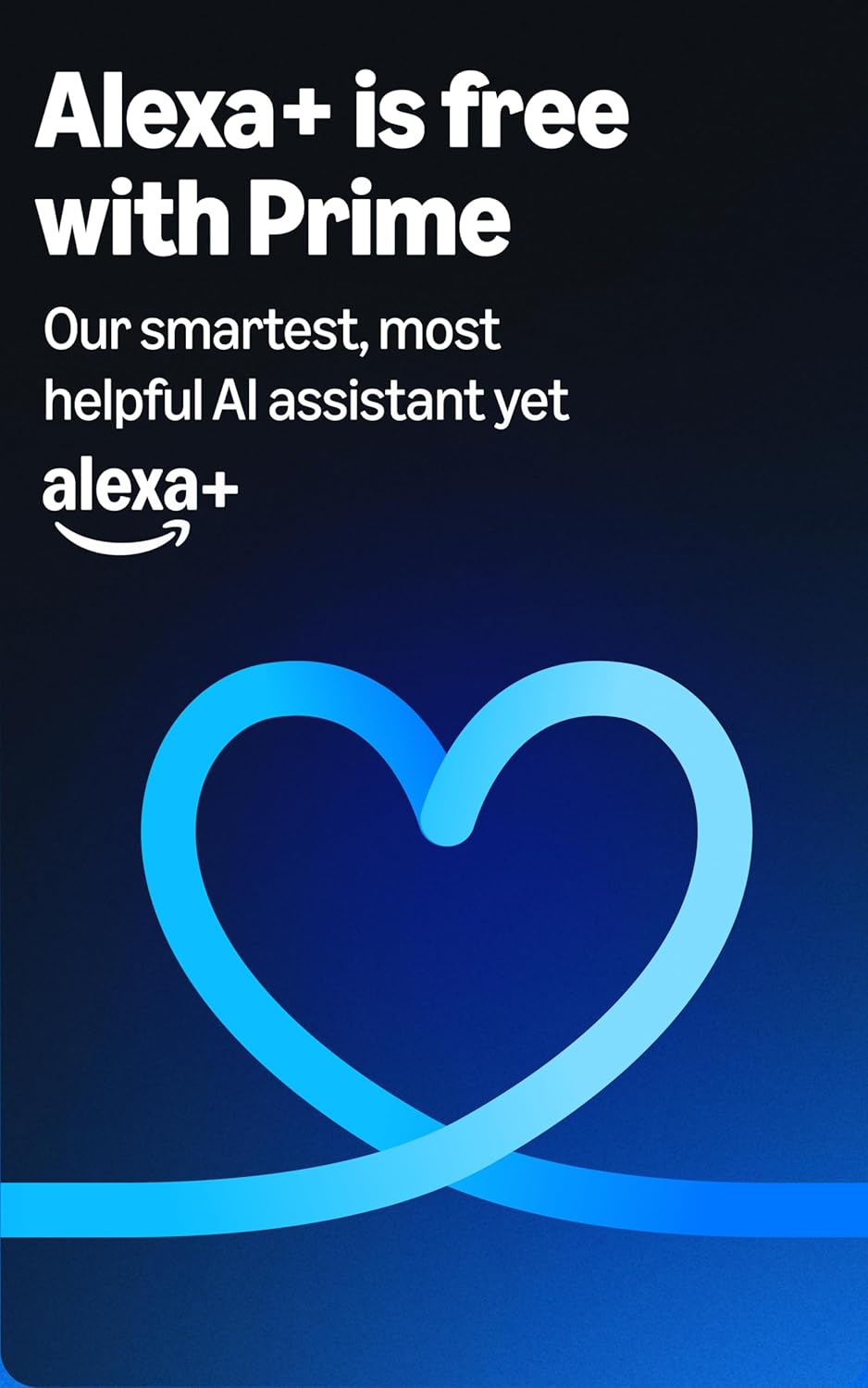
Image: Amazon Echo Show 8 (3rd Gen) on a kitchen counter, displaying weather information.
4.3 Жестове
The Echo Show 8 supports gestures for quick actions:
- Hold your palm towards the camera: Dismiss timers and alarms.
5. Ключови характеристики
5.1 Spatial Audio and HD Display
Experience immersive entertainment with room-filling spatial audio and an 8-inch HD touchscreen. The device features 2 x 2" full range neodymium drivers with a passive bass radiator for rich sound. Room adaptation technology automatically analyzes acoustics for optimal sound.
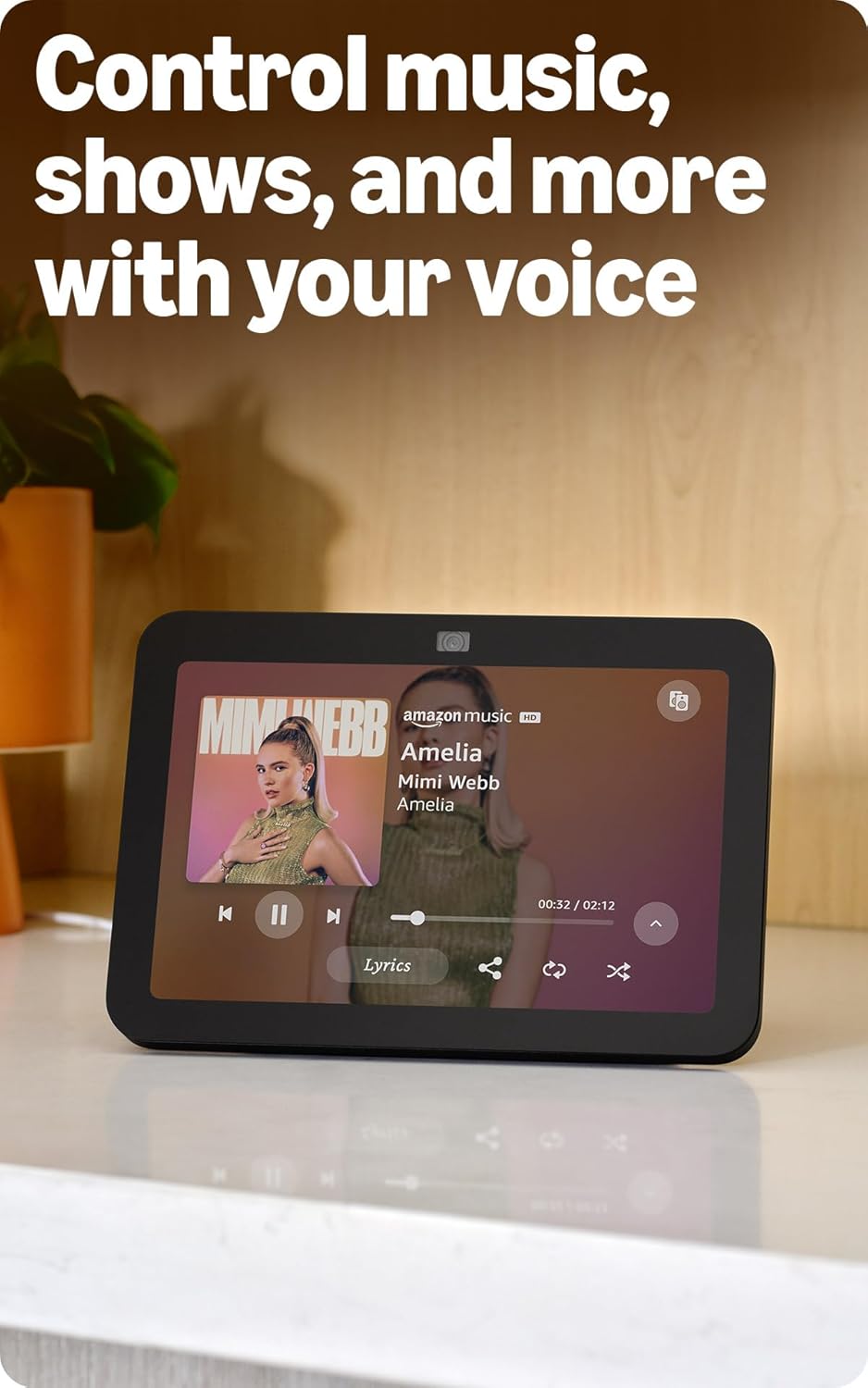
Image: Amazon Echo Show 8 (3rd Gen) showing music playback with lyrics on screen.
5.2 Enhanced Camera for Video Calls
The 13 MP centered camera with auto-framing and noise reduction technology ensures crisper video calls. The camera can keep you centered in the frame as you move. A built-in camera shutter provides privacy when needed.
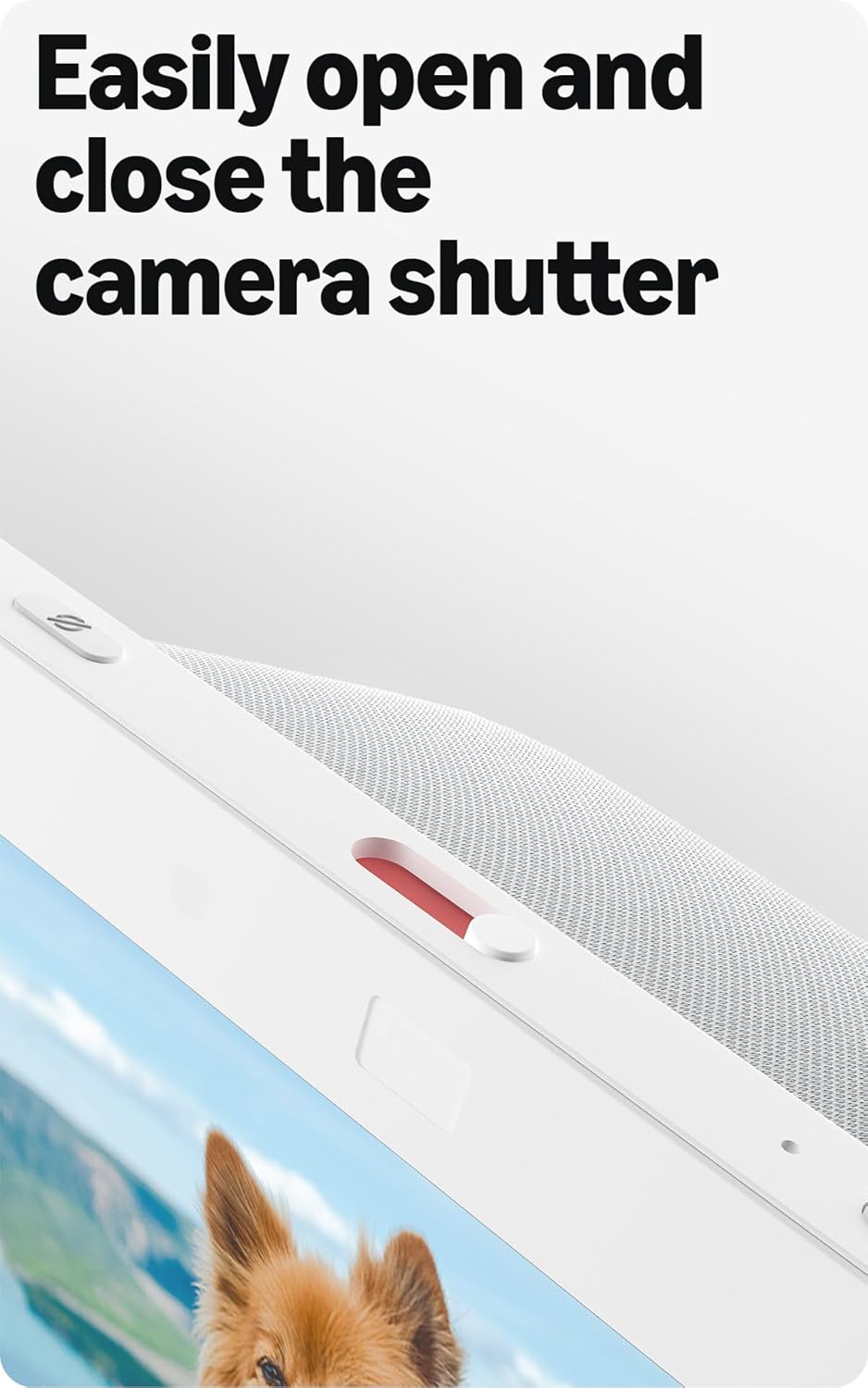
Image: Close-up of the top of the Echo Show 8 (3rd Gen) showing the physical camera shutter control.
5.3 Built-in Smart Home Hub
The Echo Show 8 includes a built-in smart home hub compatible with Zigbee, Matter, and Thread Border Router protocols. This allows you to pair and control a wide range of smart devices directly from your Echo Show 8 without needing a separate hub. Manage cameras, lights, and more using the display or your voice.
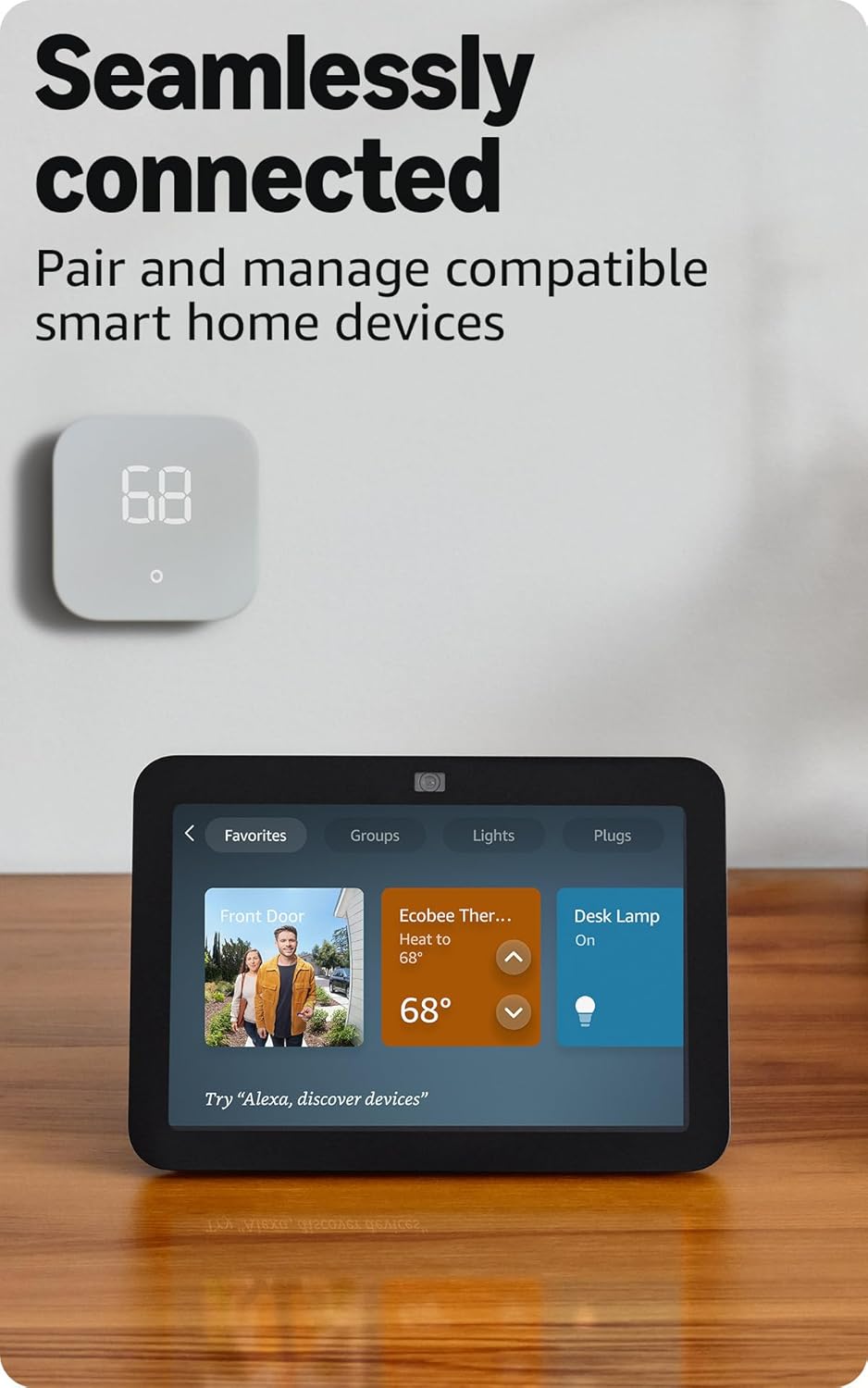
Image: Amazon Echo Show 8 (3rd Gen) screen showing smart home device controls for lights and thermostats.
5.4 Adaptive Content
Adaptive Content adjusts the information displayed on the screen based on your proximity. Glance at your calendar or reminders from afar, or see more detailed content when you're nearby. Shortcut icons on the home screen provide easy access to frequently used widgets.
6. Функции за поверителност
Amazon Echo Show 8 is designed with multiple layers of privacy controls:
- Технология на „събуждащите се думи“: The device only begins listening after detecting the wake word ("Alexa").
- Индикатори за стрийминг: Visual indicators confirm when audio or video is being streamed to the cloud.
- Microphone/Camera Off Button: A physical button allows you to electronically disconnect the microphones and camera.
- Built-in Camera Shutter: A physical slider covers the camera lens for complete visual privacy.
- Voice Recordings: You have the ability to view и изтрийте гласовите си записи.
7. Спецификации
| Характеристика | детайл |
|---|---|
| Размер | 7.9” x 5.5” x 4.2” (200 mm x 139 mm x 106 mm) |
| Тегло | 36.6 унции (1034 грама) |
| Дисплей | 8.0” HD touch screen |
| Камера | 13 MP centered camera with built-in shutter |
| Wi-Fi свързаност | Dual-band Wi-Fi (802.11a/b/g/n/ac) |
| Хъб Smart Home | Zigbee + Matter + Thread Border Router |
| Bluetooth връзка | A2DP, AVRCP support |
| аудио | 2 x 2” full range neodymium drivers with passive bass radiator |
| Процесор | Octa-Core SoC with Amazon AZ2 Neural Network Engine |
| поколение | Echo Show 8 (3rd Gen) - 2023 release |
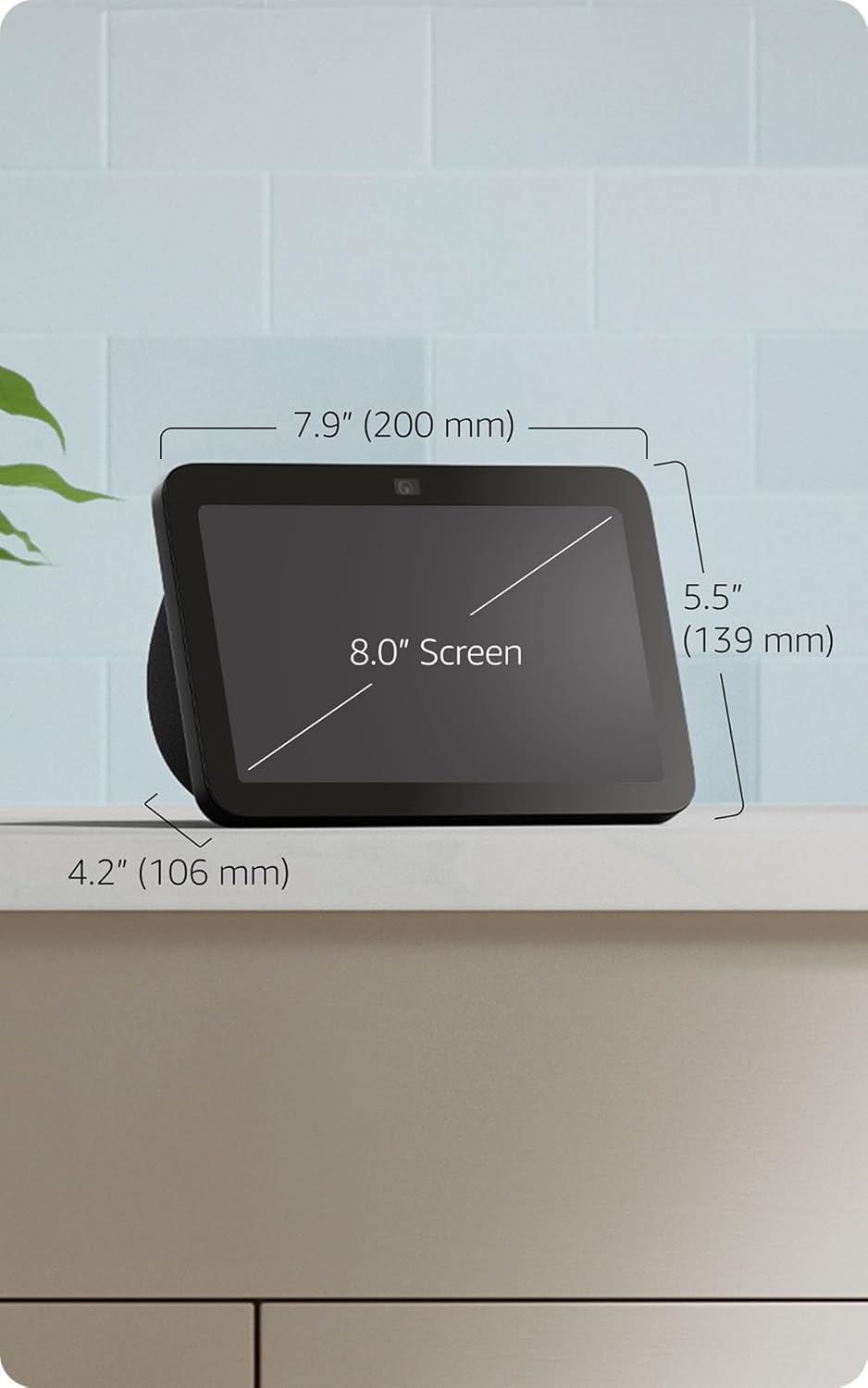
Image: Amazon Echo Show 8 (3rd Gen) with key dimensions labeled.
8. Отстраняване на проблеми
8.1 Устройството не отговаря
- Ensure the device is plugged in and the power adapter is securely connected.
- Проверете вашата интернет връзка.
- Verify that the microphone is not muted (red light on top indicates mute).
- Рестартирайте устройството, като го изключите от контакта за 30 секунди и го включите отново.
8.2 Проблеми с Wi-Fi връзката
- Confirm your Wi-Fi password is correct.
- Move the Echo Show 8 closer to your Wi-Fi router.
- Рестартирайте вашия Wi-Fi рутер и модем.
8.3 Camera Not Working
- Ensure the camera shutter is open.
- Check that the camera is not disabled in the device settings or Alexa app.
9. Поддръжка
- Почистване: Use a soft, lint-free cloth to clean the screen and device exterior. Avoid abrasive cleaners or sprays.
- Софтуерни актуализации: The device automatically receives software security updates. Ensure it is connected to Wi-Fi for updates.
- Разположение: Place the device on a stable surface, away from heat sources, direct sunlight, and liquids.
10. Функции за достъпност
The Echo Show 8 includes various accessibility features:
- Докоснете до Алекса: Достъп до Alexa чрез докосване, през екранни плочки или клавиатура.
- Адаптивно слушане: Осигурява повече време за довършване на говоренето, преди Alexa да отговори.
- Предпочитана скорост на говорене: Контролирайте колко бързо или бавно говори Алекса.
- Субтитри на Alexa, Субтитри за обаждания, Скрити субтитри: Предоставете текстови надписи за поддържаното съдържание.
- Покажи и разкажи: Helps blind or visually impaired users identify products by saying "Alexa, what am I holding."
- гласView Екранен четец: Осигурява достъп за незрящи или слабовидещи потребители.
- Увеличител на екрана: Увеличаване/намаляване на мащаба и панорамиране по екрана.
- Уведомяване, когато е наблизо: Plays notification sounds when detected near the device.
- Kindle Четене на глас: Алекса чете на глас книги за Kindle.
- Текст в реално време: Въведете текст на живо във видеообаждане.
- Допълнителни настройки за инверсия на цветовете, корекция на цветовете, звук при заявка и други.
To enable these features, go to Настройки → Достъпност на вашето устройство.
11. Гаранция и поддръжка
The Amazon Echo Show 8 (3rd Gen) includes a 1-year limited warranty and service. Optional 1-year, 2-year, and 3-year extended warranties are available for U.S. customers and sold separately. Use of Echo Show 8 is subject to these terms.
For further assistance, visit the Amazon support webсайт или се свържете с отдела за обслужване на клиенти.