
CHROX TX98 PRO+
CHROX TX98 PRO+ Android 14.0 TV Box User Manual
Model: TX98 PRO+
1. Въведение
This manual provides detailed instructions for the setup, operation, and maintenance of your CHROX TX98 PRO+ Android 14.0 TV Box. Please read this guide thoroughly before using the device to ensure proper functionality and to maximize your viewing experience. The CHROX TX98 PRO+ is designed to transform your television into a smart entertainment hub, offering access to a wide range of applications, streaming services, and media content.
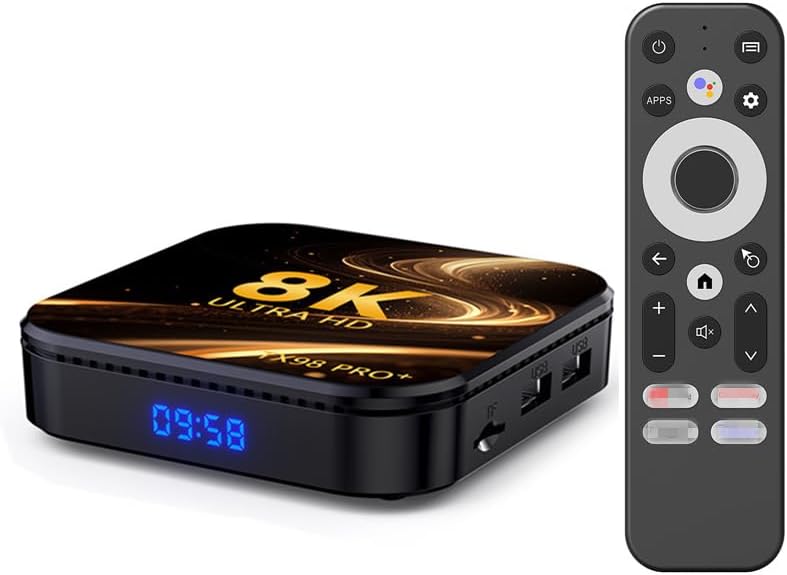
Image 1.1: The CHROX TX98 PRO+ Android TV Box and its accompanying remote control.
2. Съдържание на пакета
Before proceeding with the setup, please verify that all items listed below are included in your package. If any items are missing or damaged, please contact customer support.
- 1 x CHROX TX98 PRO+ Android 14.0 TV Box
- 1 x Дистанционно управление
- 1 x HD кабел (HDMI кабел)
- 1 x Захранващ адаптер (DC 5V/2.5A)
- 1 x Ръководство за потребителя (този документ)

Изображение 2.1: Визуално представяне на елементите, включени в продуктовата опаковка.
3. Продуктът свършиview
The CHROX TX98 PRO+ features a compact design with various ports for connectivity. Familiarize yourself with the device's layout and available interfaces.
3.1 Компоненти на устройството
- Преден панел: Digital display (time/status).
- Страничен панел: USB ports, TF Card slot.
- Заден панел: Power input, HDMI output, Ethernet port, AV port, SPDIF port.
3.2 Available Interfaces

Image 3.1: Illustration of the various input and output ports on the CHROX TX98 PRO+ TV Box.
- USB 3.0 порт: For high-speed data transfer with external storage devices.
- USB 2.0 порт: За свързване на периферни устройства като клавиатури, мишки или USB устройства.
- Слот за TF карта: Supports Micro SD cards for expanded storage.
- HDMI 2.0a Output: Connects to your TV or display for video and audio output (supports up to 4K@60Hz).
- AV порт: За свързване към по-стари телевизори с помощта на AV кабел (не е включен).
- LAN (Ethernet) порт: For wired network connection (10/1000M).
- DC 5V захранване: Свързва се с предоставения захранващ адаптер.
- SPDIF Port: For digital audio output to compatible audio systems.
4. Ръководство за настройка
Follow these steps to set up your CHROX TX98 PRO+ Android TV Box.
- Свързване с телевизор: Свържете единия край на предоставения HDMI кабел към HDMI порта на телевизионната кутия, а другия край към наличен HDMI вход на вашия телевизор.
- Свържете захранването: Включете захранващия адаптер в DC 5V порта на телевизионната кутия, след което включете адаптера в контакта на стената.
- Включване: The TV Box should automatically power on. If not, press the power button on the remote control or the device.
- Изберете вход: На телевизора си изберете правилния HDMI входен източник, като използвате дистанционното управление на телевизора.
- Първоначалната настройка: Следвайте инструкциите на екрана, за да завършите първоначалната настройка, включително избор на език, мрежова връзка и влизане в акаунта в Google.
5. Инструкции за работа
5.1 Функции за дистанционно управление
The included remote control allows you to navigate the Android interface and control media playback.
- Бутон за захранване: Включва или изключва устройството.
- Навигационна подложка: Use the directional arrows to move through menus and select items.
- Бутон OK: Потвърждава селекциите.
- Бутон за връщане назад: Връща се към предишния екран.
- Бутон за начало: Връща към главния начален екран.
- Бутони за сила на звука: Регулира силата на звука на звука.
- Бутон за приложения: Accesses the installed applications list.
- Бутон за настройки: Opens the system settings menu.
5.2 Навигиране в интерфейса на Android
The CHROX TX98 PRO+ runs on Android 14.0, providing a user-friendly interface.
- Начален екран: Displays frequently used apps, recommended content, and system information.
- Чекмедже за приложения: Достъп до всички инсталирани приложения.
- настройки: Customize network, display, sound, and other system preferences.
5.3 Инсталиране на приложения
You can download and install applications from the Google Play Store or other compatible sources.
- Ensure the TV Box is connected to the internet.
- Navigate to the Google Play Store app on the home screen or app drawer.
- Търсене на your desired application.
- Select the app and choose "Install".
6. Свързаност
6.1 Wi-Fi връзка
The device supports dual-band 2.4G/5G Wi-Fi 6 for fast and stable wireless internet access.
- Отидете на Настройки > Мрежа и интернет > Wi-Fi.
- Включете Wi-Fi On.
- Изберете желаната Wi-Fi мрежа от списъка.
- Enter the network password if prompted and select Свържете се.
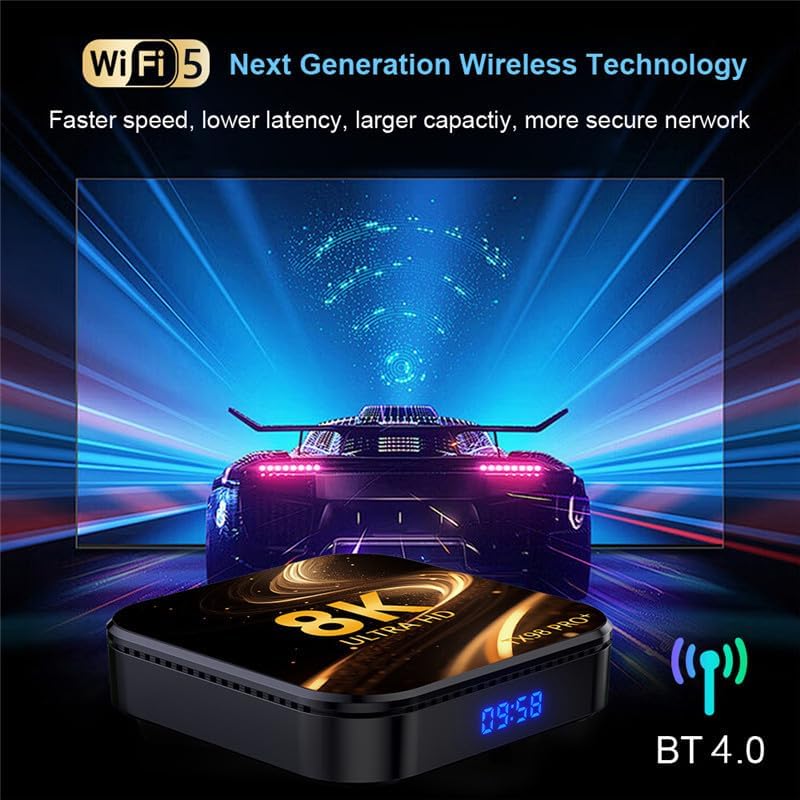
Image 6.1: The TV Box supports advanced wireless technologies for network connectivity. Note: While the image shows "Wi-Fi 5", the product supports Wi-Fi 6 for enhanced performance.
6.2 Ethernet връзка
For a more stable internet connection, you can use a wired Ethernet connection.
- Connect an Ethernet cable from your router or modem to the LAN port on the TV Box.
- Устройството автоматично ще открие и ще се свърже с кабелната мрежа.
6.3 Bluetooth сдвояване
The TV Box features Bluetooth 4.0 for connecting wireless accessories like headphones, speakers, or game controllers.
- Отидете на Настройки > Свързани устройства > Сдвоете ново устройство.
- Поставете вашето Bluetooth устройство в режим на сдвояване.
- Изберете устройството си от списъка на телевизионния екран, за да го сдвоите.
6.4 Многоекранно взаимодействие
The CHROX TX98 PRO+ supports multi-screen interaction technologies like DLNA and Miracast, allowing you to cast content from your mobile phone or tablet to your TV.
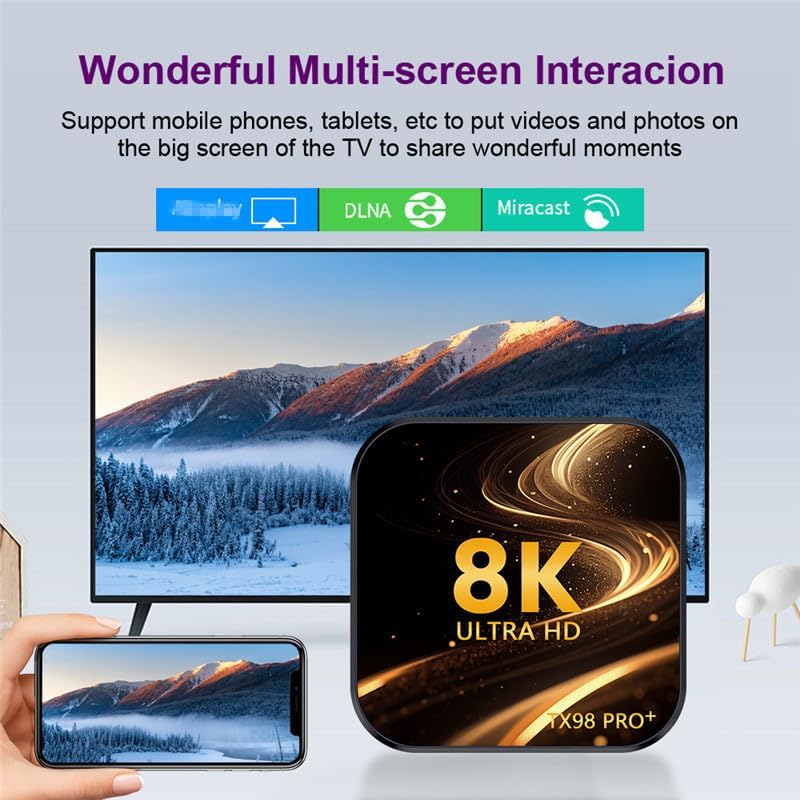
Image 6.2: Demonstrates the ability to share content from mobile devices to the TV via the TV Box.
7. Възпроизвеждане на медийни файлове
The CHROX TX98 PRO+ supports a wide range of media formats and high-resolution video playback, including 8K and 4K content.
7.1 High-Resolution Video
Experience stunning visuals with support for 8K and 4K video decoding. The device utilizes H.265 technology for efficient playback, reducing bandwidth and storage requirements.
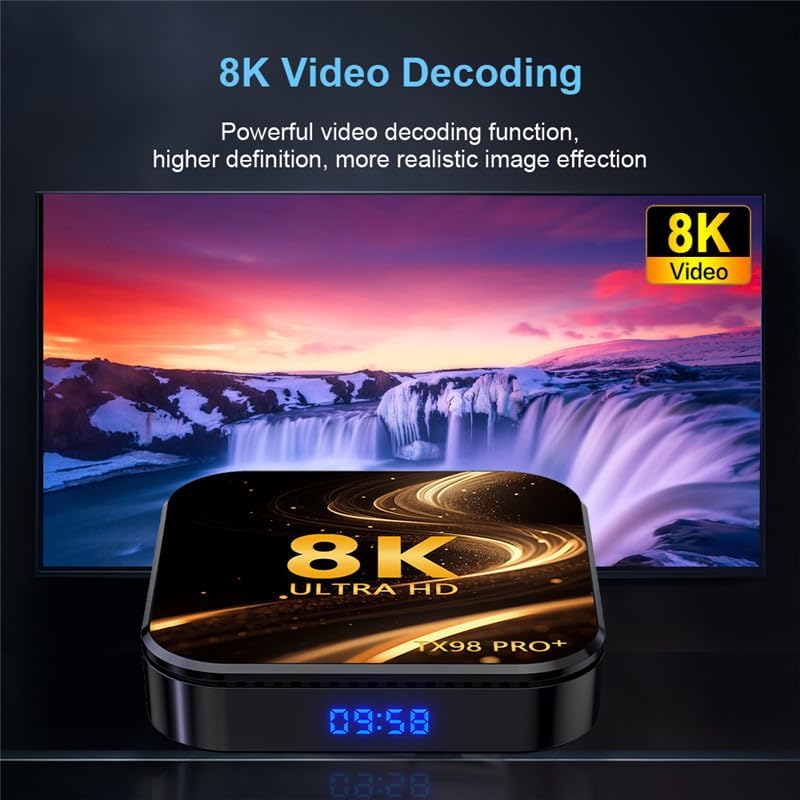
Image 7.1: The TV Box is capable of decoding and displaying 8K resolution video content.
7.2 Поддръжка на HDR10
With HDR10 support, the TV Box delivers a wider range of colors and deeper contrast, resulting in a more vivid and immersive viewопит.

Image 7.2: Comparison illustrating the enhanced visual quality with HDR10 enabled.
7.3 Поддържани медийни формати
- Decoder Formats: 4K VP9, H.265/H.264, 1080P (VC-1, MPEG-1/2/4, VP6/8).
- Мултимедийни формати: Avi, Ts, Vob, Mkv, Mov, ISO, wmv, asf, flv, dat, mpg, mpeg.
- Музикални формати: MP3, WMA, AAC, WAV, OGG, DDP, HD, FLAC, APE.
- Формати на снимки: HD JPEG, BMP, GIF, PNG, TIFF.
8. Поддръжка
To ensure the longevity and optimal performance of your CHROX TX98 PRO+ TV Box, follow these maintenance guidelines:
- Почистване: Използвайте мека, суха кърпа за почистване на устройството. Избягвайте течни почистващи препарати или абразивни материали.
- Вентилация: Уверете се, че устройството е поставено на добре проветриво място, за да предотвратите прегряване. Не блокирайте вентилационните отвори.
- Изключване: When not in use for extended periods, disconnect the power adapter from the wall outlet.
- Софтуерни актуализации: Periodically check for and install system updates to ensure the latest features and security patches.
9. Отстраняване на проблеми
If you encounter issues with your CHROX TX98 PRO+ TV Box, refer to the following common problems and solutions.
| проблем | Възможна причина | Решение |
|---|---|---|
| Без захранване | Захранващият адаптер не е свързан или е дефектен. | Уверете се, че захранващият адаптер е здраво свързан към устройството и работещ електрически контакт. Опитайте с друг контакт. |
| Няма сигнал на телевизора | Incorrect HDMI input selected or loose HDMI cable. | Verify the TV is on the correct HDMI input. Check that the HDMI cable is securely connected to both the TV Box and the TV. |
| Проблеми с Wi-Fi връзката | Неправилна парола, слаб сигнал или проблем с рутера. | Re-enter the Wi-Fi password carefully. Move the TV Box closer to the router. Restart your router and the TV Box. |
| Дистанционното управление не реагира | Low batteries or obstruction. | Replace the batteries in the remote control. Ensure there are no obstructions between the remote and the TV Box. |
| Сривове или замръзване на приложенията | Insufficient memory or app compatibility issues. | Close background applications. Clear app cache (Settings > Apps > [App Name] > Clear Cache). Restart the TV Box. |
If the problem persists after trying these solutions, please contact CHROX customer support for further assistance.
10. Спецификации
Detailed technical specifications for the CHROX TX98 PRO+ Android 14.0 TV Box.
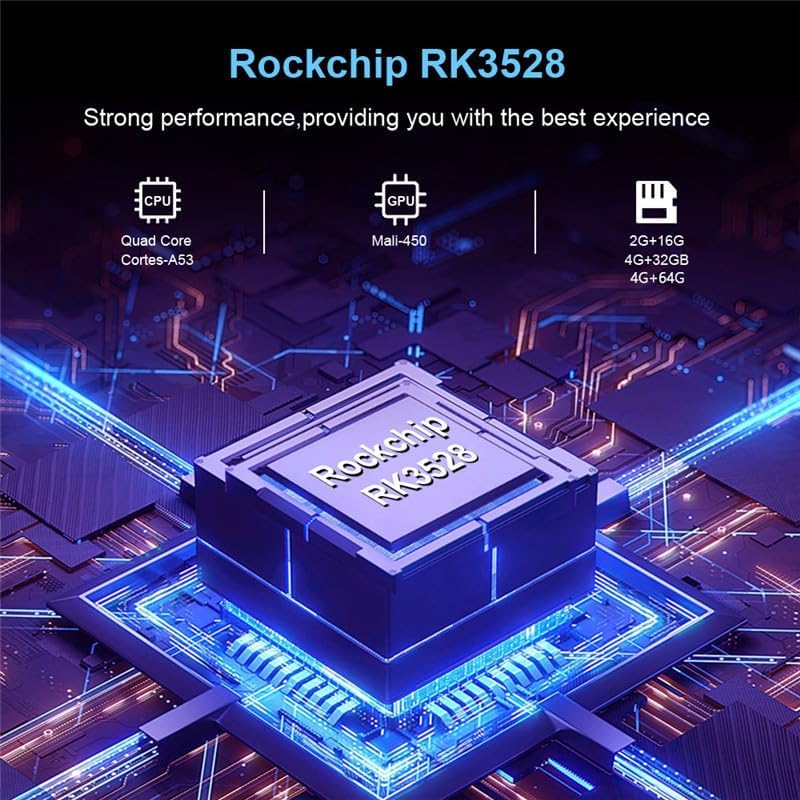
Изображение 10.1: Крайview of the Rockchip RK3528 processor, highlighting its CPU, GPU, and memory configurations.
| Характеристика | детайл |
|---|---|
| Операционна система | Android 14.0 |
| CPU | RK3528 Quad-Core 64-bit ARM Cortex-A53 |
| GPU | Penta-Core Mali-450 |
| SDRAM | 4 GB |
| ROM Flash | 32 GB (available in 32GB/64GB variants) |
| Wi-Fi | 2.4G/5G Dual-band Wi-Fi 6 (802.11 a/b/g/n/ac/ax) |
| Bluetooth | 4.0 |
| LAN Ethernet | 10/1000M Standard RJ-45 |
| USB портове | 1x USB 3.0, 1x USB 2.0 |
| HDMI изход | HDMI 2.0a for 4K@60Hz |
| Други пристанища | 1 x AV, 1 x Micro SD Card Reader, 1 x Power DC 5V/2.5A, 1 x SPDIF |
| Video Decoder Support | 4K VP9, H.265/H.264, 1080P (VC-1, MPEG-1/2/4, VP6/8) |
| Поддръжка на HDR | HDR10 |
| OSD езици | Английски, френски, немски, испански, италиански и др. |
11. Информация за безопасност
Моля, спазвайте следните предпазни мерки, за да предотвратите повреда на устройството или нараняване:
- Не излагайте устройството на вода, влага или екстремни температури.
- Избягвайте изпускане или подлагане на устройството на силни удари.
- Не се опитвайте сами да отваряте или поправяте устройството. Възложете всички дейности по сервизно обслужване на квалифициран персонал.
- Използвайте само предоставения захранващ адаптер. Използването на неоторизирани адаптери може да повреди устройството и да анулира гаранцията.
- Дръжте устройството далеч от пряка слънчева светлина и източници на топлина.
12. Гаранция и поддръжка
Your CHROX TX98 PRO+ Android 14.0 TV Box comes with a standard manufacturer's warranty. For specific warranty terms and conditions, please refer to the documentation included with your purchase or contact your retailer.
For technical support, troubleshooting assistance beyond what is provided in this manual, or inquiries regarding your product, please contact CHROX customer service.
Поддръжка на клиенти: Please refer to your purchase receipt or the CHROX official webсайт за информация за контакт.
Ask a question about this manual
Ask about setup, troubleshooting, compatibility, parts, safety, or missing instructions. Manuals+ will review the question and use this page’s manual context to help answer it.