Въведение
This official guide, "Mixing and Mastering with IK Multimedia T-RackS," provides detailed instructions and expert insights into utilizing the T-RackS audio mastering application. T-RackS features a suite of analog-modeled and digital dynamics and EQ processor modules, which function both as a standalone application and as plug-ins within a digital audio workstation (DAW). This manual aims to help users understand and effectively apply T-RackS modules to enhance audio mixes and achieve competitive mastering results.
Authored by Bobby Owsinski, a renowned mixing and mastering expert, this guide offers practical tips and techniques to maximize the potential of T-RackS. It covers various aspects of audio processing, from initial mixing stages to final mastering, ensuring that recordings achieve optimal quality and impact.
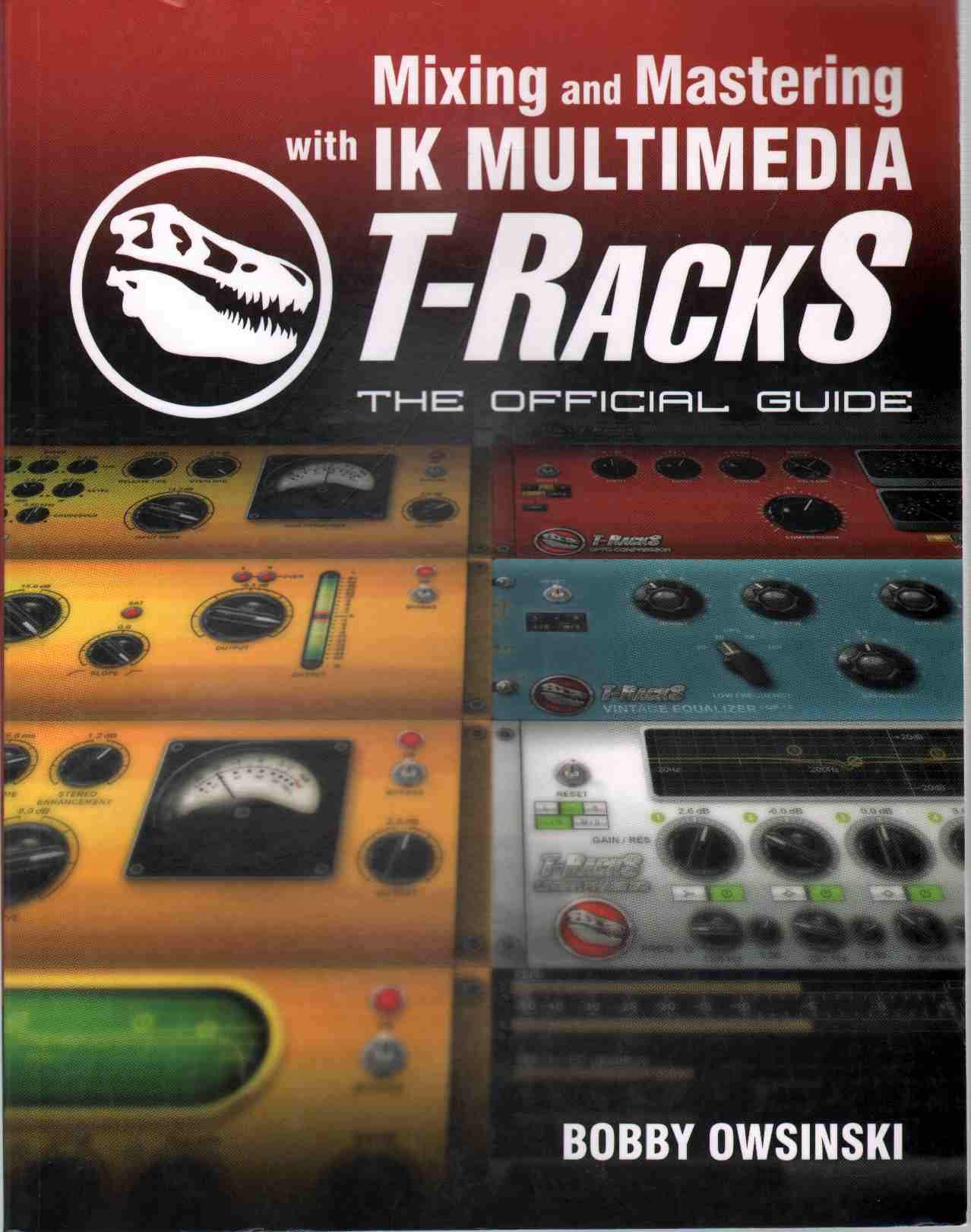
Фигура 1: Cover of "Mixing and Mastering with IK Multimedia T-RackS: The Official Guide." This image displays the book's title, author, and a graphic representation of audio waveforms and studio equipment, indicating its focus on audio production.
Настройка
To effectively use this guide and the T-RackS software, ensure the following prerequisites are met:
- T-RackS Software Installation: Ensure that IK Multimedia T-RackS software is correctly installed on your computer. This includes all desired processor modules. Refer to the official IK Multimedia documentation for software installation instructions.
- Digital Audio Workstation (DAW): If using T-RackS as plug-ins, ensure your DAW (e.g., Pro Tools, Logic Pro, Ableton Live, Cubase) is properly set up and configured to recognize VST, AU, or AAX plug-ins.
- Аудио интерфейс: A high-quality audio interface is recommended for accurate monitoring during mixing and mastering. Ensure it is correctly connected and configured with your operating system and DAW.
- Monitoring Environment: Use reliable studio monitors or headphones in an acoustically treated environment for critical listening.
- Basic Audio Knowledge: A fundamental understanding of audio concepts such as compression, equalization, and limiting is beneficial, as this guide builds upon these principles.
This guide assumes a working knowledge of your operating system and basic computer operations.
Operating T-RackS with the Guide
This section outlines the general approach to using the T-RackS software in conjunction with the instructions provided in this guide.
Understanding Processor Modules
- Модулът приключиview: Each chapter in the guide focuses on specific T-RackS processor modules. Familiarize yourself with the interface and controls of each module as described.
- Параметри за настройка: The guide explains the function of various parameters (e.g., threshold, ratio, attack, release for compressors; frequency, Q, gain for EQs). Experiment with these settings while listening critically to their effect on your audio.
- Аналогов срещу цифров: T-RackS includes both analog-modeled and digital processors. The guide will often highlight the characteristics and optimal use cases for each type.
Смесване на техники
When using T-RackS during the mixing phase, focus on individual track or bus processing:
- Channel Strip Application: Apply T-RackS modules as channel inserts or on bus sends within your DAW to shape individual instruments or groups.
- Динамичен контрол: Use compressors and limiters to control the dynamic range of tracks, ensuring they sit well within the mix.
- Tonal Balance: Employ equalizers to sculpt the frequency response, removing unwanted resonances and enhancing desirable characteristics.
- Spatial Effects: While T-RackS primarily focuses on dynamics and EQ, understanding how these interact with reverbs and delays (often from other plugins) is crucial for a cohesive mix.
Mastering Workflow
For the mastering stage, T-RackS can be used as a standalone application or as a master bus insert in your DAW:
- Сигнална верига: The guide provides recommended signal chains for mastering, typically involving EQ, compression, limiting, and metering.
- Loudness Optimization: Learn to achieve target loudness levels without introducing distortion or sacrificing dynamic range.
- Стерео изображения: Utilize tools within T-RackS (or complementary plugins) to refine the stereo width and depth of your master.
- Измерване: Pay close attention to the various meters (peak, RMS, LUFS) to ensure your master meets industry standards and sounds balanced across different playback systems.
Поддръжка и най-добри практики
Maintaining your audio projects and software ensures optimal performance and longevity of your work.
- Софтуерни актуализации: Regularly check for updates to your T-RackS software and DAW. Updates often include bug fixes, performance improvements, and new features.
- Project Backups: Always back up your audio projects, including all raw audio files and session data. Store backups on external drives or cloud storage.
- Оптимизация на системата: Ensure your computer system is optimized for audio production. This includes having sufficient RAM, a fast processor, and dedicated storage for audio files.
- Critical Listening Environment: Periodically calibrate your monitoring system and ensure your listening environment remains consistent to make accurate mixing and mastering decisions.
- Умора на ушите: Take regular breaks during long mixing and mastering sessions to prevent ear fatigue, which can lead to poor judgment.
Troubleshooting Common Audio Issues
This guide helps address common audio issues encountered during mixing and mastering using T-RackS.
- Muddy Mixes: Often caused by competing frequencies in the low-mid range. Use T-RackS EQs to apply subtractive equalization, cleaning up individual tracks and buses.
- Lack of Punch/Dynamics: Experiment with T-RackS compressors and transient shapers. The guide provides settings and techniques to enhance transients and control dynamics effectively.
- Harsh High Frequencies: Identify problematic frequencies with an EQ and gently reduce them. Analog-modeled EQs in T-RackS can offer a smoother high-end response.
- Low Loudness: After achieving a balanced mix, use T-RackS limiters and maximizers during mastering to increase overall loudness without introducing audible distortion. Ensure proper gain staging throughout the process.
- Phase Issues: While T-RackS primarily focuses on dynamics and EQ, understanding phase relationships is crucial. If phase issues are suspected, check microphone placement during recording or use phase correction tools in your DAW before T-RackS processing.
Спецификации
| Атрибут | детайл |
|---|---|
| Заглавие | Mixing and Mastering with IK Multimedia T-RackS: The Official Guide |
| Автор | Bobby Owsinski |
| Издател | Cengage Learning PTR |
| Дата на публикуване | 22 юни 2010 г |
| издание | 1-во издание |
| език | английски |
| Дължина на печат | 192 страници |
| ISBN-10 | 1435457595 |
| ISBN-13 | 978-1435457591 |
| Тегло на артикула | 1.25 паунда |
| Размери | 8.5 x 0.5 x 10.75 инча |
Гаранция и поддръжка
Information regarding specific warranty details for this book or direct support channels for the content within this guide is not provided in the available product data. For support related to the IK Multimedia T-RackS software, please refer to the official IK Multimedia website or their customer support channels.
For general inquiries about the book's content or errata, it is recommended to consult the publisher, Cengage Learning PTR, or the author, Bobby Owsinski, through their respective official channels.


