Въведение
This manual provides detailed instructions for the installation, operation, and maintenance of the Aiphone TD-6H/B Selective Call Intercom. Please read this manual thoroughly before using the product to ensure correct usage and optimal performance. Keep this manual for future reference.
Важна информация за безопасност
Спазвайте следните предпазни мерки, за да предотвратите повреда на продукта и да осигурите безопасността на потребителя:
- Не излагайте устройството на дъжд или влага.
- Do not open the unit. Refer all servicing to qualified personnel.
- Ensure proper wiring connections as specified in the installation section.
- Използвайте само посочените източници на захранване и аксесоари.
Продуктът е свършилview
The Aiphone TD-6H/B is a selective call handset master station designed for clear and reliable internal communication. It allows users to selectively call other stations within the intercom system.

Фигура 1: Отпред view of the Aiphone TD-6H/B handset. This image displays the main body of the intercom unit, including the handset receiver, the base with multiple numbered call buttons (1-6), and a 'CALL' button. The Aiphone logo and 'TD-6H' model designation are visible above the buttons.

Фигура 2: отстрани view of the Aiphone TD-6H/B handset. This image provides a perspective of the intercom unit from the side, highlighting the ergonomic design of the handset and the coiled cord that connects it to the main base unit. The base unit's profile with the call buttons is also visible.
Настройка и инсталиране
1. Монтиране на модула
The TD-6H/B unit is designed for wall mounting. Ensure the mounting surface is stable and can support the unit's weight. Use appropriate screws and anchors for installation.
2. Окабеляване
Before making any connections, ensure the power supply to the intercom system is disconnected. Refer to the wiring diagram for correct terminal connections.
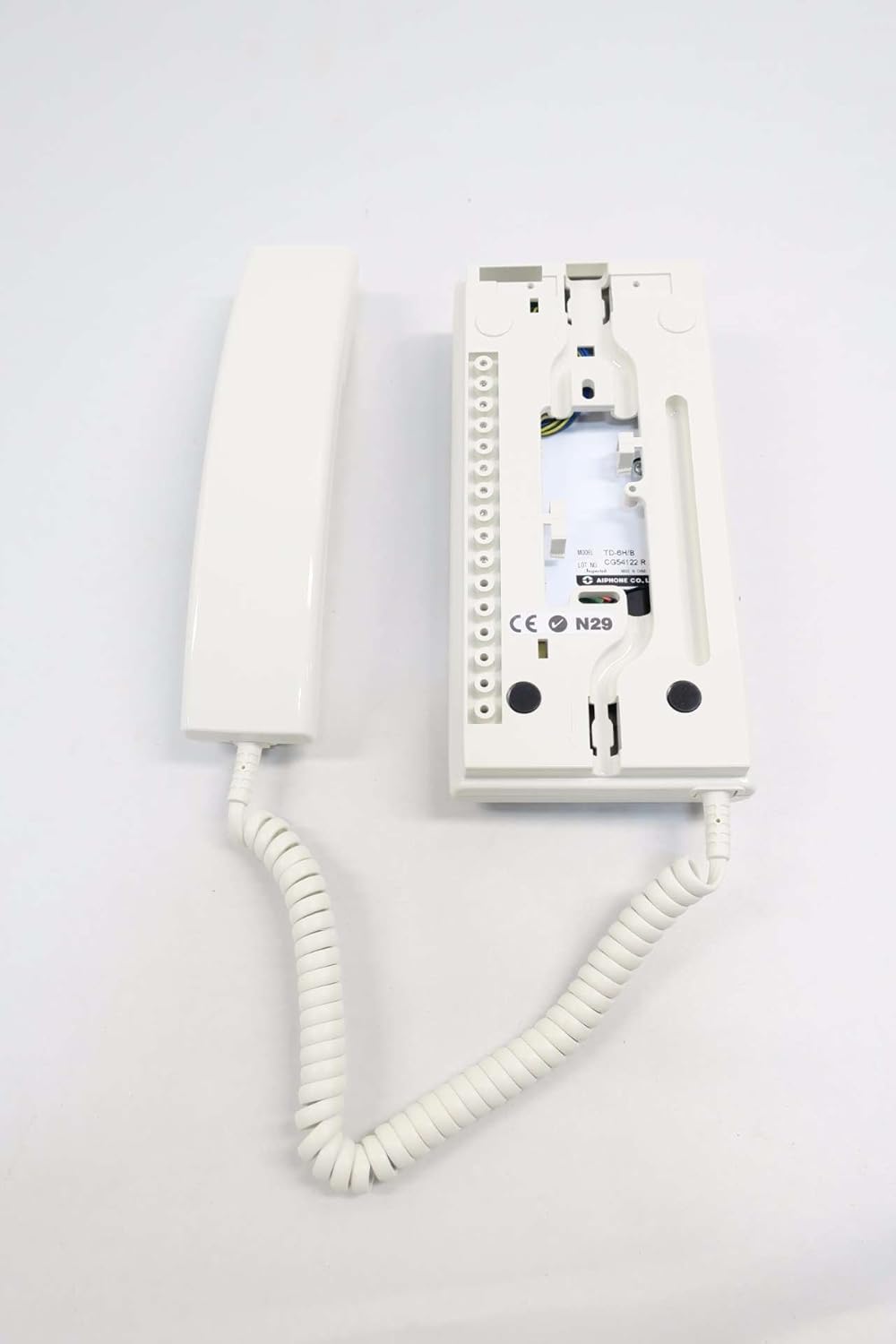
Фигура 3: Задна view of the Aiphone TD-6H/B Intercom base. This image shows the back panel of the intercom unit, revealing the terminal block for wiring connections. The internal circuitry and mounting points are also visible, along with a label indicating 'MODEL TD-6H/B' and 'MADE IN CHINA'.
- Connect the main power supply wires to the designated power terminals.
- Connect the communication wires from other intercom stations to their respective numbered terminals (e.g., station 1 to terminal 1, station 2 to terminal 2, etc.).
- Уверете се, че всички връзки са сигурни и правилно изолирани.
3. Първоначално включване
Once all connections are made and verified, restore power to the intercom system. The unit should power on without any indicators of malfunction.
Инструкция за работа
1. Осъществяване на разговор
- Повдигнете слушалката от гнездото.
- Press the numbered button corresponding to the station you wish to call.
- Натиснете ОБАДЕТЕ СЕ button. The called station will receive an audible alert.
- Speak into the microphone on the handset.
- When the conversation is complete, return the handset to its cradle.
2. Получаване на обаждане
- When an incoming call is received, the unit will emit an audible ring.
- Вдигнете слушалката, за да отговорите на повикването.
- Speak into the microphone on the handset.
- When the conversation is complete, return the handset to its cradle.
3. Регулиране на силата на звука
The listening volume can typically be adjusted via a small dial or switch located on the side or bottom of the handset or base unit. Refer to the specific markings on your unit for exact location and operation.
Поддръжка
1. Почистване
To clean the unit, wipe it with a soft, dry cloth. For stubborn dirt, a slightly damp cloth with mild soap can be used, followed by a dry cloth. Do not use abrasive cleaners, solvents, or strong detergents, as these can damage the finish.
2. Общи грижи
- Избягвайте изпускането на устройството или подлагането му на силни удари.
- Keep the unit away from direct sunlight, high temperatures, and excessive humidity.
- Ensure the coiled cord is not stretched excessively or tangled, which could lead to damage.
Отстраняване на неизправности
| проблем | Възможна причина | Решение |
|---|---|---|
| Няма захранване към уреда. | Захранването е прекъснато или повредено. | Check power connections and ensure the power source is active. |
| Cannot hear or be heard. | Handset not properly seated; volume too low; faulty wiring. | Ensure handset is on-hook then off-hook; adjust volume; check wiring connections. |
| Cannot call a specific station. | Incorrect button pressed; wiring issue to that station. | Verify the correct station button is pressed; inspect wiring to the target station. |
| Interference or static during calls. | Loose wiring; external electrical interference. | Check all wiring connections for tightness; relocate unit away from strong electrical devices if possible. |
Спецификации

Фигура 4: Model label for the Aiphone TD-6H/B. This image provides a clear view of the product's identification label, which states 'MODEL TD-6H/B', 'LOT NO. CG54122 R', 'Inspected', and 'MADE IN CHINA'. The Aiphone Co., Ltd. logo is also visible.
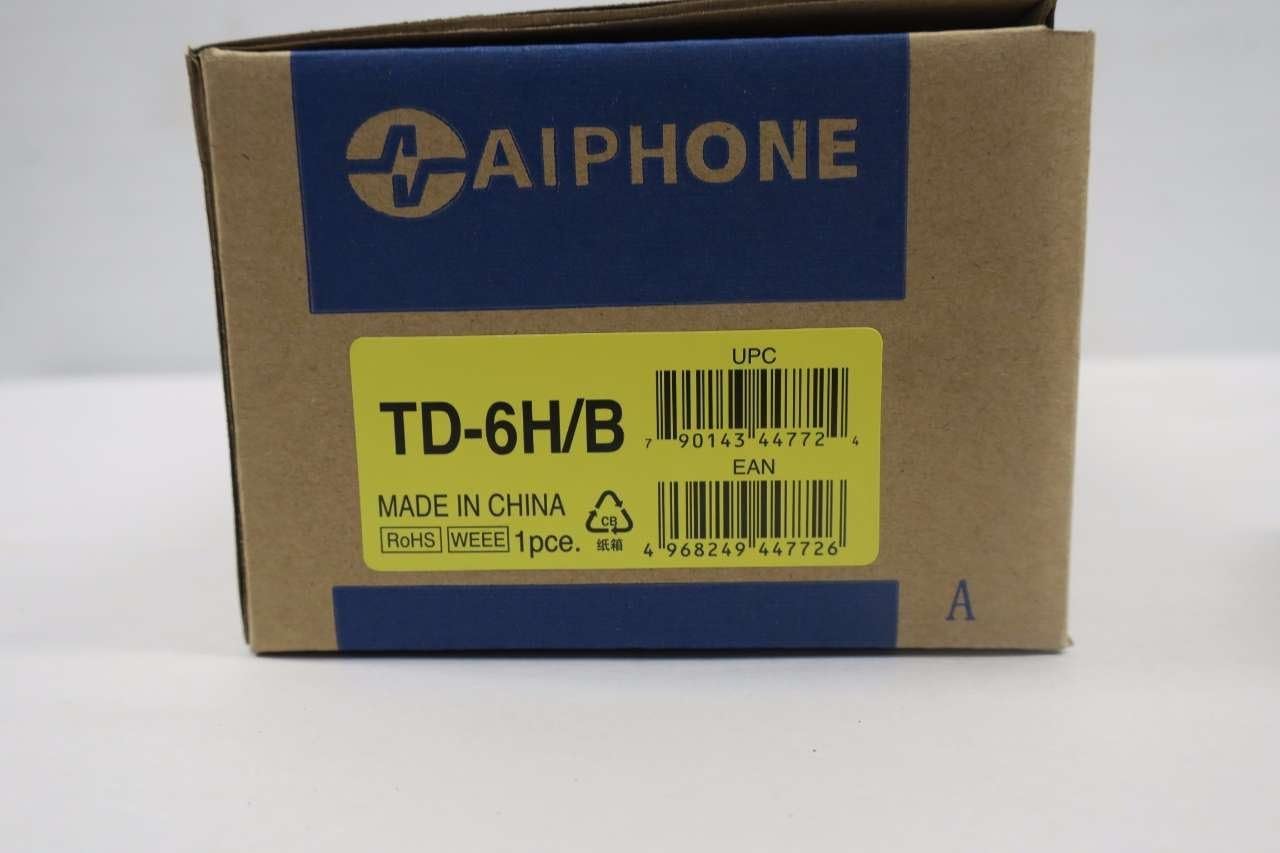
Фигура 5: Packaging for the Aiphone TD-6H/B. This image shows the product's retail packaging, prominently displaying 'TD-6H/B', 'MADE IN CHINA', and various compliance logos (RoHS, WEEE). Both the UPC (0790143447724) and EAN (4968249447726) barcodes are clearly visible.
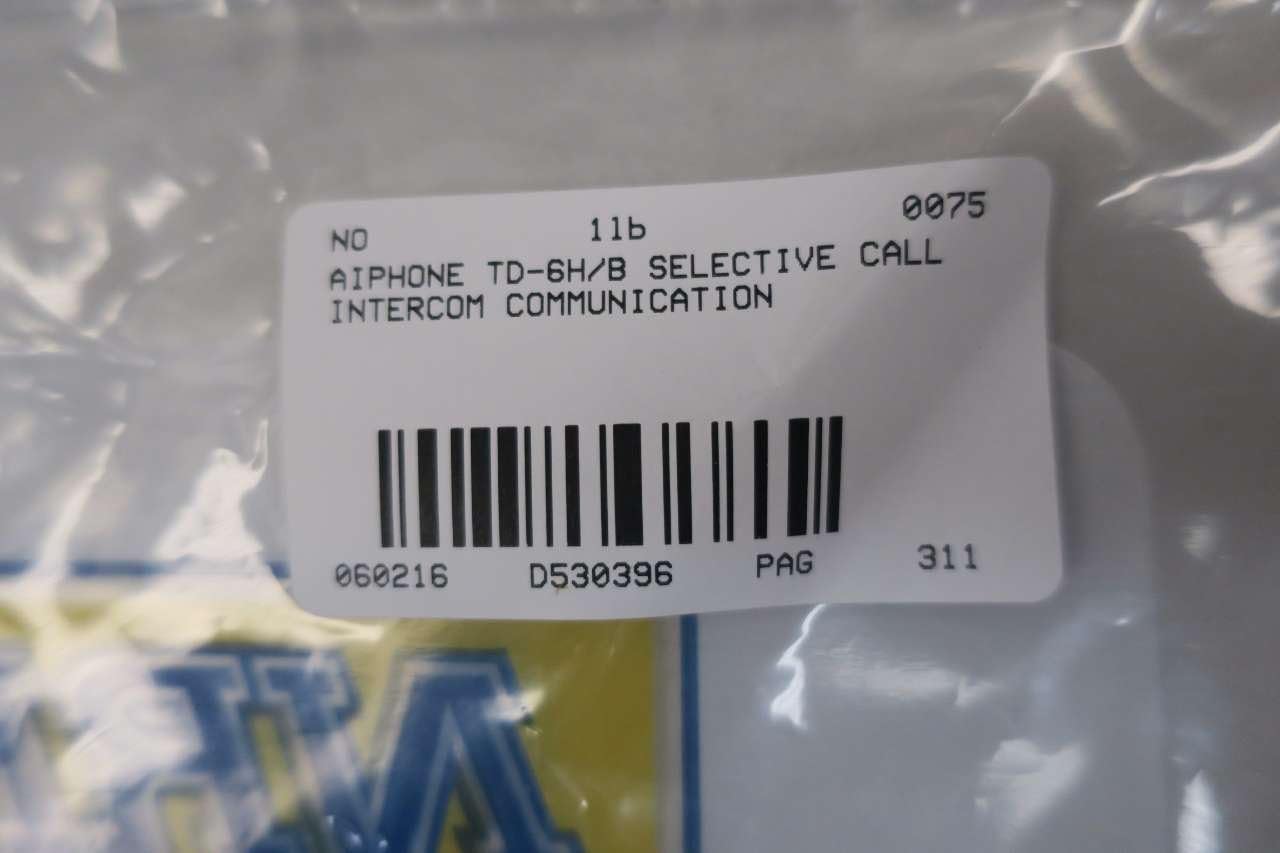
Фигура 6: Product identification label. This label confirms the product as 'AIPHONE TD-6H/B SELECTIVE CALL INTERCOM COMMUNICATION' and includes a part number 'D530396'.
- модел: TD-6H/B
- производител: АЙФОН
- Размери на продукта: 12.25 x 6.5 x 5.25 инча
- Тегло на артикула: 1.3 паунда
- ASIN: B01GS21VLU
- Номер на част: D530396
- UPC: 0790143447724
- EAN: 4968249447726
- Дата на първа наличност: 8 юни 2016 г
Гаранционна информация
Aiphone products are typically covered by a limited warranty against defects in materials and workmanship. The specific terms and duration of the warranty may vary. Please refer to the official Aiphone website or contact their customer support for detailed warranty information applicable to your region and purchase date.
Поддръжка на клиенти
For technical assistance, troubleshooting beyond this manual, or warranty claims, please contact Aiphone customer support. Contact information can typically be found on the official Aiphone webсайта или върху опаковката на продукта.


