Въведение
Благодаря за покупкатаasing the MAJORITY Histon Portable DAB/DAB+ Digital Radio. This manual provides essential information for setting up, operating, and maintaining your radio. Please read it thoroughly before use to ensure optimal performance and longevity of your device.
Какво има в кутията
- MAJORITY Histon Radio
- Захранващ кабел
- Ръководство за употреба (този документ)

Image: The contents of the product packaging, including the Histon radio, its mains power cable, and the user manual.
Продуктът е свършилview
The MAJORITY Histon radio is designed for portable and mains-powered listening, offering both DAB/DAB+ and FM radio reception. It features a clear LED display, dual alarm functionality, and a sleep timer.
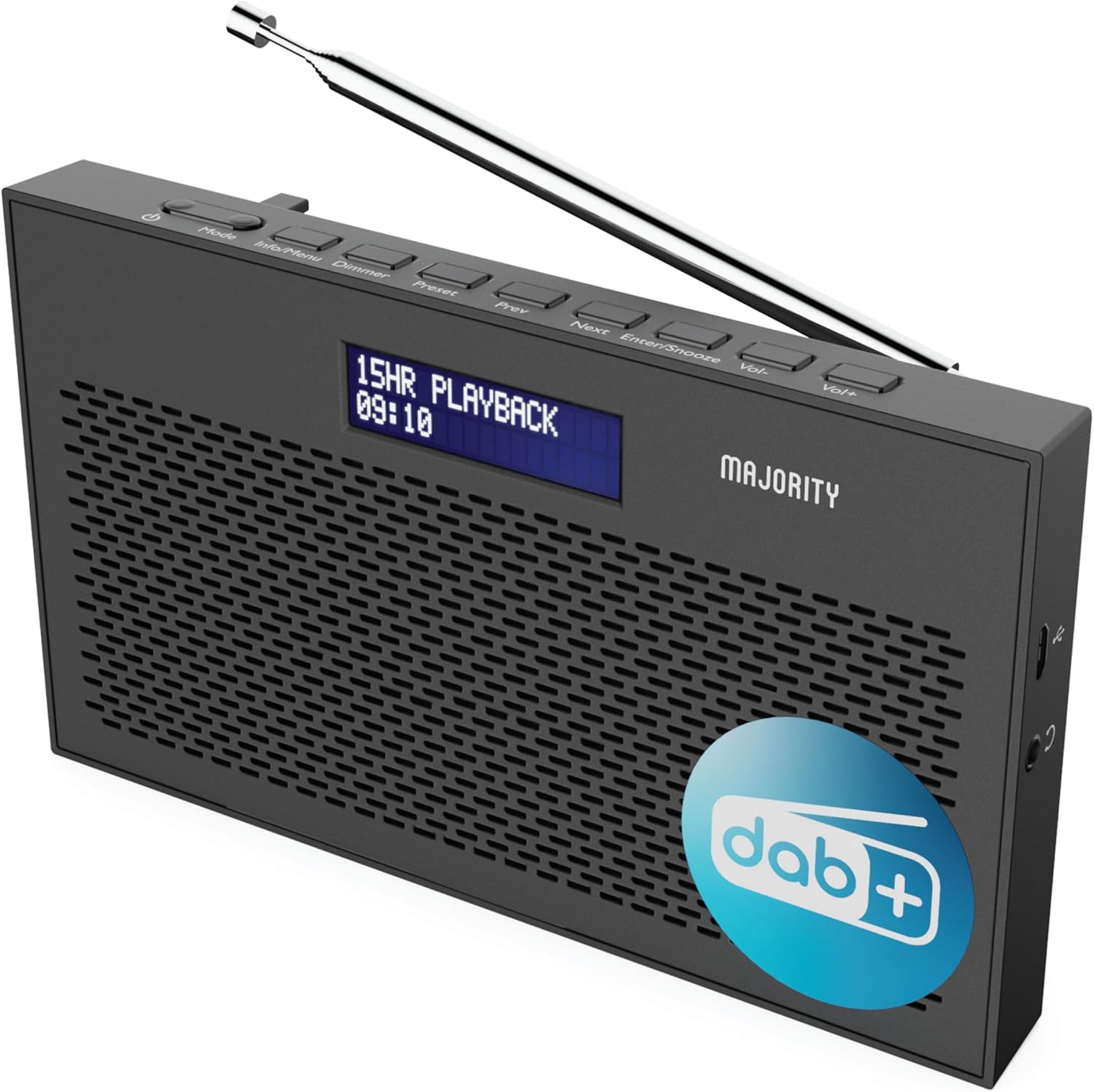
Изображение: Подробно view of the Majority Histon radio, highlighting its compact design and front speaker.
Контроли и дисплей
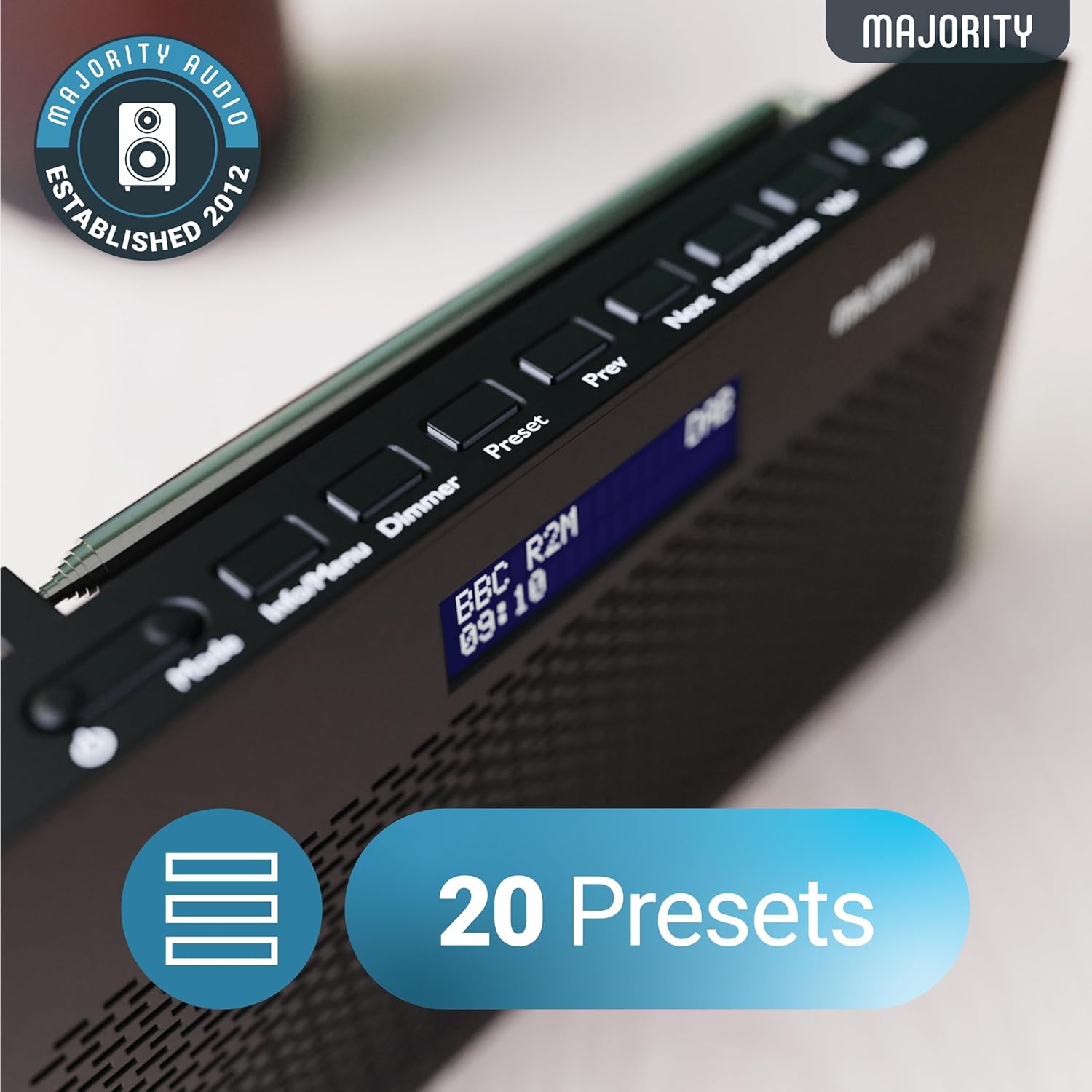
Image: A close-up of the radio's top panel, illustrating the various control buttons and the LED display showing station information.
- режим: Switches between DAB, FM, and other modes.
- Информация/Меню: Displays station information or accesses menu settings.
- димер: Регулира яркостта на дисплея.
- Предварителна настройка: Достъпва или запазва предварително зададени станции.
- Предишна/Следваща: Navigates through stations or menu options.
- Enter/Snooze: Confirms selections or activates snooze during an alarm.
- Vol-/Vol+: Регулира силата на звука.
Портове и връзки
- DC IN порт: For connecting the mains power cable.
- 3.5 мм жак за слушалки: За лично слушане.
- Отделение за батерията: Located on the rear for 4 AA batteries (not included).
- Телескопична антена: Extendable for optimal signal reception.
Настройка
Включване
The Histon radio can be powered by either the included mains power cable or 4 x AA batteries (not supplied).
- Мрежово захранване: Connect the mains power cable to the DC IN port on the radio and plug the adapter into a wall socket.
- Мощност на батерията: Open the battery compartment on the rear of the radio and insert 4 x AA batteries, ensuring correct polarity.

Image: The radio in a portable setting, emphasizing its 15-hour battery life capability.
Регулиране на антената
Extend the telescopic antenna fully for the best possible signal reception, especially for DAB/DAB+ and FM broadcasts.
Initial Scan (DAB/DAB+)
Upon first power-on, the radio will automatically perform a full scan for DAB/DAB+ stations. This process may take a few minutes. Once complete, the radio will tune to the first available station.
- If no stations are found, ensure the antenna is fully extended and reposition the radio, then perform a manual scan (see Operating Instructions).
Инструкция за работа
Работа с радио DAB/DAB+
- Избор на DAB режим: Натиснете Режим докато се покаже "DAB".
- Избор на станция: Използвайте предишна or Следваща buttons to scroll through available DAB stations. Press Въведете за да изберете станция.
- Пълно сканиране: To perform a full scan for new stations, press and hold the Информация/Меню button to enter the menu, then navigate to "Full Scan" and press Въведете.
- Предварително зададени станции:
- Запазване на предварителна настройка: While listening to a station, press and hold the Предварителна настройка бутон. Използвайте Предишна/Следваща за да изберете номер на предварително зададена настройка (1-20), след което натиснете Въведете да спасявам.
- Извикване на пресет: Натиснете за кратко Предварителна настройка бутон. Използвайте Предишна/Следваща to scroll through saved presets, then press Въведете to tune.
Image: The radio's control panel, highlighting the capability to store up to 20 preset radio stations.
Работа с FM радио
- Избор на FM режим: Натиснете Режим бутон, докато се покаже "FM".
- Автоматично сканиране: Натиснете и задръжте Въведете to automatically scan for the next available FM station.
- Ръчна настройка: Натиснете за кратко предишна or Следваща to fine-tune the frequency in 0.05 MHz steps.
- Предварително зададени станции: Запазването и извикването на FM предварително зададени станции следва същата процедура като DAB предварително зададените станции.
Настройка на аларми
The Histon radio features a dual alarm function.

Image: The radio displaying "DUAL ALARM" on its screen, illustrating its dual alarm capability.
- Натиснете и задръжте Информация/Меню за да влезете в менюто.
- Използвайте Предишна/Следваща to navigate to "System Settings" and press Въведете.
- Navigate to "Alarm" and press Въведете.
- Select "Alarm 1" or "Alarm 2" and press Въведете.
- Configure the alarm time, duration, source (Buzzer, DAB, FM), frequency (Daily, Once, Weekends, Weekdays), and volume using Предишна/Следваща и Въведете.
- To activate/deactivate an alarm, select "On" or "Off" for the chosen alarm.
- When an alarm sounds, press Въведете/Отложете to snooze for 9 minutes, or press the Мощност бутон за изключване на алармата.
Таймер за заспиване
Таймерът за заспиване позволява на радиото да се изключва автоматично след зададен период.
- Натиснете и задръжте Информация/Меню за да влезете в менюто.
- Отидете до „Системни настройки“ и натиснете Въведете.
- Отидете до „Сън“ и натиснете Въведете.
- Използвайте Предишна/Следваща to select the desired sleep duration (e.g., 15, 30, 45, 60, 90, 120 minutes) or "Off". Press Въведете за потвърждение.
Яркост на дисплея
Регулирайте яркостта на LED дисплея.
- Натиснете за кратко Димер бутон за превключване между нивата на яркост.
Използване на слушалки
For private listening, connect standard 3.5mm headphones to the headphone jack on the side of the radio. The internal speaker will automatically mute when headphones are connected.
Отстраняване на неизправности
| проблем | Възможна причина/решение |
|---|---|
| Няма захранване / Радиото не се включва. |
|
| Poor DAB/FM reception or no stations found. |
|
| Звукът е изкривен или прекъсващ. |
|
| Алармата не звучи. |
|
| Дисплеят е празен или нечетлив. |
|
Спецификации
- модел: Histon 2
- Размери на продукта: 18 x 4.5 x 11 cm (Д x Ш x В)
- Тегло: 249 грама
- Източник на захранване: Mains (via included adapter) or 4 x AA Batteries (not included)
- Поддържани радио ленти: DAB/DAB+, FM
- Предварителни настройки: 20 (DAB) / 20 (FM)
- Свързване: 3.5mm Headphone Jack, DC IN Port
- Специални функции: Portable, Lightweight, Automatic and Manual Tuning, Dual Alarm Clock, Sleep Timer, LED Display, Mono/Auto Switching in FM Mode

Image: A visual representation of the radio's dimensions for reference.
Поддръжка
- Почистване: Използвайте мека, суха кърпа за почистване на повърхността на радиото. Не използвайте абразивни почистващи препарати или разтворители.
- Съхранение: Ако съхранявате радиото за продължителен период от време, извадете батериите, за да предотвратите протичане. Съхранявайте на хладно и сухо място.
- Излагане на вода: Това радио не е водоустойчиво. Избягвайте излагане на вода или висока влажност.
- Грижа за антената: Работете внимателно с телескопичната антена, за да предотвратите огъване или счупване.
Гаранция и поддръжка
The MAJORITY Histon radio comes with a 3 години гаранция. To activate your warranty and for further support, please refer to the registration instructions provided with your purchase or visit the official MAJORITY webсайт.
For technical assistance or warranty claims, please contact MAJORITY customer support through their official channels. Keep your proof of purchase for warranty validation.

Image: A graphic highlighting the 3-year warranty provided with Majority audio products.


