1. Въведение
Welcome to the user manual for your Genius Manticore Gaming Keyboard. This guide provides essential information for setting up, operating, maintaining, and troubleshooting your new gaming keyboard. Please read these instructions carefully to ensure optimal performance and longevity of your device.
2. Продуктът свършиview
The Genius Manticore Gaming Keyboard is designed for an enhanced gaming experience, featuring a durable build and responsive keys. It connects via USB and is compatible with a wide range of devices. The keyboard includes 104 keys with a standard QWERTY layout, complemented by additional gaming-specific features.
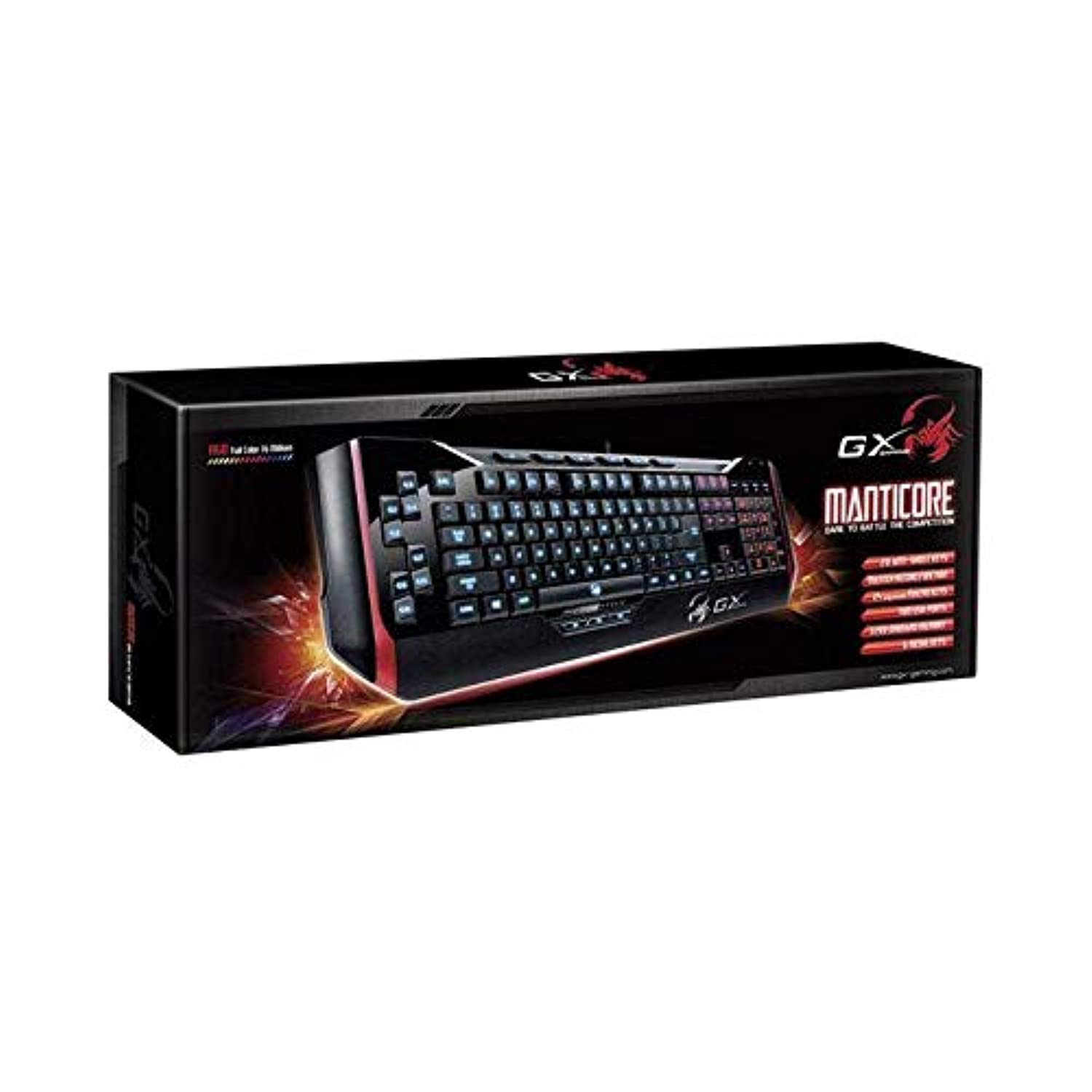
Фигура 1: Genius Manticore Gaming Keyboard. This image displays the Genius Manticore Gaming Keyboard, featuring a black body with red accents on the sides. The keys are illuminated, indicating its gaming functionality. The keyboard has a standard QWERTY layout with additional keys on the left side, likely for macros, and a numeric keypad on the right.
3. Настройка
- Разопаковайте клавиатурата: Carefully remove the Genius Manticore Gaming Keyboard from its packaging. Ensure all components are present.
- Свържете се с вашето устройство: Locate an available USB port on your computer or compatible device. Insert the USB connector of the keyboard firmly into the USB port.
- Инсталиране на драйвер (ако е необходимо): For most modern operating systems, the keyboard will be recognized automatically, and standard drivers will be installed. If prompted, follow the on-screen instructions to complete any driver installation.
- Тестова функционалност: Отворете текстов редактор или web browser and test the keys to ensure they are responding correctly.
4. Инструкции за работа
The Genius Manticore Gaming Keyboard offers a standard QWERTY layout for general typing and dedicated features for gaming.
- Стандартни ключови функции: All standard alphanumeric, symbol, and function keys operate as expected on a typical QWERTY keyboard.
- Характеристики на играта: The keyboard is designed for gaming. Specific gaming features, such as customizable backlighting or programmable macro keys (if available on your model), can typically be configured through dedicated software provided by Genius or through specific key combinations. Refer to the Genius website for any available software downloads or advanced feature guides.
- Източник на захранване: The keyboard is powered directly via the USB connection to your device. No external power supply or batteries are required.
5. Поддръжка
Правилната поддръжка гарантира дълготрайността и производителността на вашата клавиатура.
- Почистване: Използвайте мека, суха кърпа, за да избършете повърхността на клавиатурата. За прах и замърсявания между клавишите използвайте сгъстен въздух. Избягвайте използването на агресивни химикали или абразивни материали.
- Експозиция на течности: This keyboard is не е водоустойчив. Avoid spilling liquids on the keyboard, as this can cause permanent damage. If liquid exposure occurs, immediately disconnect the keyboard from your device and allow it to dry completely before attempting to use it again.
- Съхранение: Когато не се използва, съхранявайте клавиатурата на чисто и сухо място, далеч от екстремни температури и пряка слънчева светлина.
6. Отстраняване на проблеми
If you encounter issues with your keyboard, try the following solutions:
- Клавиатурата не реагира:
- Уверете се, че USB кабелът е здраво свързан както към клавиатурата, така и към компютъра.
- Опитайте да свържете клавиатурата към друг USB порт на компютъра.
- Тествайте клавиатурата на друг компютър, за да определите дали проблемът е с клавиатурата или с оригиналния компютър.
- Рестартирайте компютъра си.
- Конкретни клавиши не работят:
- Check for any physical obstructions under the non-functional keys.
- Почистете клавиатурата, както е описано в раздела „Поддръжка“.
- Ensure no software conflicts are present (e.g., macro software interfering with standard key functions).
- Проблеми с подсветката:
- If your model features adjustable backlighting, ensure it is not turned off or set to the lowest brightness level. Consult the Genius website for specific key combinations to control backlighting.
If these steps do not resolve the issue, please contact Genius customer support for further assistance.
7. Спецификации
| Характеристика | детайл |
|---|---|
| Име на марката | гений |
| Номер на модела | GE31310058108 |
| Съвместими устройства | Всички |
| Технология за свързване | USB |
| Описание на клавиатурата | Игри |
| Специални функции | Игри |
| Цвят | Multi-color (Black and Red) |
| стил | Модерен |
| Материал | Множество материали |
| Тема | игри |
| Източник на захранване | USB захранване |
| Брой ключове | 104 |
| Подредба на клавиатурата | QWERTY клавиатура |
| Ориентация на ръката | Амбидекстър |
| Количество бутони | 104 |
| Ниво на водоустойчивост | Не е водоустойчив |
| производител | гений |
| ASIN | B07MQMXJS9 |
8. Гаранция и поддръжка
Your Genius Manticore Gaming Keyboard is covered by a standard manufacturer's warranty. For detailed information regarding warranty terms, registration, or to access technical support, please visit the official Genius webсайта или се свържете с техния отдел за обслужване на клиенти. Запазете касовата си бележка като доказателство за покупка.
За допълнителна помощ можете да посетите Genius Official Webсайт.