Въведение
This manual provides essential information for the proper installation, operation, and maintenance of your Philips 278E1A 27" 4K UHD IPS Monitor. Please read this guide thoroughly before using the product to ensure optimal performance and safety. Keep this manual for future reference.
Информация за безопасност
- Уверете се, че мониторът е поставен върху стабилна, равна повърхност, за да предотвратите случайно падане.
- Use only the power adapter and cables supplied by Philips.
- Не излагайте монитора на дъжд или влага, за да избегнете токов удар или пожар.
- Избягвайте да блокирате вентилационните отвори, за да предотвратите прегряване.
- Не се опитвайте сами да обслужвате монитора. Възложете всички дейности по обслужване на квалифициран персонал.
Настройка
1. Разопаковане и сглобяване
Carefully remove the monitor and all components from the packaging. The box should contain the monitor, stand, HDMI cable, power cable, and user documentation.
- Прикрепете основата на стойката към врата ѝ, като я закрепите с предоставения винт.
- Align the assembled stand with the mounting holes on the back of the monitor and firmly attach it.
2. Свързващи кабели
Свържете необходимите кабели към монитора и вашия компютър.
- Захранващ кабел: Свържете единия край на захранващия кабел към входа за захранване на монитора, а другия край към електрически контакт.
- Video Input: Connect either an HDMI cable (2 ports available) or a DisplayPort cable (1 port available) from your computer's video output to the corresponding input on the monitor.
- Аудио вход/изход: If desired, connect an audio cable from your computer's audio output to the monitor's audio input, or connect external speakers/headphones to the monitor's audio output.

Фигура 1: Задна част view of the Philips 278E1A monitor, highlighting the HDMI, DisplayPort, and audio input/output ports for connectivity.
3. Първоначално включване
Press the power button located on the bottom right of the monitor to turn it on. The monitor will automatically detect the active input source.
Инструкция за работа
1. OSD Menu Navigation
The On-Screen Display (OSD) menu allows you to adjust various monitor settings. Use the control buttons located on the bottom bezel of the monitor to navigate the menu.
- Натиснете бутон, за да активирате екранното меню (OSD).
- Използвайте бутоните за насочване, за да се придвижвате през опциите на менюто.
- Натиснете бутона „OK“ или „Enter“, за да изберете опция или да потвърдите настройка.
- Натиснете бутона „Изход“ или „Назад“, за да се върнете към предишното меню или да излезете от екранното меню.
2. Настройки на картината
Регулирайте характеристиките на дисплея за оптимално viewинж.
- Яркост и контраст: Adjust these settings to control the overall luminance and the difference between light and dark areas.
- Настройки на цвета: Fine-tune color temperature, gamma, and saturation. The monitor supports 109% sRGB color gamut for accurate color reproduction.
- SmartContrast: This feature dynamically analyzes content and automatically adjusts backlight intensity to enhance contrast for optimal digital images and videos.
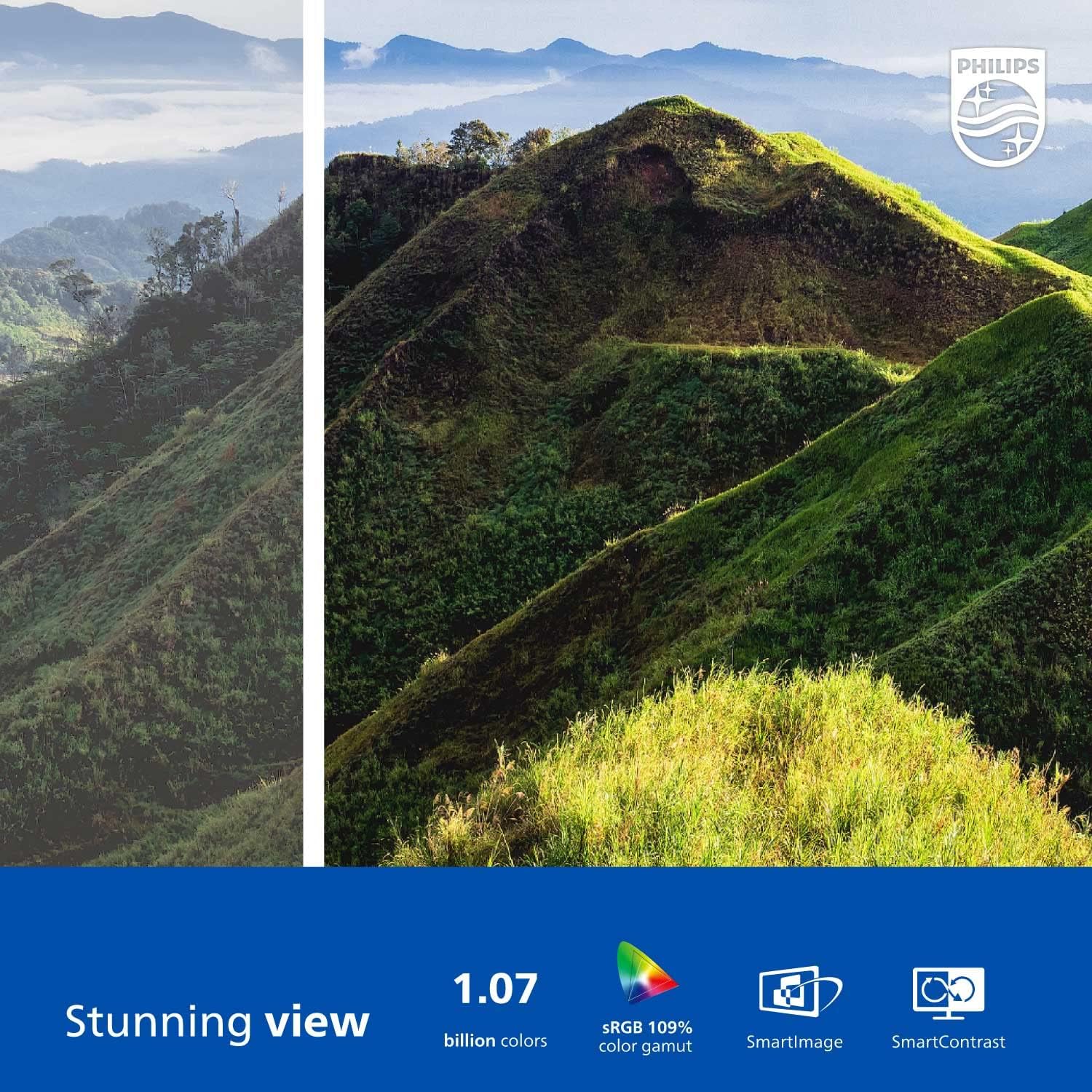
Figure 2: The Philips 278E1A monitor displaying a detailed and colorful mountain scene, illustrating its 4K UHD resolution and wide color gamut.
3. Избор на вход
Manually select the desired video input source if the automatic detection does not work or if you have multiple devices connected.
4. Аудио настройки
Контролирайте силата на звука на вградените високоговорители или свързаните аудио устройства.
5. Функции за грижа за очите
The Philips 278E1A includes features designed to reduce eye strain during prolonged use.
- Технология без трептене: Regulates brightness and reduces screen flicker for more comfortable viewинж.
- Режим LowBlue: A software solution that reduces harmful shortwave blue light emissions from the screen.

Figure 3: A split image demonstrating the visual difference when LowBlue Mode and Flicker-free technologies are active, reducing eye strain.
6. Frameless Design and Viewъгли за ъгли
The monitor features a 3-sided frameless design, ideal for multi-monitor setups, and an IPS panel providing wide 178/178-degree viewing angles for consistent image quality from various perspectives.

Figure 4: A multi-monitor arrangement of Philips 278E1A displays, showcasing the minimal bezels and wide viewing angles suitable for extended desktop environments.
Поддръжка
1. Почистване на екрана
За да почистите екрана, внимателно го избършете с мека кърпа без власинки. За упорити замърсявания, dampen the cloth with a mild, non-abrasive screen cleaner. Never spray cleaner directly onto the screen.
2. Общи грижи
Keep the monitor away from direct sunlight, excessive heat, and humidity. Avoid placing heavy objects on the monitor or its cables.
Отстраняване на неизправности
Ако срещнете проблеми с монитора си, вижте следните често срещани решения:
- Без захранване: Уверете се, че захранващият кабел е здраво свързан както към монитора, така и към електрическия контакт. Проверете дали електрическият контакт работи.
- Няма сигнал: Проверете дали видеокабелът (HDMI или DisplayPort) е правилно свързан както към монитора, така и към компютъра. Уверете се, че е избран правилният входен източник чрез екранното меню.
- Image Problems (e.g., flickering, distorted colors): Check cable connections. Adjust picture settings in the OSD menu. If using a DisplayPort connection, ensure your graphics card supports 4K resolution at 60Hz.
- Няма аудио: Check the monitor's volume settings and your computer's audio output settings. Ensure external speakers or headphones are properly connected if used.
За допълнителна помощ, моля, свържете се с отдела за обслужване на клиенти на Philips.
Спецификации
| Характеристика | детайл |
|---|---|
| Размер на екрана | 27 инча |
| Резолюция | 3840 x 2160 (4K UHD) |
| Тип панел | IPS |
| Цветова гама | 109% sRGB |
| Свързаност | 2x HDMI, 1x DisplayPort, Audio In & Out |
| Високоговорители | Built-in (3W stereo) |
| Размери (със стойката) | 18.1 x 24.1 x 7.6 инча |
| Тегло (със стойка) | 13.57 паунда |
| Функции за грижа за очите | Flicker-Free, LowBlue Mode |
Гаранция и поддръжка
Гаранционна информация
Philips monitors sold in the United States come with a 4-Year Advance Replacement Warranty. This warranty minimizes downtime by providing a replacement unit in advance should your monitor require service.

Figure 5: Visual representation of the Philips 4-Year Warranty and Advance Replacement program, ensuring peace of mind for users.
Поддръжка на клиенти
For technical support, warranty claims, or service inquiries, please visit the official Philips support website or contact their customer service hotline. Refer to the documentation included with your product for specific contact details in your region.
Продуктови видеоклипове
Philips Frameless Monitor Overview
Това видео осигурява крайview of the Philips 27-inch frameless monitor, highlighting its features and benefits for various work setups.
Why This Monitor is Top Rated
Learn about the key aspects that make this Philips monitor a top-rated choice, including its display quality and user-friendly features.