1. Продуктът свършиview
The HUAWEI WiFi AX2 is a high-performance wireless router designed to provide fast and reliable internet connectivity throughout your home. It supports Wi-Fi 6 technology, offering speeds up to 1500 Mbps, with a 5GHz band supporting up to 1201 Mbps and a 2.4GHz band supporting up to 300 Mbps. This router features HarmonyOS Mesh+ for seamless multi-router setups, comprehensive parental controls, and an advanced antenna design for stable connections.
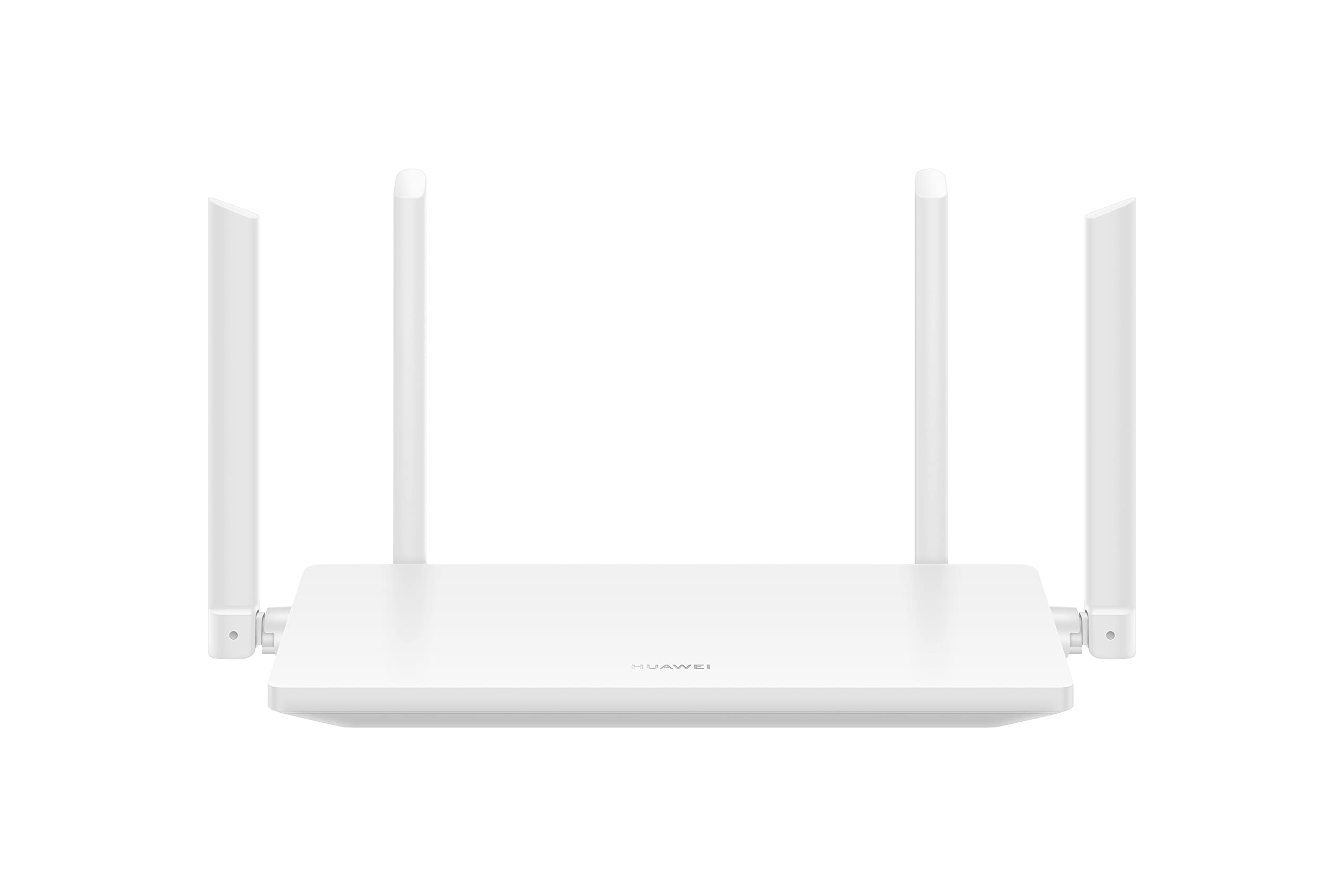
Изображение 1.1: Предна част view of the HUAWEI WiFi AX2 Wireless Router, showing its sleek white design and four external antennas.
2. Съдържание на пакета
Преди да продължите с настройката, моля, уверете се, че всички елементи са налични в опаковката:
- HUAWEI WiFi AX2 Wireless Router (WS7001-20)
- Захранващ адаптер
- Ethernet кабел
- Ръководство за бърз старт
- Гаранционна карта
3. Инструкции за настройка
Follow these steps to set up your HUAWEI WiFi AX2 Router:
- Свържете захранващия адаптер: Включете захранващия адаптер в захранващия порт на рутера и след това в контакта. Индикаторът за захранване на рутера трябва да светне.
- Свържете се с интернет: Connect one end of the Ethernet cable to the WAN port (usually labeled 'WAN' or a globe icon) on your router and the other end to your modem's LAN port.
- Свържете вашите устройства:
- Кабелна връзка: Connect your computer or other network devices to any of the LAN ports (labeled 1, 2, 3) on the router using an Ethernet cable.
- Безжична връзка: On your Wi-Fi enabled device (smartphone, tablet, laptop), search for the Wi-Fi network name (SSID) printed on the label at the bottom of your router. Select it and enter the Wi-Fi password (also on the label).
- Достъп до Web-based Management Page: Отворете a web браузър на свързано устройство и въведете 192.168.3.1 in the address bar. Follow the on-screen instructions to complete the initial setup, including setting up your Wi-Fi name and password.
- Download the HUAWEI AI Life App: For easier management and advanced features, download the HUAWEI AI Life app from your device's app store. Use the app to configure settings, manage connected devices, and utilize parental controls.

Изображение 3.1: Задна част view of the HUAWEI WiFi AX2 Router, showing the power port, three LAN/WAN ports, and the WPS/Reset button.
4. Инструкции за работа
4.1 Dual-Band Automatic Switching
The HUAWEI WiFi AX2 operates on both 2.4GHz and 5GHz bands simultaneously. It intelligently switches your devices between these bands to ensure optimal connection quality and speed at all times. This means you don't need to manually select between 2.4GHz and 5GHz networks.
4.2 HarmonyOS Mesh+
If you have multiple HUAWEI routers that support HarmonyOS Mesh+, you can group them under a single Wi-Fi name. This creates a unified mesh network, allowing your devices to automatically switch between routers as you move around your home, ensuring continuous and strong Wi-Fi coverage.
4.3 Comprehensive Parental Control
Manage your family's internet usage with the built-in parental control features. Through the HUAWEI AI Life app, you can:
- Блокиране на достъпа до неподходящи webсайтове.
- Limit internet access time for specific devices.
- View internet usage statistics for connected devices.
5. Поддръжка
За да осигурите оптимална производителност и дълготрайност на вашия рутер, имайте предвид следните съвети за поддръжка:
- Разположение: Place the router in a central location, away from obstructions, large metal objects, and other electronic devices that may cause interference. Ensure adequate ventilation around the router.
- Актуализации на фърмуера: Regularly check for and install firmware updates through the HUAWEI AI Life app or the web-based management page. Updates often include performance improvements and security patches.
- Рестартиране: Ако имате проблеми с мрежата, опитайте да рестартирате рутера, като изключите захранващия адаптер за 10 секунди и след това го включите отново.
- Почистване: Поддържайте рутера чист и без прах. Използвайте мека, суха кърпа, за да избършете външната му част. Не използвайте течни почистващи препарати.

Изображение 5.1: Отстрани view of the HUAWEI WiFi AX2 Router, highlighting the ventilation slots for proper heat dissipation.
6. Отстраняване на проблеми
If you encounter issues with your HUAWEI WiFi AX2 Router, refer to the following common problems and solutions:
| проблем | Възможна причина | Решение |
|---|---|---|
| Няма достъп до интернет | Incorrect cable connection, modem issue, or incorrect router settings. | Check that the Ethernet cable is securely connected to the WAN port and your modem. Reboot both the modem and the router. Verify internet settings via the web-based management page or AI Life app. |
| Бавна скорост на Wi-Fi | Interference, too many connected devices, outdated firmware, or poor router placement. | Ensure the router is placed optimally (see Maintenance section). Reduce the number of active devices. Update router firmware. Consider if your internet service provider (ISP) speed is the bottleneck. |
| Често прекъсване на Wi-Fi връзката | Signal interference, distance from router, or channel congestion. | Move closer to the router. Check for sources of interference (e.g., microwaves, cordless phones). Use the AI Life app to analyze Wi-Fi channels and switch to a less congested one. |
| Няма достъп до страницата с настройки на рутера | Incorrect IP address, device not connected to router, or browser issue. | Ensure your device is connected to the router's Wi-Fi or via an Ethernet cable. Verify you are entering 192.168.3.1 correctly. Try a different web браузър. |
If the problem persists, perform a factory reset by pressing and holding the WPS/Reset button on the back of the router for approximately 10 seconds until the indicator light flashes. Note that a factory reset will erase all your custom settings.
7. Спецификации
| Характеристика | детайл |
|---|---|
| Марка | HUAWEI |
| Име на модела | WS7001-20 |
| Номер на модела на артикул | WS7001-20 |
| Размери на продукта | 25.76 х 16.35 х 2.9 см |
| Тегло на артикула | 580 гр |
| Безжичен тип | 802.11ax (Wi-Fi 6) |
| Клас на честотната лента | Двубандов (2.4GHz и 5GHz) |
| Технология за свързване | Wi-Fi |
| Операционна система | RouterOS |
| Брой портове | 3 (LAN/WAN auto-sensing) |
| Специални функции | Режим на точка за достъп |
| Съвместими устройства | Смартфон, Таблет |
| Препоръчителни употреби на продукта | Начало |
| Включени батерии | не |
| Дата на първа наличност | 7 септември 2023 г |
8. Гаранция и поддръжка
8.1 Гаранционна информация
For detailed warranty information, please refer to the warranty card included in your product package or visit the official HUAWEI webсайт. Гаранционните условия може да варират в зависимост от региона и търговеца на дребно.
8.2 Техническа поддръжка
If you require further assistance or have technical questions not covered in this manual, please contact HUAWEI customer support. You can find contact details on the official HUAWEI website or through the HUAWEI AI Life app.


