1. Продуктът свършиview
The Vieta Pro VM-BS1000WH is a portable, battery-powered Bluetooth speaker designed for high-quality audio playback. Its elegant design allows it to integrate seamlessly into various environments, while its robust features make it suitable for both indoor and outdoor use.
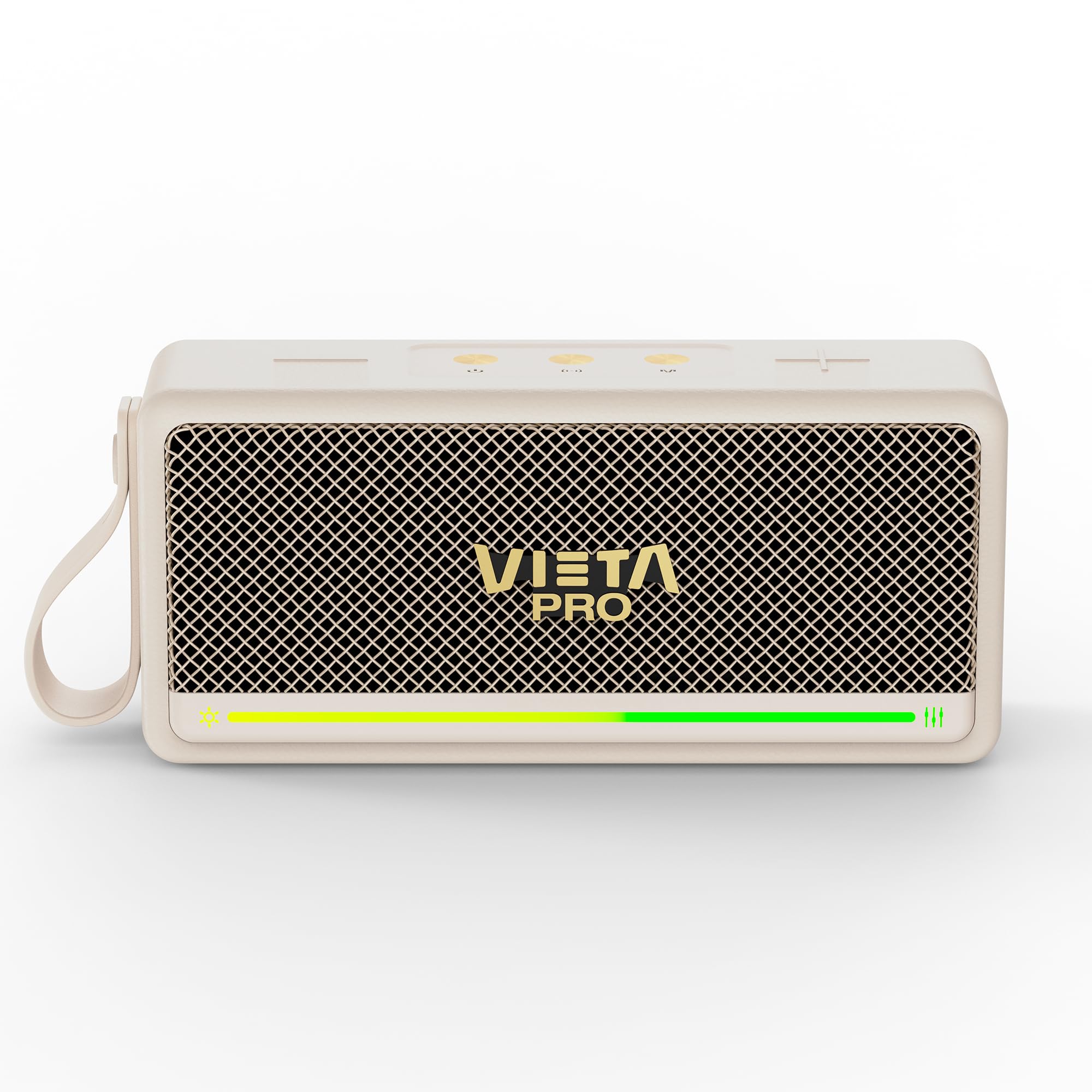
Фигура 1: Отпред view of the Vieta Pro VM-BS1000WH Portable Bluetooth Speaker.
2. Ключови характеристики
- Bluetooth 5.3: Advanced wireless technology for fast and stable connections.
- Режим TWS (Истински безжичен стерео): Enables a true wireless stereo sound experience for immersive listening.
- Водоустойчивост IPX7: Certified to withstand splashes and brief immersion in water.
- USB плейър: Allows direct music playback from a USB drive.
- 10-часов живот на батерията: Provides extended use without frequent recharging.
- Shock-resistant design: Повишена издръжливост за активен начин на живот.
- Сензорно управление: Intuitive control method for ease of use.
3. Ръководство за настройка
3.1. Зареждане на високоговорителя
Before initial use, fully charge the speaker. Connect the provided USB charging cable to the speaker's charging port and a compatible USB power adapter (not included). The charging indicator light will illuminate during charging and turn off when fully charged. A full charge provides up to 10 hours of playback.
3.2. Включване / изключване на захранването
To power on the speaker, press and hold the power button located on the control panel until you hear an audible prompt and the indicator light turns on. To power off, press and hold the power button again until the indicator light turns off.

Фигура 2: Страна view of the speaker, highlighting the control panel and ports.
4. Инструкции за работа
4.1. Bluetooth сдвояване
- Уверете се, че високоговорителят е включен и в режим на Bluetooth сдвояване (индикирано от мигащ светодиод).
- На вашето устройство (смартфон, таблет, лаптоп) активирайте Bluetooth и потърсете налични устройства.
- Select "Vieta Pro VM-BS1000WH" from the list of devices.
- След сдвояване, високоговорителят ще издаде звуково потвърждение и LED индикаторът ще започне да свети постоянно.
4.2. Режим TWS (Истинска безжична стерео система)
To achieve a true wireless stereo experience, you can pair two VM-BS1000WH speakers together:
- Уверете се, че и двата високоговорителя са включени и не са свързани с друго Bluetooth устройство.
- On one speaker, press and hold the TWS button (refer to the control panel diagram) until you hear a pairing tone.
- The two speakers will automatically connect to each other. Once connected, one speaker will act as the master and the other as the slave.
- Now, connect your device to the master speaker via Bluetooth as described in section 4.1. Audio will play in stereo through both speakers.
4.3. USB възпроизвеждане
Поставете USB устройство, съдържащо MP3 аудио files into the USB port on the speaker. The speaker will automatically detect the USB drive and begin playing music. Use the playback controls to navigate tracks.
4.4. Volume and Playback Control
The speaker features touch controls for volume adjustment and music playback:
- Увеличаване на звука: Tap the '+' button.
- Намали звука: Tap the '-' button.
- Възпроизвеждане/пауза: Докоснете бутона „Пусни/Пауза“.
- Следваща песен: Натиснете и задръжте бутона „+“.
- Предишен запис: Натиснете и задръжте бутона „-“.
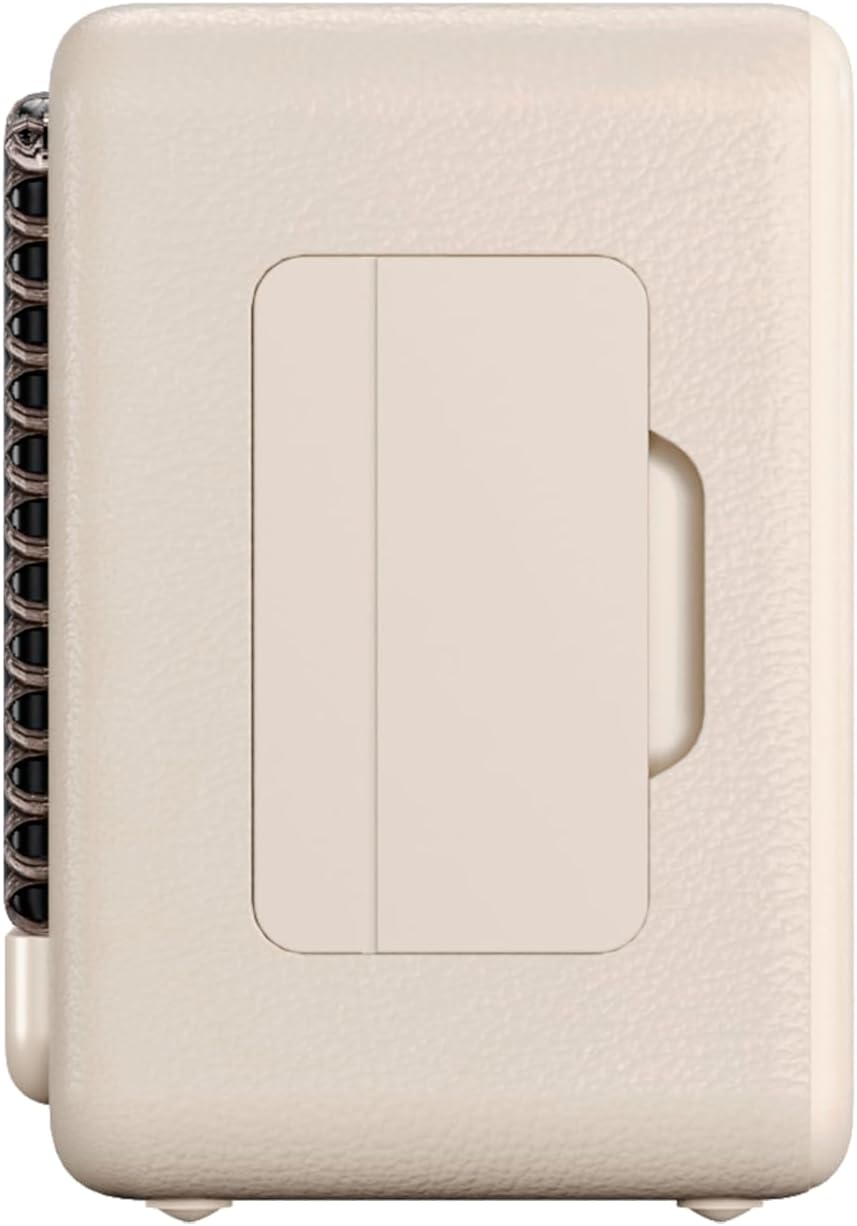
Фигура 3: Страничен професионалистfile of the speaker, illustrating its compact design.
5. Поддръжка
5.1. Почистване
Wipe the speaker with a soft, dry cloth. Do not use abrasive cleaners, alcohol, or chemical solvents, as these may damage the surface. Ensure all ports are dry before charging or connecting other devices.
5.2. Водоустойчивост (IPX7)
The VM-BS1000WH speaker is IPX7 water-resistant, meaning it can be immersed in water up to 1 meter for up to 30 minutes. However, it is not designed for continuous underwater use. Always ensure the charging port cover is securely closed before exposing the speaker to water. After exposure to water, dry the speaker thoroughly before charging.
6. Отстраняване на проблеми
- Без захранване: Уверете се, че високоговорителят е зареден. Свържете го към източник на захранване и опитайте отново.
- Не може да се сдвои Bluetooth: Make sure the speaker is in pairing mode and within range of your device. Disconnect from any previously paired devices. Try restarting both the speaker and your device.
- Няма звук: Проверете нивата на силата на звука както на високоговорителя, така и на свързаното устройство. Уверете се, че високоговорителят е правилно сдвоен.
- Лошо качество на звука: Преместете високоговорителя по-близо до вашето Bluetooth устройство, за да намалите смущенията. Уверете се, че няма препятствия между високоговорителя и устройството.
- Възпроизвеждането от USB не работи: Ensure the USB drive is formatted correctly (FAT32) and contains compatible audio files (MP3). Try a different USB drive.
7. Технически спецификации
| Характеристика | Спецификация |
|---|---|
| Име на марката | Vieta Pro |
| Име на модела | VM-BS1000WH |
| Тип високоговорител | Преносим Bluetooth високоговорител |
| Максимална изходна мощност на високоговорителя | 25 вата |
| Технология за свързване | Bluetooth |
| Bluetooth версия | 5.3 |
| Режим на аудио изход | Стерео |
| Ниво на водоустойчивост | IPX7 (водоустойчив) |
| Живот на батерията | До 10 часа |
| Източник на захранване | Захранва се с батерии (1 батерия C е включена) |
| Контролен метод | Докосване |
| Размер на високоговорителя | 7.5 см |
| Размери на продукта (Д x Ш x В) | 7.7 х 5.6 х 17.1 см |
| Съвместими устройства | Смартфон, таблет, лаптоп, MP3 плейър |
| Специални функции | Shock-resistant, Wireless speakers, USB port |
8. Гаранция и поддръжка
8.1. Ограничена гаранция
This Vieta Pro VM-BS1000WH speaker comes with a Limited Warranty. Please refer to the warranty card included in the product packaging for detailed terms and conditions, including coverage period and limitations. Keep your proof of purchase for warranty claims.
8.2. Поддръжка на клиенти
For technical assistance, troubleshooting, or warranty inquiries, please contact FRAMASON AUDIO S.A., the manufacturer. Contact information can typically be found on the product packaging or the official Vieta Pro website. Please have your model number (VM-BS1000WH) and proof of purchase ready when contacting support.


