Въведение
This manual provides comprehensive instructions for the installation, use, and maintenance of your UYRUREL Screen Protector, specifically designed for the weelikeit 1090sc 11-inch FHD Tablet running Android 14. This screen protector is engineered to safeguard your device's display from scratches, impacts, and daily wear while maintaining optimal touch sensitivity and clarity.
Какво е включено
Вашият пакет съдържа следните елементи:
- 2 x Tempered-Glass Screen Protectors
- 2 x Cleaning Kits (each typically includes a wet wipe, dry wipe, and dust absorber sticker)
Съвместимост
This screen protector is exclusively designed for the weelikeit 1090sc 11-inch FHD Tablet Android 14. Please verify your tablet's model number in the device settings before installation to ensure proper fit and function.
Ключови характеристики
- Твърдост 9H: Provides superior resistance against scratches from keys, coins, and other hard objects.
- Монтаж без мехурчета: Advanced silicon adhesive ensures a smooth, bubble-free application.
- High Responsiveness & Touch Sensitivity: Maintains the original touch experience, allowing for quick app launches, smooth gaming, and video playback.
- Daily Fingerprint Resistance: An oleophobic coating effectively repels fingerprints and smudges, keeping your screen clean.
- 2.5D Rounded Edges: Offers a comfortable grip and seamless integration with the tablet's design.
- Ultra-Clear Transparency: High light transmittance of 99% ensures original image quality and vibrant display.
- Explosion-Proof and Anti-Wear Performance: Enhanced durability to withstand impacts and resist wear over time.
- Precision Cut: Formed in one piece with ultra-complete nanofibers for a perfect fit and seamless coverage.
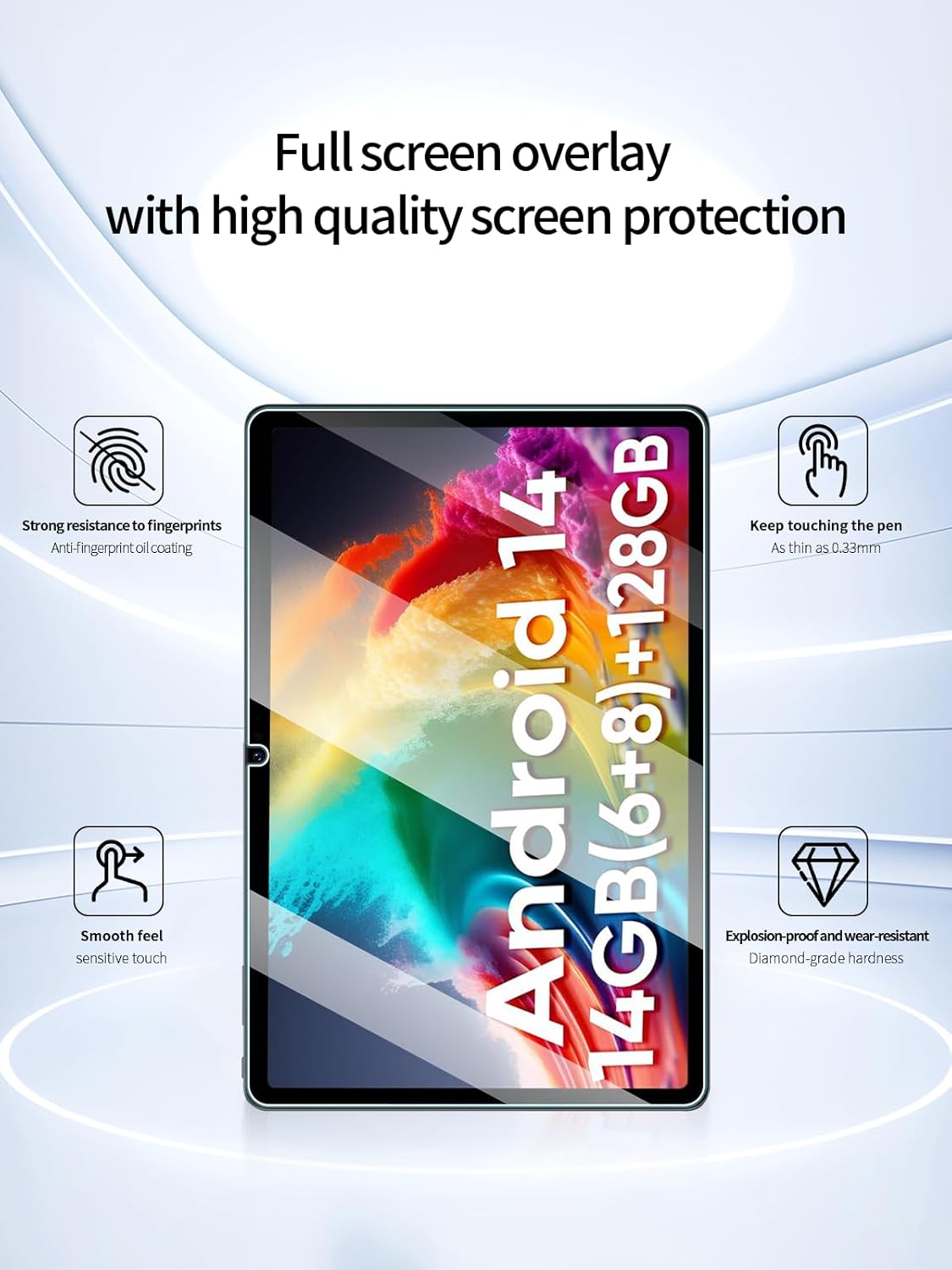
Image: Full screen overlay with high quality screen protection, highlighting features like strong resistance to fingerprints, sensitive touch, and explosion-proof hardness.
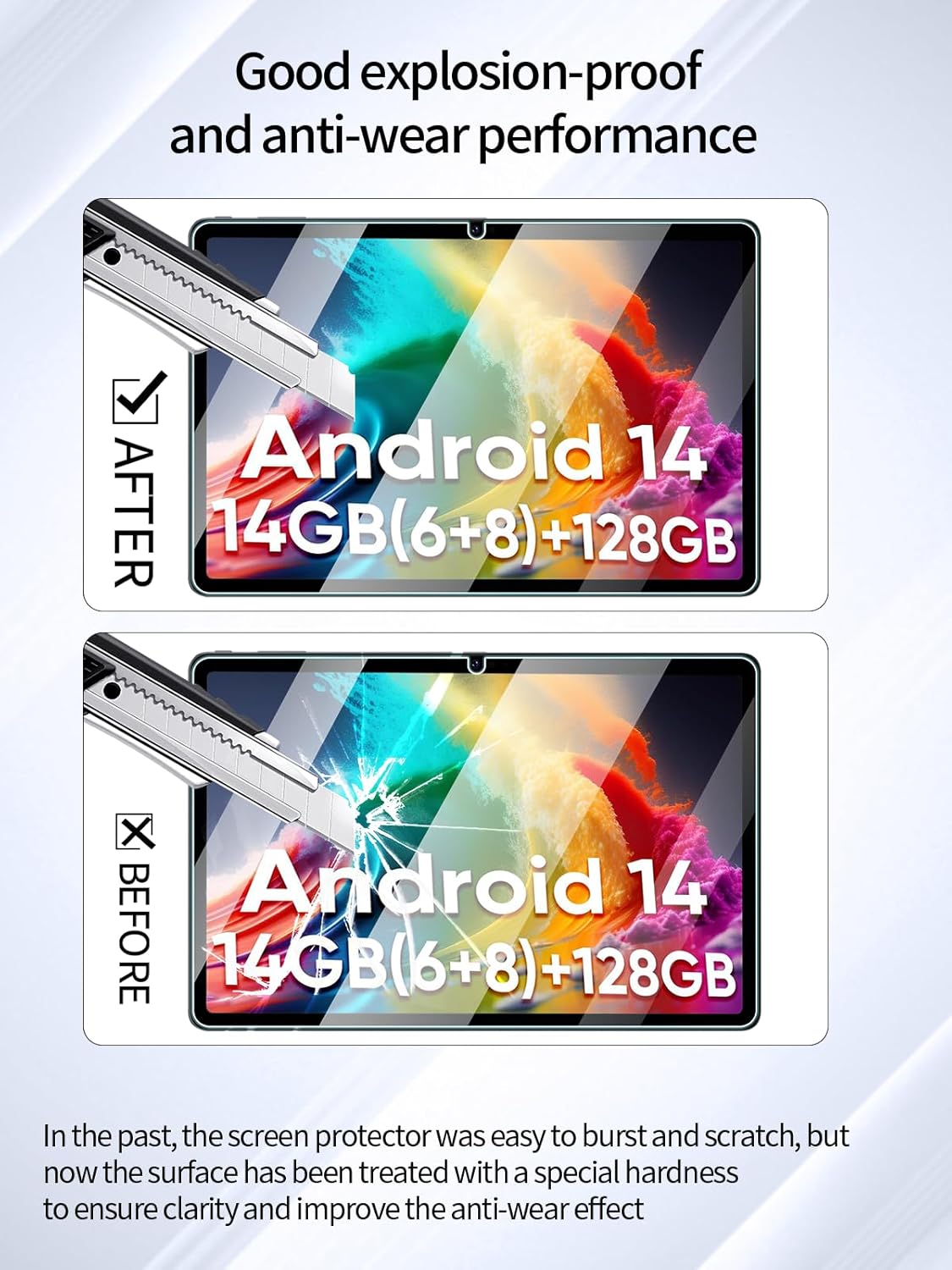
Image: Comparison showing the screen protector's good explosion-proof and anti-wear performance, indicating enhanced durability against damage.

Image: Home screen overlay demonstrating arc edge fitting and full coverage, restoring the feel of the flat bare metal.

Image: Ultra-clear transparency of the screen protector, showing 99% light transmittance for original image quality.

Image: Illustration depicting the screen protector as cut in one piece and formed with ultra-complete nanofibers, indicating high-quality material and precision manufacturing.
Настройка: Ръководство за инсталиране
Follow these steps carefully for a bubble-free installation:
- Clean the Tablet Screen: Use the provided wet wipe from the cleaning kit to thoroughly clean your tablet's screen. Ensure all dust, smudges, and fingerprints are removed.
- Изсушете екрана: Use the dry wipe to dry the screen completely. Make sure no moisture remains.
- Премахване на прах: Use the dust absorber sticker to pick up any remaining dust particles. Gently dab the sticker across the screen.
- Подравнете протектора: Carefully peel off the protective film from the adhesive side of the screen protector. Align the screen protector with the tablet's screen, paying attention to the edges, camera, and sensors.
- Нанесете протектора: Once aligned, gently lower the screen protector onto the tablet's screen. The advanced silicon adhesive will automatically adhere to the screen, pushing out air bubbles.
- Remove Remaining Bubbles: If any small bubbles remain, gently push them towards the edges of the screen using a soft cloth or the provided squeegee (if included).
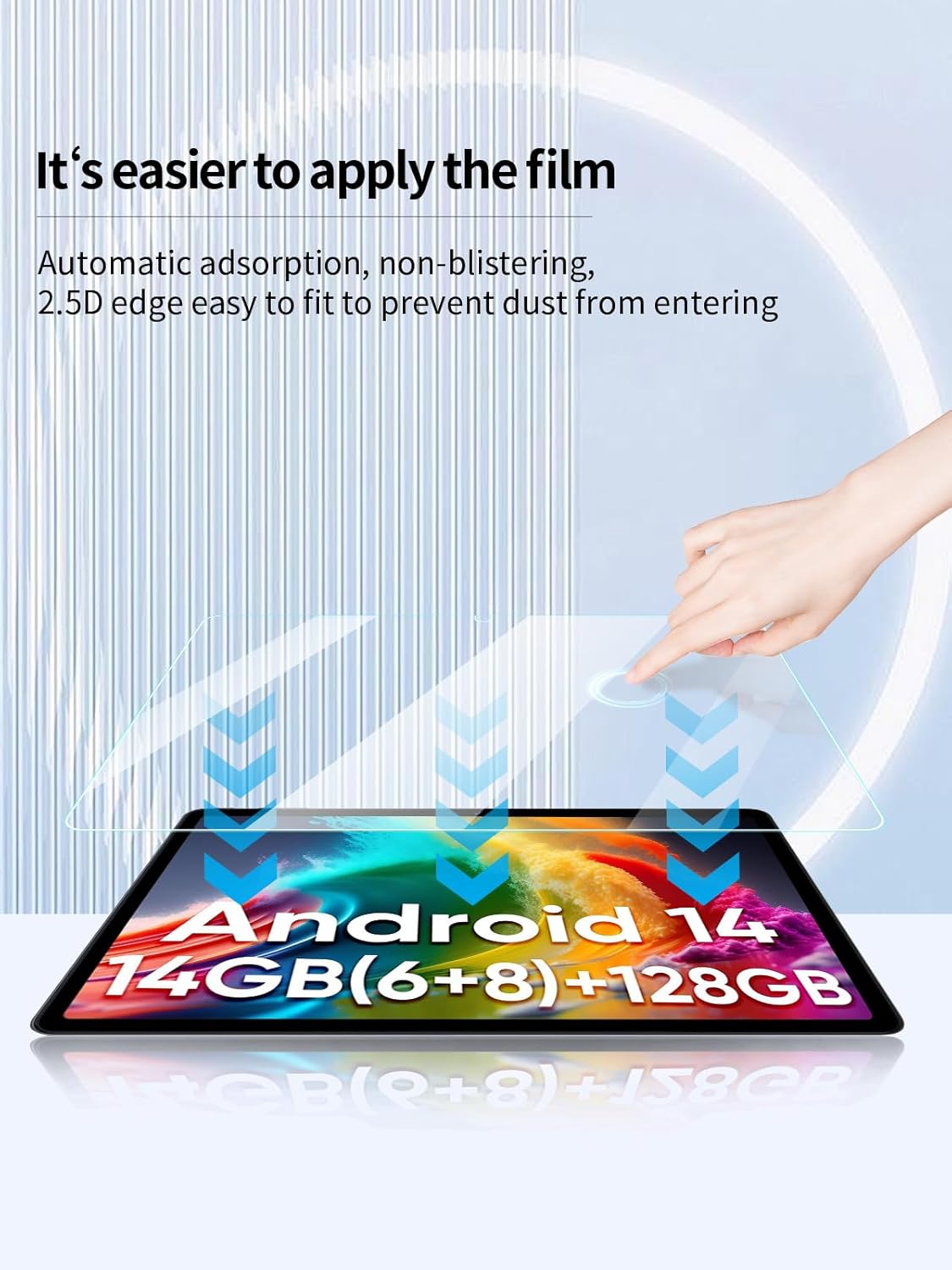
Image: Visual guide demonstrating the easy application process with automatic adsorption, preventing blistering and dust entry.
Инструкция за работа
Once installed, the UYRUREL Screen Protector requires no special operating procedures. It is designed to integrate seamlessly with your weelikeit 1090sc tablet, preserving its original touch sensitivity and display quality. You can continue to use your tablet as usual, enjoying enhanced protection against scratches and impacts.
- Взаимодействие с докосване: The screen protector maintains high touch responsiveness, ensuring smooth navigation and interaction with your tablet.
- Яснота на дисплея: The ultra-clear material ensures that the vibrant colors and sharpness of your tablet's FHD display are unaffected.
Поддръжка
To ensure the longevity and clarity of your screen protector, follow these maintenance tips:
- Редовно почистване: Wipe the screen protector regularly with a soft, lint-free cloth to remove dust and smudges. For stubborn marks, slightly dampИзмийте кърпата с вода или разтвор за почистване на екрани.
- Избягвайте агресивните химикали: Не използвайте абразивни почистващи препарати, алкохол или разтвори на амонячна основа, тъй като те могат да повредят олеофобното покритие.
- Защита от екстремни условия: While the protector is durable, avoid exposing your tablet to extreme temperatures or direct, prolonged sunlight, which can affect the adhesive.
Отстраняване на неизправности
Ето решения на често срещани проблеми, с които може да се сблъскате:
- Мехурчета след монтажа:
Small bubbles often disappear within 24-48 hours as the adhesive fully settles. For larger bubbles, gently lift the nearest edge of the protector and re-apply, pushing the bubble out with a soft cloth.
- Прах под протектора:
If dust particles are trapped, carefully lift the corner of the protector closest to the dust. Use a dust absorber sticker or a piece of tape to gently lift the dust off the adhesive side, then re-apply.
- Намалена чувствителност на допир:
Ensure the screen protector is properly adhered without any gaps or air pockets. If the issue persists, check your tablet's touch settings. A re-installation might be necessary if the protector is misaligned or damaged.
- Пръстови отпечатъци и петна:
While the protector has an oleophobic coating, fingerprints can still accumulate. Clean regularly with a soft, lint-free cloth as described in the Maintenance section.
Спецификации
| Име на продукта | UYRUREL Screen Protector |
| Съвместимо устройство | weelikeit 1090sc 11-inch FHD Tablet Android 14 |
| Материал | Закалено стъкло |
| твърдост | 9H |
| Специални функции | Scratch Resistant, Bubble-Free Installation, High Touch Sensitivity, Fingerprint Resistance, 2.5D Rounded Edges |
| Съдържание на пакета | 2x Screen Protectors, 2x Cleaning Kits |
| Тегло на артикула | 6 унции |
| Размери на опаковката | 10.63 x 7.68 x 0.43 инча |
Гаранционна информация
For detailed warranty information regarding your UYRUREL Screen Protector, please refer to the product packaging or visit the official UYRUREL webсайт. Гаранционните условия може да варират в зависимост от региона и търговеца на дребно.
Поддръжка на клиенти
If you encounter any issues or have questions not covered in this manual, please contact UYRUREL customer support. Contact details can typically be found on the product packaging or the official UYRUREL website. Please have your product model number (1090sc) and purchase information ready when contacting support.