4DRC Y10

4DRC Y10 Amphibious Waterproof RC Monster Truck Instruction Manual

Model: Y10 | Brand: 4DRC

Въведение

This manual provides essential information for the safe and effective operation of your 4DRC Y10 Amphibious Waterproof RC Monster Truck. Please read these instructions thoroughly before use and retain for future reference.

Информация за безопасност

No specific safety warnings were provided beyond general product safety. Always supervise children during operation. Keep fingers, hair, and loose clothing away from moving parts. Do not operate near people, pets, or obstacles. Ensure the battery compartment is securely sealed before water play.

Съдържание на пакета

4DRC Y10 RC Monster Truck and accessories

Image: The 4DRC Y10 RC Monster Truck, remote control, wristband controller, two rechargeable batteries, USB charging cable, and a screwdriver.

Ръководство за настройка

1. Инсталиране и зареждане на батерията

  1. Батерия за камион:

    Locate the battery compartment on the underside of the RC truck. Use the provided screwdriver to open the compartment. Connect one of the 7.4V rechargeable batteries to the truck's power connector. Securely close the battery compartment, ensuring it is sealed for waterproof operation.

    Installing battery in 4DRC Y10 RC Monster Truck

    Image: Illustration of battery installation in the RC truck, showing the compartment and connection points.

  2. Батерии за дистанционно управление:

    The 2.4GHz remote control requires 2 AA batteries (not included). Open the battery cover on the back of the remote control and insert the batteries, observing correct polarity. Close the cover securely.

  3. Зареждане на акумулатора на камиона:

    Connect the 7.4V rechargeable battery to the USB charging cable. Plug the USB cable into a standard USB power adapter (e.g., phone charger, computer USB port). The indicator light on the USB cable will show charging status (typically red for charging, off or green for fully charged). Charging time is approximately 2-3 hours. Do not overcharge.

    USB charging cable for 4DRC Y10 RC Monster Truck battery

    Image: The USB charging cable connected to a rechargeable battery, illustrating the charging process.

2. Сдвояване на контролера

To pair the remote control with the truck:

  1. Ensure the truck battery is installed and the truck is powered off.
  2. Install batteries in the remote control and power it on. The indicator light on the remote will flash.
  3. Turn on the RC truck. The truck's lights will flash.
  4. Within a few seconds, the remote control and truck lights will become solid, indicating successful pairing.
  5. If using the wristband controller, ensure the main remote is off. Power on the truck, then power on the wristband controller. The wristband controller will pair with the truck. Note: The truck can only be paired with one controller at a time.

Инструкция за работа

Basic Controls (2.4GHz Remote Control)

4DRC Y10 RC Monster Truck remote control

Image: The 2.4GHz remote control, highlighting the joysticks for movement and steering.

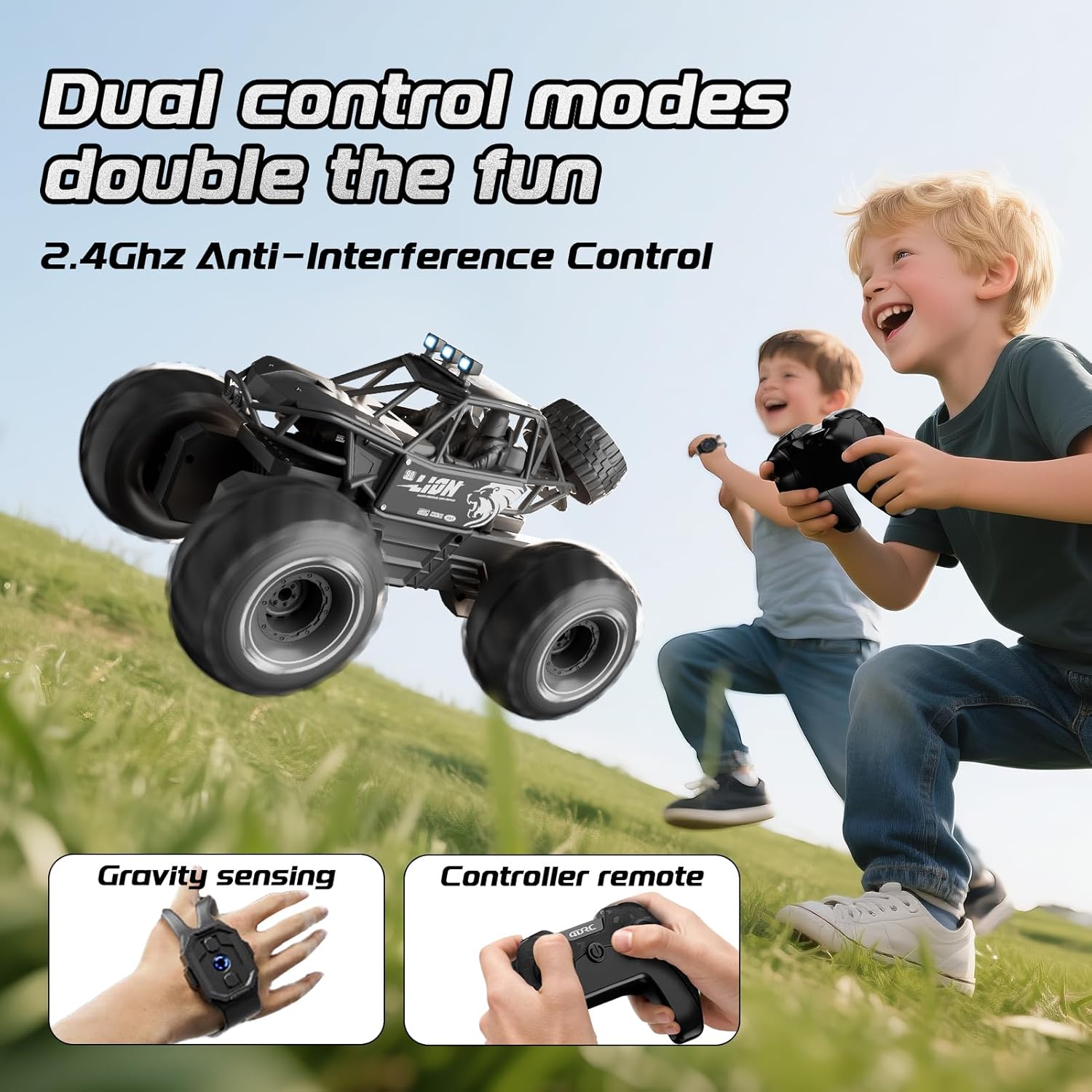
Двойни режими на управление

The 4DRC Y10 offers two control methods:

4DRC Y10 RC Monster Truck with both remote and wristband controllers

Image: The RC truck shown with both the traditional remote control and the wristband controller, illustrating the dual control options.

Amphibious and All-Terrain Operation

The 4DRC Y10 is designed for versatile use on various surfaces:

4DRC Y10 RC Monster Truck operating in water

Image: The 4DRC Y10 RC Monster Truck driving through water, demonstrating its amphibious capability.

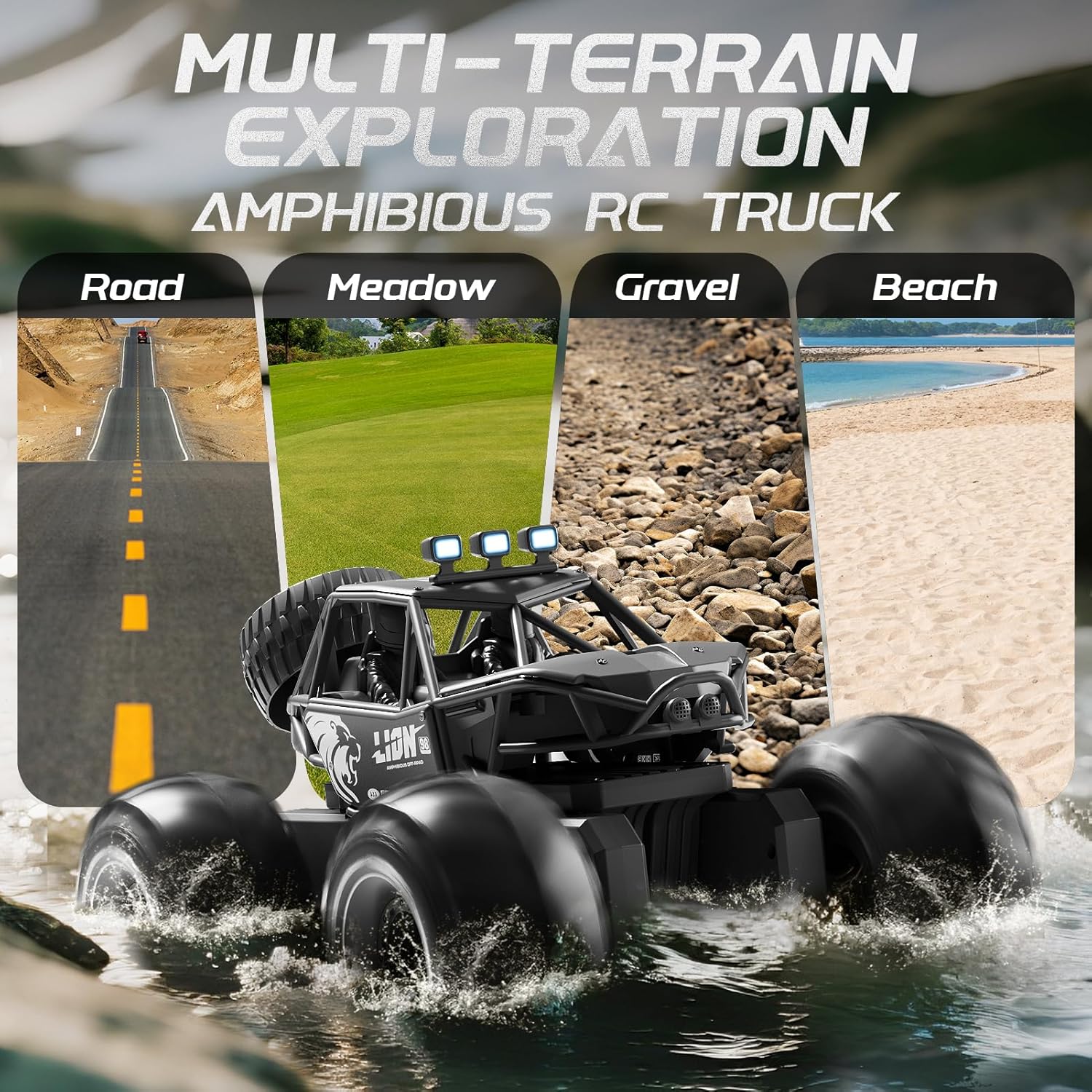
4DRC Y10 RC Monster Truck on various terrains: road, meadow, gravel, beach

Image: The 4DRC Y10 RC Monster Truck depicted on different terrains including road, meadow, gravel, and beach, showcasing its multi-terrain exploration capabilities.

360° Stunt Rotation

The truck can perform 360-degree rotations. Refer to the remote control's specific button or joystick combination for activating this stunt. This feature adds dynamic play to both land and water operations.
4DRC Y10 RC Monster Truck performing a 360-degree rotation

Image: The 4DRC Y10 RC Monster Truck shown in mid-rotation, illustrating its 360-degree stunt capability.

LED фарове

The integrated LED headlights provide visibility and enhance the visual experience during operation, especially in low-light conditions.

Поддръжка

Отстраняване на неизправности

проблемВъзможна причинаРешение
Камионът не реагира на дистанционното.Low battery in truck or remote; not paired; out of range.Charge truck battery. Replace remote batteries. Re-pair the truck and remote. Ensure truck is within operating range (approx. 150 feet).
Truck moves erratically or is hard to control.Interference; joystick stiffness/malfunction.Operate in an open area away from other 2.4GHz devices. If joysticks are stiff, ensure they are not obstructed and apply gentle, consistent pressure. If the issue persists, contact customer support.
Truck stops working in water.Battery compartment not sealed; water ingress.Immediately remove from water. Open battery compartment and dry thoroughly. Ensure compartment is properly sealed before next water use. If damage occurred, contact customer support.
Кратко време за игра.Батерията не е напълно заредена; стара батерия.Уверете се, че батерията е напълно заредена преди употреба. Помислете за подмяна на старите батерии, ако производителността им се влоши значително.

Спецификации

Гаранция и поддръжка

For warranty information or technical support, please refer to the contact details provided with your purchase or visit the official 4DRC webсайт. Запазете касовата си бележка като доказателство за покупка.

Свързани документи - Y10

предварителноview Y10 Motorcycle Helmet Bluetooth Headset Quick Instruction Manual
A concise guide to the Y10 motorcycle helmet Bluetooth headset, detailing product overview, phone features, music playback, charging, pairing, and important safety instructions.
предварителноview 4DRC 4D-FII Quadcopter Operating Instructions
This document provides operating instructions for the 4DRC 4D-FII Quadcopter, covering setup, controls, flight modes, and safety precautions.
предварителноview 4DRC 4D-FIO Quadcopter User Manual & Operating Instructions
This user manual provides comprehensive operating instructions for the 4DRC 4D-FIO Quadcopter. Learn about setup, flight controls, app features, safety guidelines, and troubleshooting for this GPS-enabled drone, suitable for ages 14+.
предварителноview Ръководство за потребителя на интерком версия Y10-2X
Подробно ръководство за потребителя за версията на интеркома Y10-2X, описващо подробно функции като включване/изключване, възпроизвеждане на музика, функции на телефона и сдвояване на интеркома. Включва продукта над...view, списък с артикули и важни бележки.
предварителноview Инструкции за експлоатация и ръководство за потребителя на квадрокоптер 4DRC 4D-F13
Подробно ръководство за работа с квадрокоптера 4DRC 4D-F13, включително настройка, контроли, режими на полет, предпазни мерки и интеграция с приложения.
предварителноview Инструкции за експлоатация на квадрокоптер 4DRC 4D-F13
Подробни инструкции за експлоатация на квадрокоптера 4DRC 4D-F13, обхващащи настройката, контролите, функциите на приложението и указанията за безопасност за оптимално изживяване по време на полет.