Въведение
This instruction manual provides guidance for the UYRUREL Clear TPU Protective Case, specifically designed for the Lenovo Legion Y700 Gen 4 Android Tablet (8.8 Inch). This case offers protection while maintaining the tablet's original aesthetic.
Настройка и инсталиране
Follow these steps to properly install the protective case onto your Lenovo Legion Y700 Gen 4 Tablet.
- Приготвяне: Уверете се, че таблетът ви е чист и без прах или отломки, преди да го инсталирате.
- Aligning the Tablet: Gently place your Lenovo Legion Y700 Gen 4 Tablet into the case, starting with one side. Ensure the camera cutout and port openings align correctly with the tablet's features.
- Обезопасяване на кутията: Press the edges of the case around the tablet until it is fully seated and secure. The flexible TPU material allows for easy installation and removal.

Figure 1: The clear protective case installed on the Lenovo Legion Y700 Gen 4 Tablet, shown in a typical use scenario.
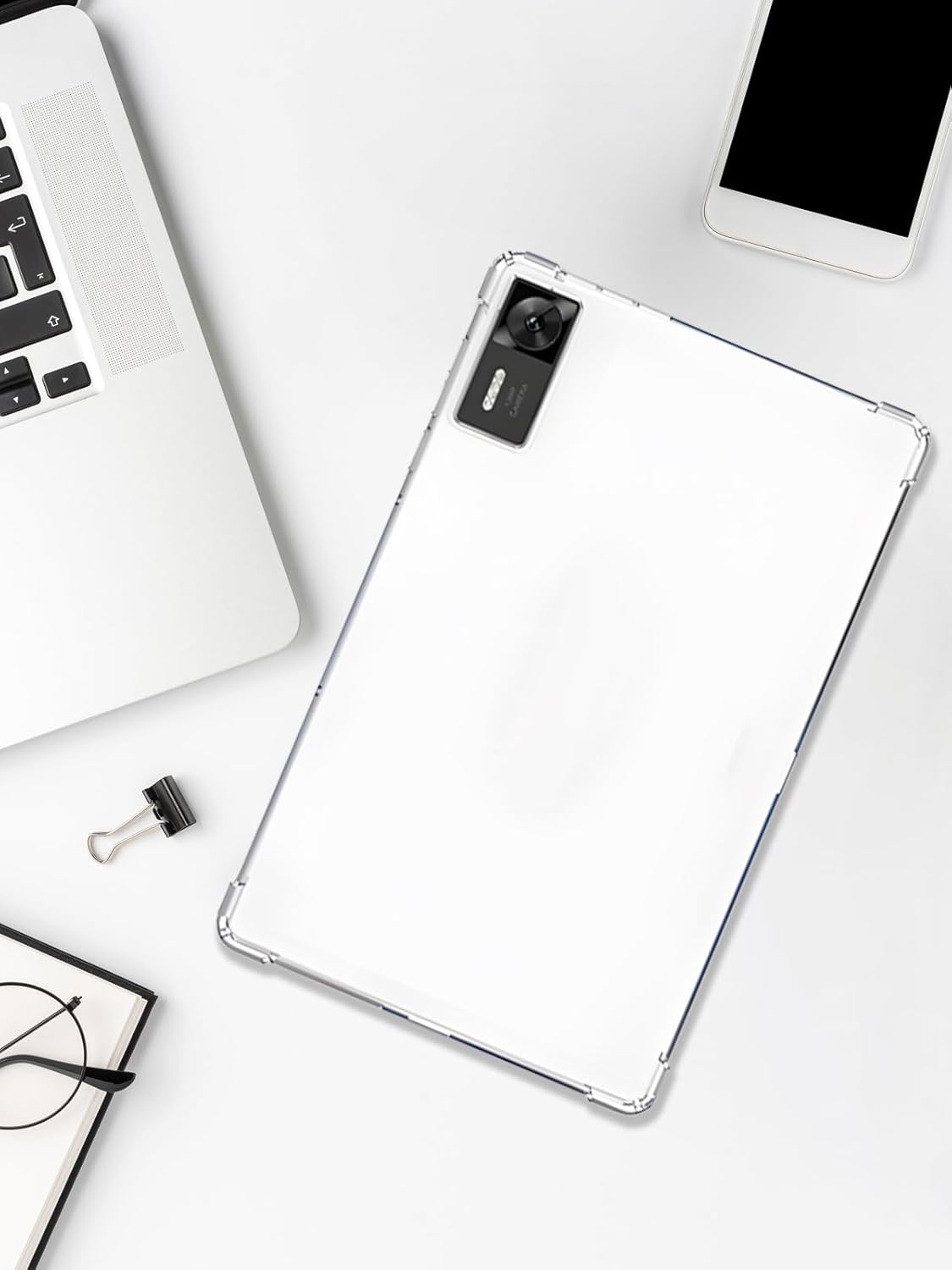
Фигура 2: Надземни разходи view of the tablet securely fitted within the clear case.
Features and Protection
The UYRUREL protective case is engineered with several features to safeguard your tablet.
- Premium TPU Material: Constructed from high-quality, durable, and lightweight TPU (Thermoplastic Polyurethane) for effective protection. The transparent design allows the original look of your tablet to show through.
- Enhanced Corner Protection: Features reinforced corners designed to absorb shock and provide additional protection for the tablet screen and camera against drops and impacts.
- Прецизни изрези: All ports, buttons, and speakers have precise cutouts, ensuring full access to all tablet functions without needing to remove the case.
- Slim and Flexible Design: The case maintains a slim profile, adding minimal bulk to your tablet. Its flexibility ensures comfortable handling and easy installation/removal, and it resists deformation over long-term use.
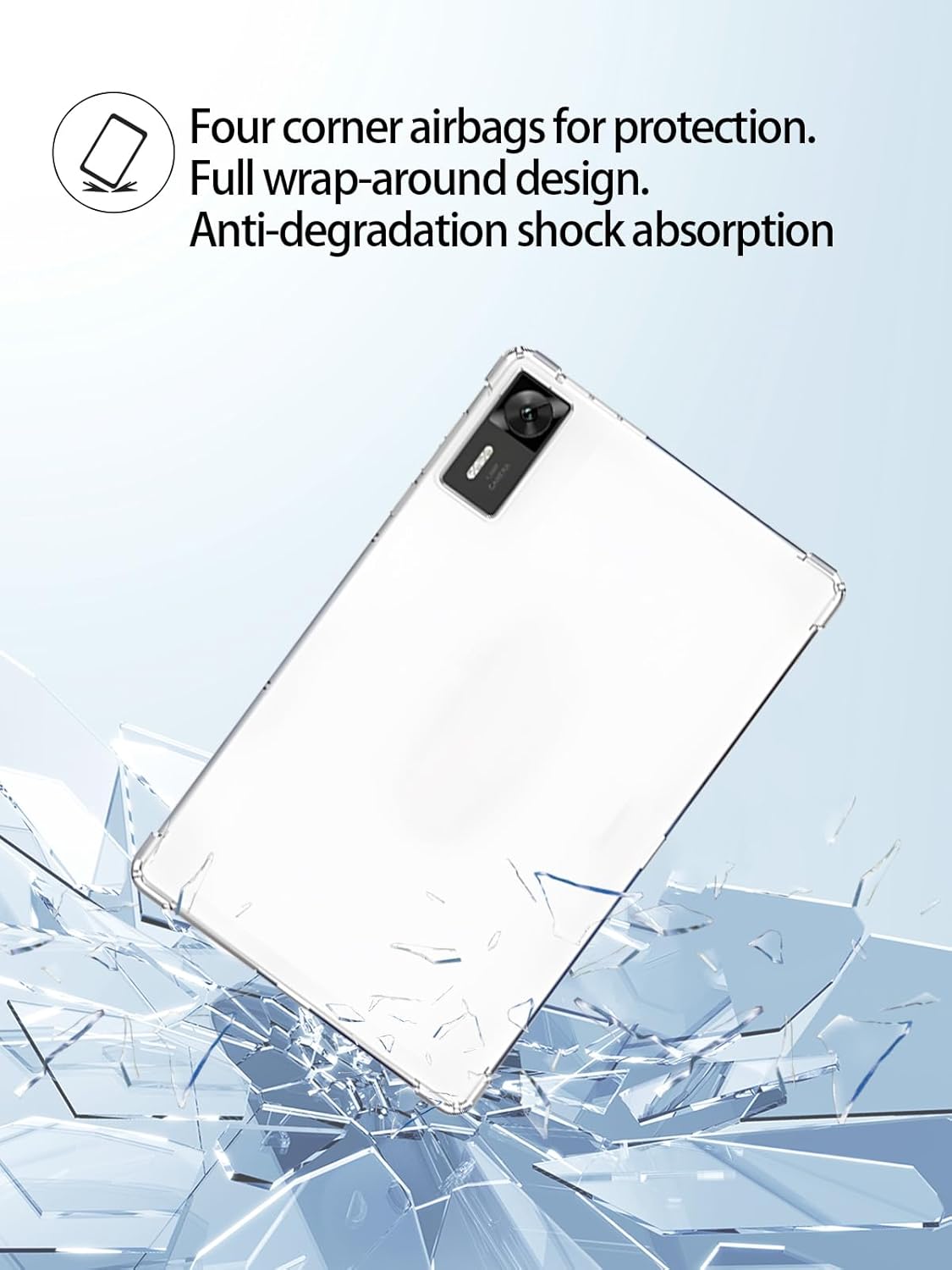
Figure 3: The case features reinforced corners for enhanced shock absorption and drop protection.

Figure 4: The transparent design allows the original beauty of the tablet to be visible.

Figure 5: Precise openings ensure full access to the tablet's camera and other features.

Figure 6: The flexible and soft TPU material provides a comfortable grip and long-lasting durability.
Поддръжка и грижа
To ensure the longevity and clarity of your UYRUREL protective case, follow these maintenance guidelines:
- Почистване: The case is easy to clean. Use a soft, damp cloth with mild soap and water to wipe away dirt and smudges. Avoid harsh chemicals or abrasive cleaners.
- Устойчивост на петна: The TPU material is resistant to oil and stains, making it easy to keep the case looking new.
- Съхранение: Когато не се използва, съхранявайте кутията на хладно и сухо място, далеч от пряка слънчева светлина, за да предотвратите разрушаване на материала.

Figure 7: The case material is designed for easy cleaning and resistance to wear and deformation.
Отстраняване на неизправности
If you encounter any issues with your protective case, refer to the following common solutions:
| проблем | Възможна причина | Решение |
|---|---|---|
| Калъфът не пасва правилно. | Incorrect tablet model or improper installation. | Ensure your tablet is the Lenovo Legion Y700 Gen 4. Re-install the case, ensuring all edges are properly seated. |
| Бутоните се натискат трудно. | Case not fully aligned or manufacturing variation. | Adjust the case to ensure precise alignment with the tablet's buttons. If the issue persists, contact customer support. |
| Case appears discolored or dirty. | Accumulated dirt or prolonged exposure to staining agents. | Почистете кутията с мека, damp cloth and mild soap. Avoid prolonged exposure to direct sunlight or harsh chemicals. |
Спецификации
Key specifications for the UYRUREL Clear TPU Protective Case:
- Съвместимост на модела: Lenovo Legion Y700 Gen 4 Android Tablet (8.8 Inch)
- материал: High-quality Thermoplastic Polyurethane (TPU)
- Форм-фактор: Slim Fit Case
- цвят: Прозрачен / Прозрачен
- Специални функции: Reinforced corners, precise cutouts, flexible, lightweight, anti-degradation shock absorption.
- производител: UYRUREL
- ASIN: B0F9YFF99P
Гаранция и поддръжка
UYRUREL is committed to providing high-quality products and customer satisfaction. If you encounter any issues or have questions regarding your protective case, please contact our customer support team.
We aim to provide a satisfactory solution within 24 hours for any product or packaging concerns.


