1. Въведение
This manual provides essential information for setting up, operating, maintaining, and troubleshooting your Thunderobot Storm 15 4050 Gaming Laptop. Please read it thoroughly to ensure optimal performance and longevity of your device.
Ключови характеристики:
- Процесор: Intel Core i7-13620H (10 ядра, до 4.9 GHz)
- Графика: Графичен процесор за лаптоп NVIDIA GeForce RTX 4050
- Памет: 32GB DDR4 RAM (3200 MHz)
- Съхранение: 1TB PCIe M.2 SSD
- Дисплей: 15.6-inch Full HD (1920x1080) 165Hz, 100% sRGB, DC Dimming
- Операционна система: Windows 11 Начало
- Охлаждане: Advanced Frost Cooling System with multi-heat-pipe design and high-pressure turbine fan
- Клавиатура: Full-size backlit keyboard with numeric keypad
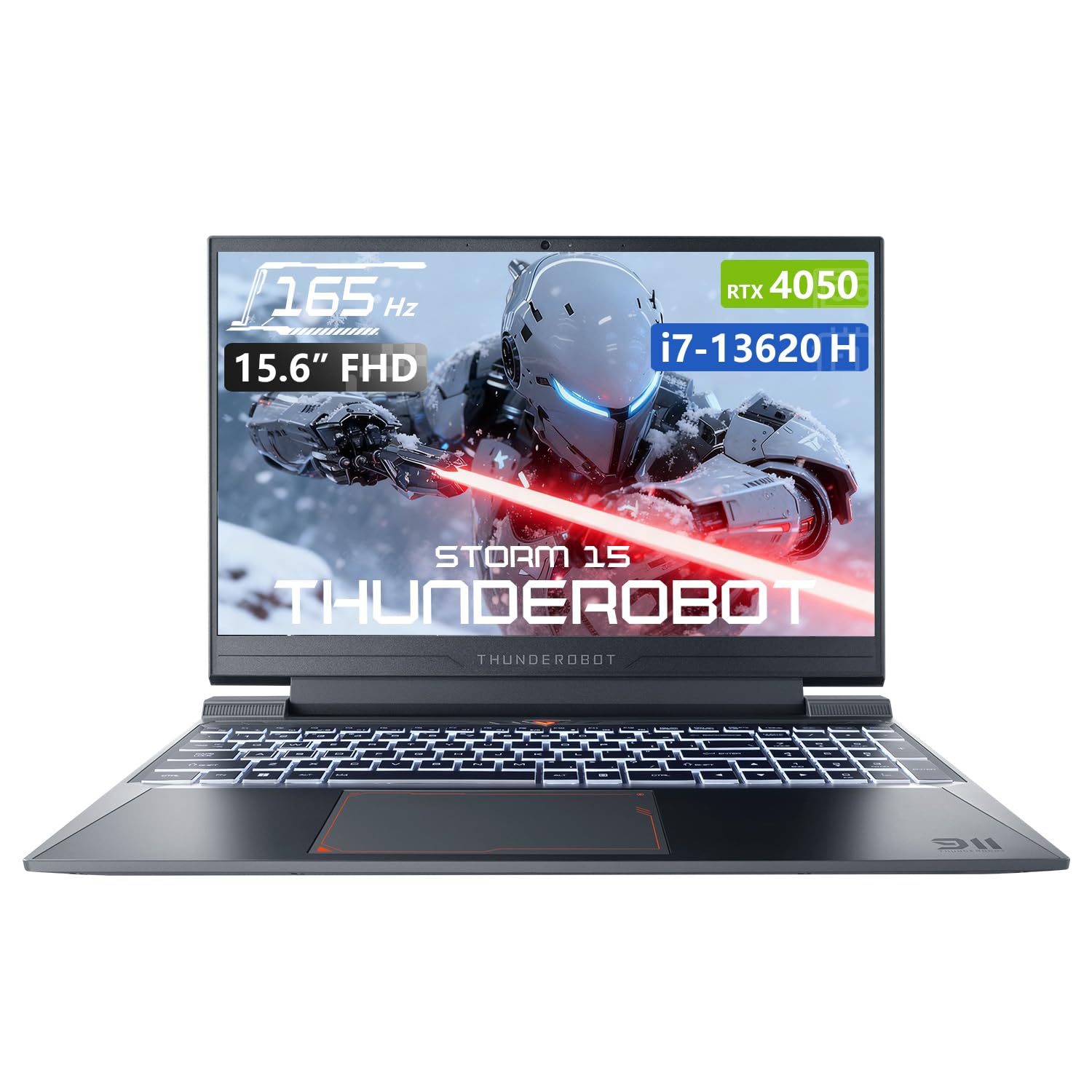
Image: The Thunderobot Storm 15 4050 Gaming Laptop, showcasing its sleek design and backlit keyboard.
2. Настройка
2.1 Първоначално включване
- Разопаковайте: Внимателно извадете лаптопа и всички аксесоари от опаковката.
- Свържете захранването: Включете променливотоковия адаптер в захранващия порт на лаптопа и след това в контакта на стената.
- Включване: Отворете капака на лаптопа и натиснете бутона за захранване, който обикновено се намира над клавиатурата или отстрани.
- Първоначалната настройка: Следвайте инструкциите на екрана, за да завършите настройката на Windows 11 Home, включително език, регион, мрежова връзка и създаване на потребителски акаунт.
2.2 Свързване на периферни устройства
Вашият лаптоп е оборудван с различни портове за свързване на външни устройства.

Image: Diagram illustrating the various ports and slots available on the Thunderobot Storm 15 laptop.
- USB устройства: Connect USB mice, keyboards, external drives, or other peripherals to the USB 3.1 Type-A ports or the USB 3.1 Gen 2 Type-C port.
- Външен дисплей: Използвайте HDMI порта, за да свържете външен монитор или телевизор.
- мрежа: For a stable wired internet connection, plug an Ethernet cable into the RJ-45 port.
- аудио: Connect headphones or external speakers to the 3.5mm Combo Jack.
3. Работа с вашия лаптоп
3.1 Характеристики на дисплея
The 15.6-inch Full HD display offers a 165Hz refresh rate for smooth visuals and 100% sRGB color gamut for accurate color reproduction. DC dimming technology helps reduce screen flickering.
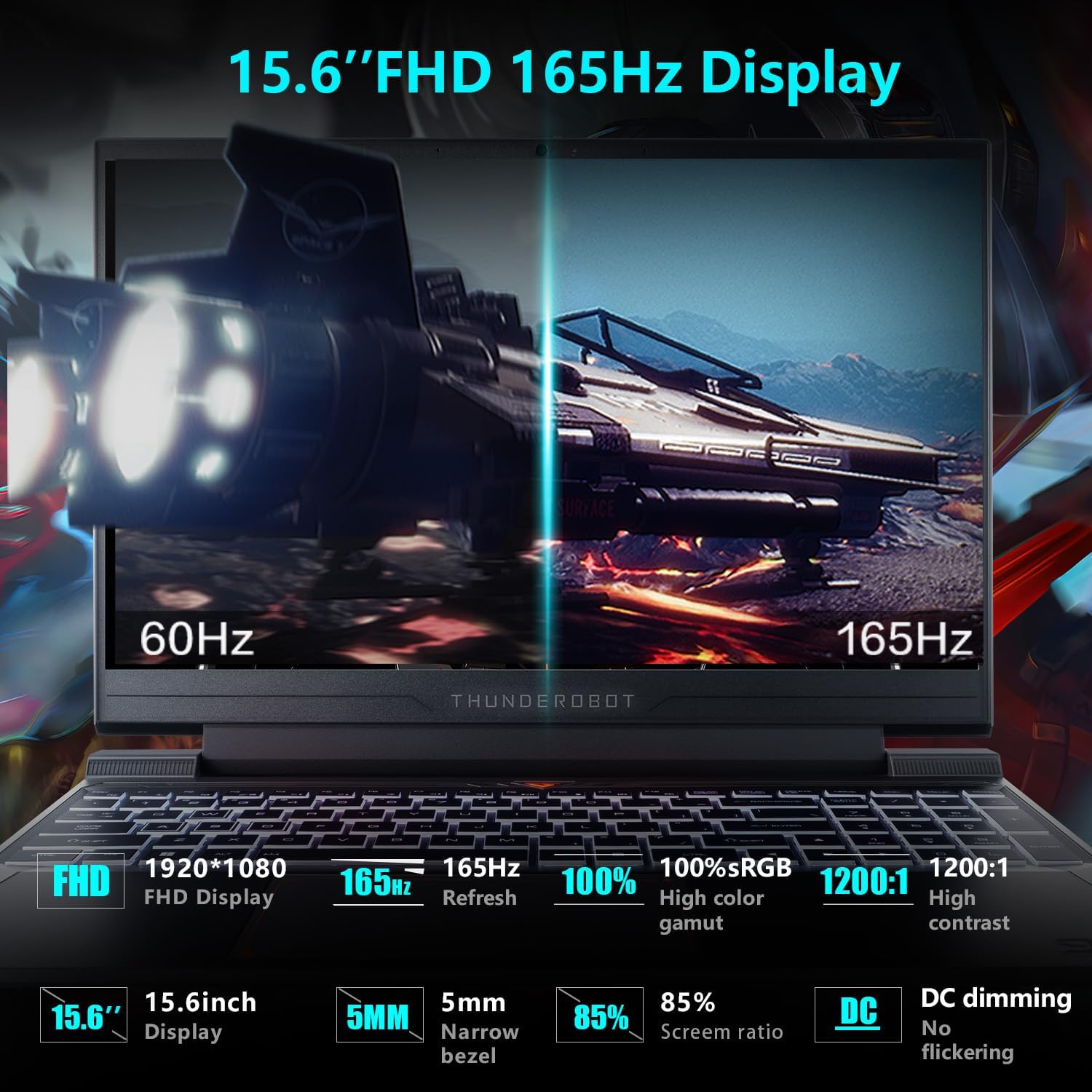
Image: Close-up of the 15.6-inch Full HD 165Hz display, highlighting its smooth motion capabilities.
3.2 Клавиатура и тъчпад
The full-size backlit keyboard includes a numeric keypad for enhanced productivity and gaming. The anti-fingerprint surface helps maintain a clean appearance.
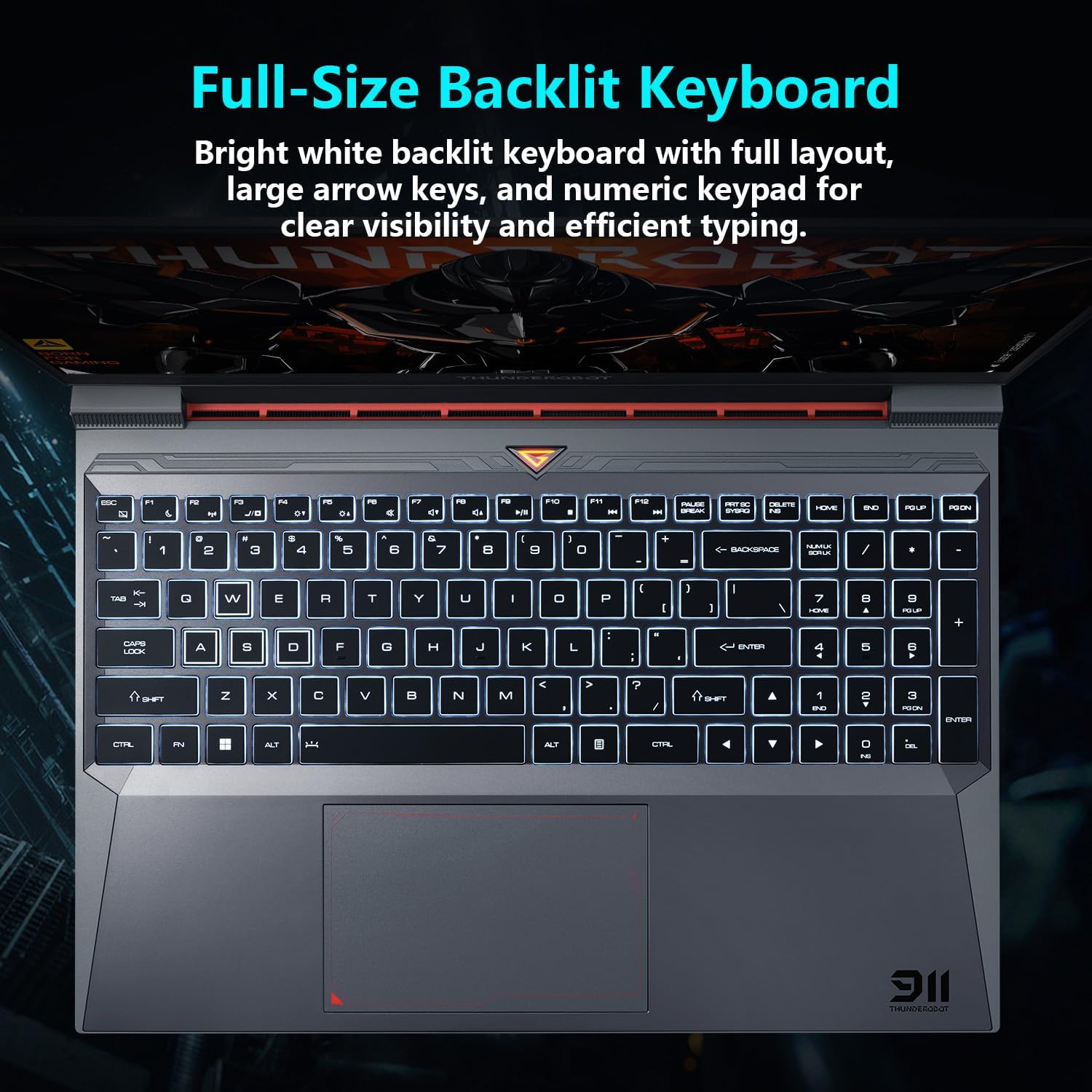
изображение: View of the full-size backlit keyboard with its bright white backlighting and numeric keypad.
3.3 Аудио система
Experience immersive sound with the laptop's professional sound certification and high-specification speaker design.
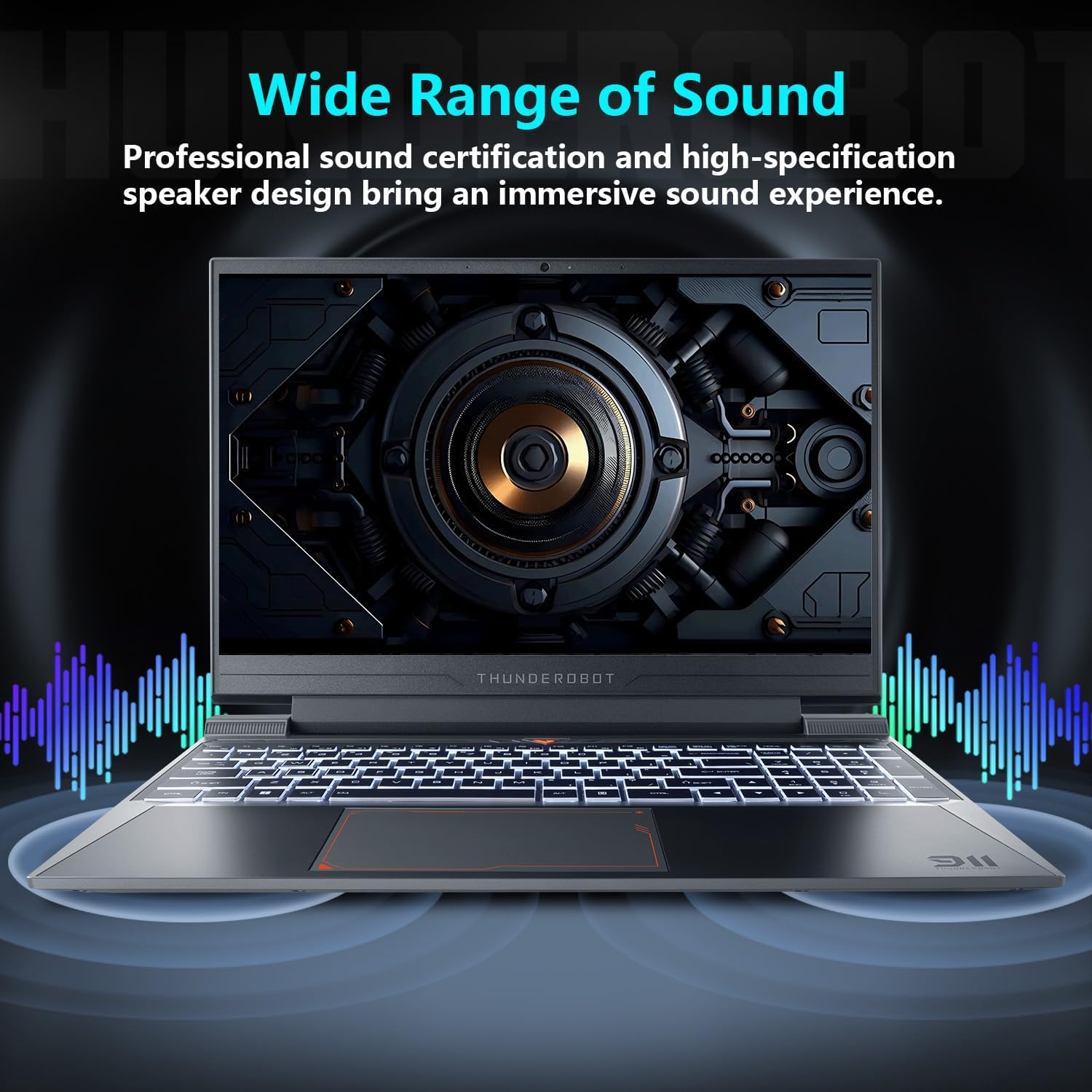
Image: Laptop displaying sound waves, illustrating its wide range of sound capabilities.
3.4 Охлаждаща система
The Advanced Frost Cooling System features multi-heat-pipe design (10mm/8mm composite pipes), a high-pressure turbine fan with 80 ultra-thin LCP blades, and 126 dense copper fins (28,000mm²) to ensure efficient heat dissipation. This design keeps critical components cool during intensive use.
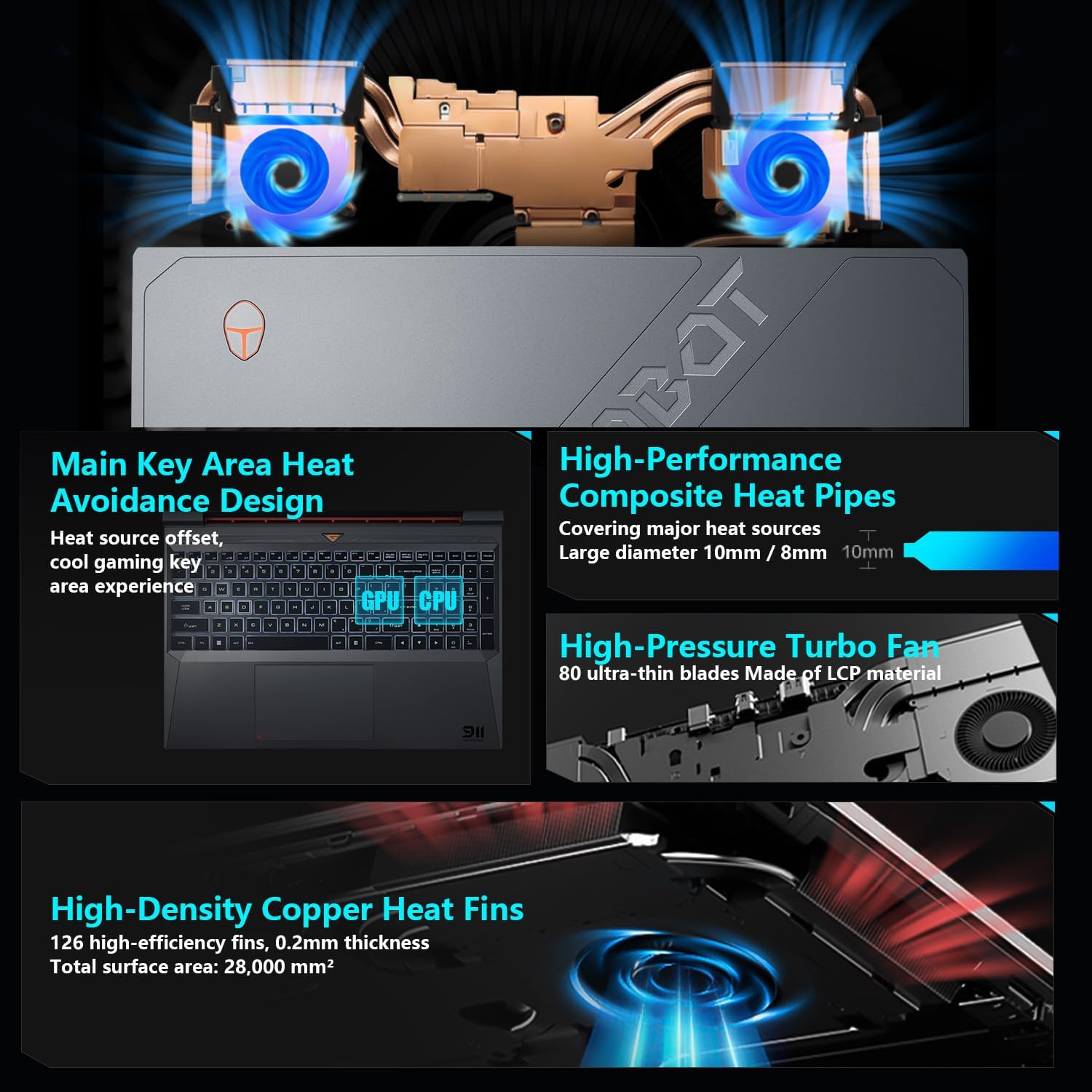
Image: Diagram showing the internal cooling system with heat pipes, fans, and copper fins.
3.5 Control Center Software
The Control Center software allows you to adjust and switch between various performance modes (e.g., Berserk mode, Game mode, Audio and Video Office mode) and customize fan speed and lighting settings. Access it by typing "Control Center" in the Windows search bar or using designated function keys.

Image: Screenshots of the Control Center software interface, showing options for performance modes, fan adjustment, and lighting controls.
4. Поддръжка
4.1 Почистване
- екран: Използвайте мека кърпа без мъх dampс вода или препарат за почистване на екрани. Избягвайте агресивни химикали.
- Клавиатура и шаси: Използвайте мека кърпа за избърсване на повърхностите. Сгъстен въздух може да се използва за почистване на прах между клавишите и вентилационните отвори.
- Vents: Regularly check and clean the cooling vents to prevent dust buildup, which can hinder airflow and performance.
4.2 Софтуерни актуализации
Keep your operating system and drivers updated to ensure optimal performance and security. Windows Update will handle OS updates, and you can check the Thunderobot support website for the latest driver versions for your specific model.
5. Отстраняване на проблеми
5.1 Често срещани проблеми
- Лаптопът не се включва: Уверете се, че променливотоковият адаптер е здраво свързан както към лаптопа, така и към работещ електрически контакт. Проверете дали бутонът за захранване функционира правилно.
- Прегряване: Ensure cooling vents are not blocked. Use the Control Center to adjust fan speeds. Consider using the laptop on a hard, flat surface to improve airflow.
- Проблеми с дисплея: If the screen is blank, try connecting an external monitor to check if the issue is with the laptop's display or the graphics output. Update graphics drivers.
- Бавна производителност: Проверете за фонови приложения, които консумират ресурси. Осигурете достатъчно свободно място за съхранение. Изпълнете сканиране за злонамерен софтуер.
- Peripheral not detected: Ensure the peripheral is correctly plugged into the appropriate port. Try a different port or restart the laptop. Update relevant drivers.
5.2 Свържете се с поддръжката
If you encounter issues that cannot be resolved using this guide, please refer to the Thunderobot official support channels for assistance.
6. Спецификации
| Характеристика | детайл |
|---|---|
| Размер на дисплея на постоянен екран | 15.6 инча |
| Резолюция на екрана | 1920 x 1080 пиксела |
| Максимална разделителна способност на екрана | 1920x1080 пиксела |
| Процесор | Intel Core i7-13620H (4.9 GHz max turbo) |
| RAM | 32 GB DDR4 (3200 MHz) |
| Твърд диск | 1 TB SSD (PCIE x 4) |
| Графичен копроцесор | Графичен процесор за лаптоп NVIDIA GeForce RTX 4050 |
| Безжичен тип | 802.11ax, Bluetooth |
| Брой USB 3.0 порта | 3 |
| Операционна система | Windows 11 Начало |
| Тегло на артикула | 12 паунда |
| Размери на продукта | 14.12 x 10.14 x 0.94 инча |
| Цвят | черен |
| Специална функция | Клавиатура с подсветка, цифрова клавиатура |

Image: Performance benchmarks comparing the RTX 4050 and Intel Core i7-13620H against previous generations.
7. Гаранция и поддръжка
Every Thunderobot laptop includes a Гаранция 12 месеца, offering expert support, thorough diagnostics, and genuine parts if a repair is needed. Additionally, a 90 дни гаранция is provided on all warranty replacement parts, ensuring hassle-free repairs. Your complete satisfaction is our commitment.
For further support, please visit the official Thunderobot webсайт или се свържете с тяхното обслужване на клиенти.
Видео: Овърview of the Thunderobot Storm 15 Laptop, showcasinнеговите характеристики и дизайн.


