1. Продуктът свършиview
The SGIN Y101 is a 15.6-inch laptop designed for everyday computing tasks, featuring a Core i3 processor, 16GB RAM, and a 1024GB SSD. It operates on Windows 11 Home and includes a backlit keyboard, WiFi 6 connectivity, and a 180-degree hinge for flexible use.

Image: SGIN Y101 Laptop highlighting its Core i3 processor, Windows 11, 7000mAh battery, backlit keyboard, WiFi 6, 180-degree hinge, 16GB RAM, and 1024GB SSD.
2. Какво има в кутията
- 1 x SGIN Y101 Laptop
- 1 x Захранващ адаптер/зарядно устройство
- 1 x Ръководство за потребителя (този документ)
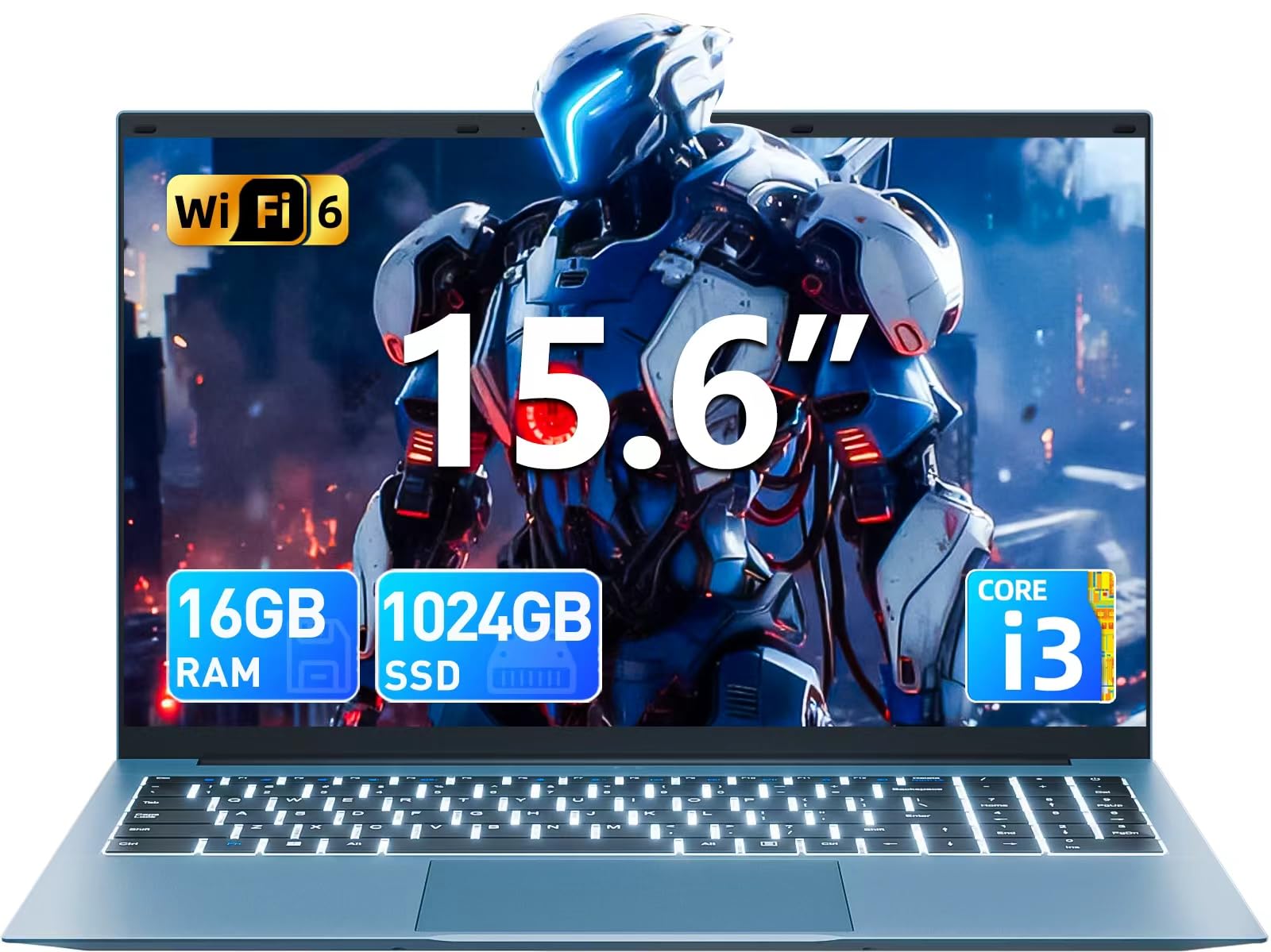
Image: The SGIN Y101 laptop, its power adapter, and the user manual as typically found in the product packaging.
3. Настройка
3.1 Първоначално зареждане и включване
- Свържете захранващия адаптер: Plug the power adapter into the DC jack on the side of the laptop and then into a power outlet.
- Заредете батерията: Оставете лаптопа да се зарежда поне 30 минути преди първа употреба или докато индикаторът за батерията покаже достатъчен заряд.
- Включване: Open the laptop lid and press the power button, usually located on the top right of the keyboard, to turn on the device.
3.2 Инсталиране на Windows 11
Follow the on-screen instructions to complete the initial Windows 11 Home setup. This typically includes:
- Избор на регион и подредба на клавиатурата.
- Connecting to a Wi-Fi network (WiFi 6 supported).
- Влизане с или създаване на акаунт в Microsoft.
- Задаване на ПИН код или парола.
3.3 Свързване на периферни устройства
The SGIN Y101 laptop offers various ports for connecting external devices:
Изображение: Подробно view of the laptop's multiple interfaces, including DC jack, Type-C, HDMI, USB 3.2, Security lock, TF card slot, 3.5mm Headphone jack, and RJ45 Ethernet port.
- USB 3.0/3.2 портове: За свързване на USB устройства като мишки, клавиатури или външни устройства за съхранение.
- HDMI порт: Свържете се с външен монитор или телевизор за разширено показване.
- Порт тип C: For data transfer and potentially charging compatible devices.
- Micro SD слот: Insert a TF card for expanded storage up to 1TB.
- 3.5 мм жак за слушалки: Свържете слушалки или външни високоговорители.
- RJ45 Ethernet порт: За кабелна интернет връзка.
- Слот за заключване Kensington: За физическа сигурност.
4. Работа с лаптопа
4.1 Клавиатура и тъчпад
The laptop features a full-size keyboard with a numeric keypad and a large touchpad for navigation. The keyboard is backlit for use in low-light conditions.
- Клавиатура с подсветка: Натиснете Fn + F5 to toggle the keyboard backlight on or off.
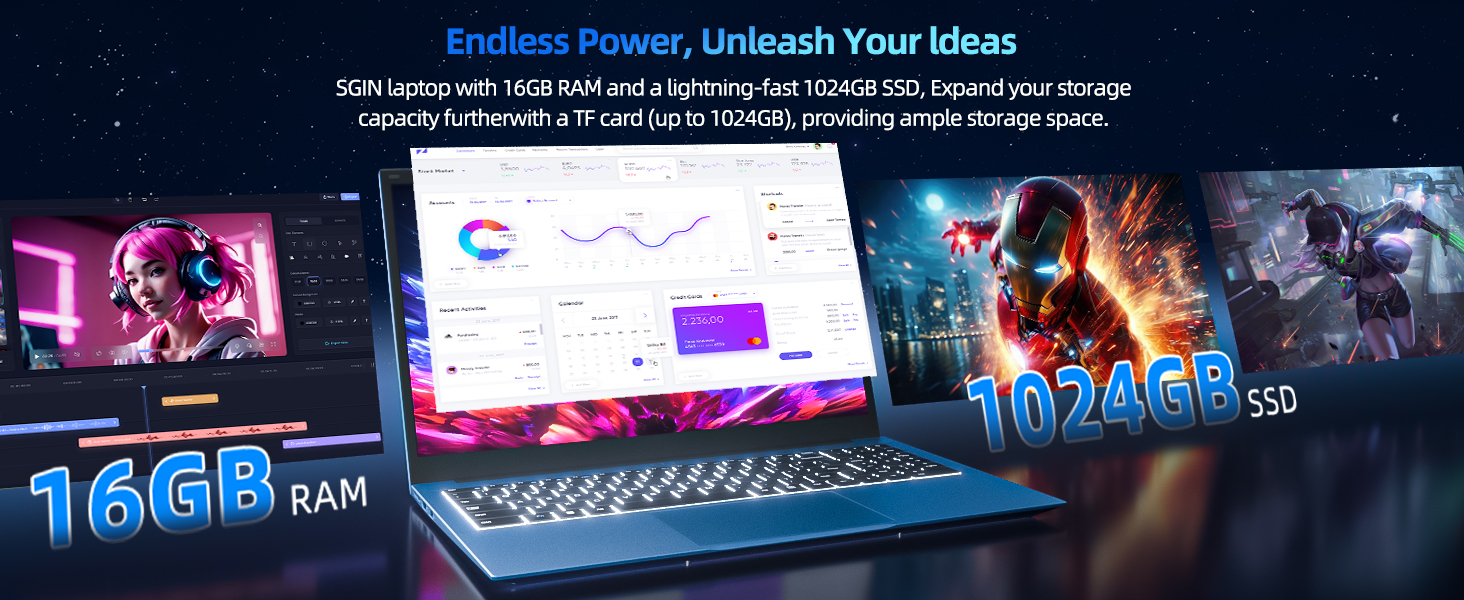
Image: Close-up of the SGIN Y101 laptop's backlit keyboard and numeric keypad, illustrating the Fn+F5 shortcut for backlight control.
4.2 Характеристики на дисплея
The 15.6-inch Full HD (1920x1080) IPS screen provides clear visuals and wide viewing angles. The laptop also features a 180-degree hinge, allowing the screen to lay flat for easy sharing and collaboration.
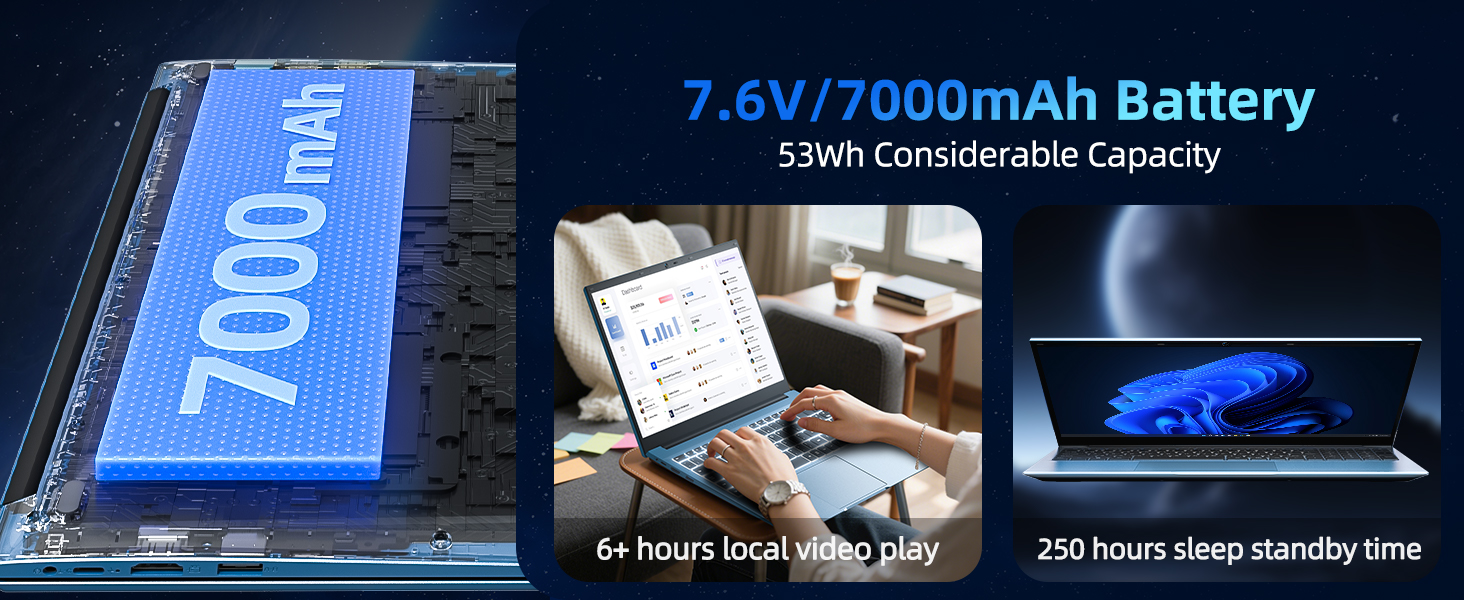
Image: The SGIN Y101 laptop displaying vibrant visuals on its 15.6-inch Full HD IPS screen.
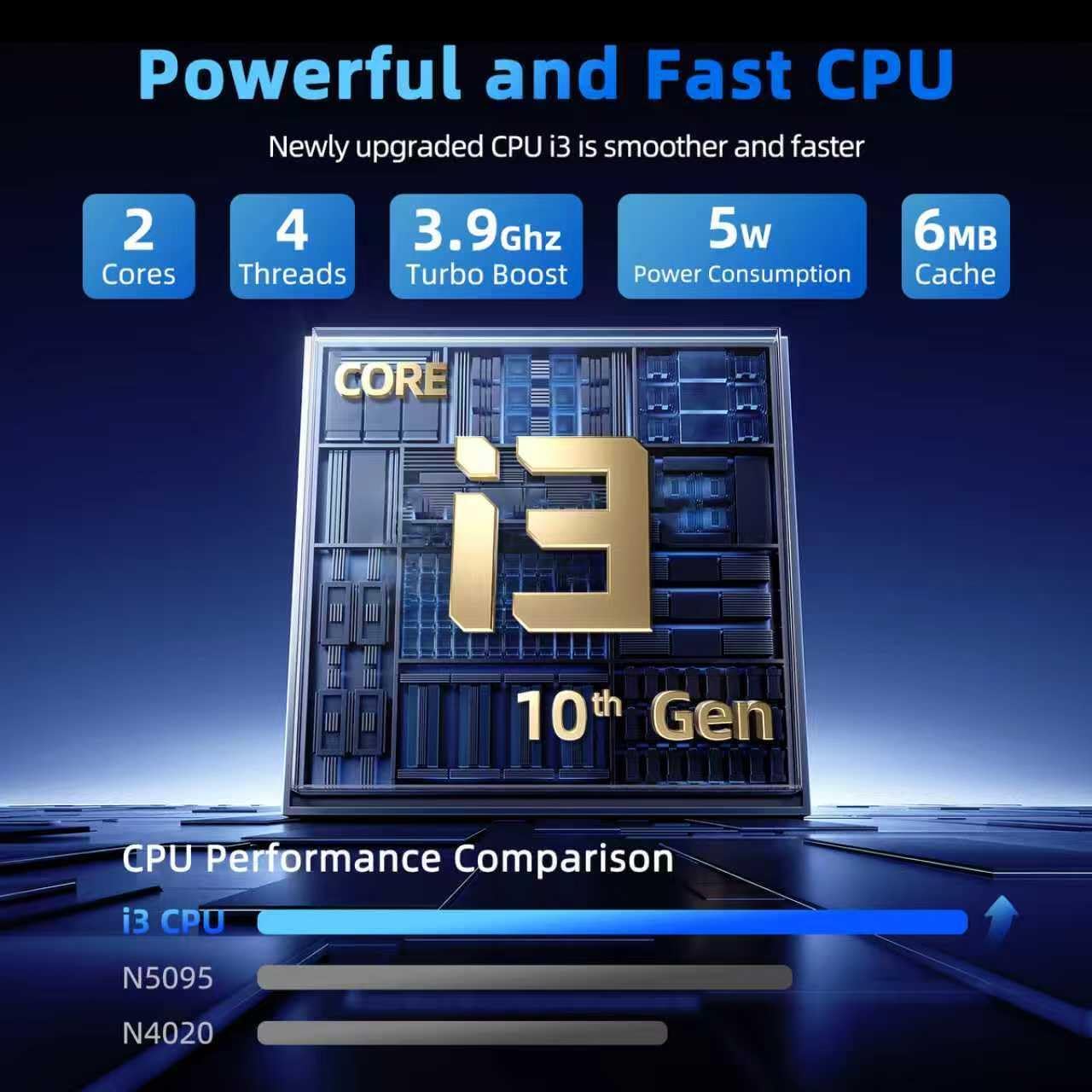
Image: The SGIN Y101 laptop open, illustrating its 180-degree hinge design for flexible viewработа и споделяне.
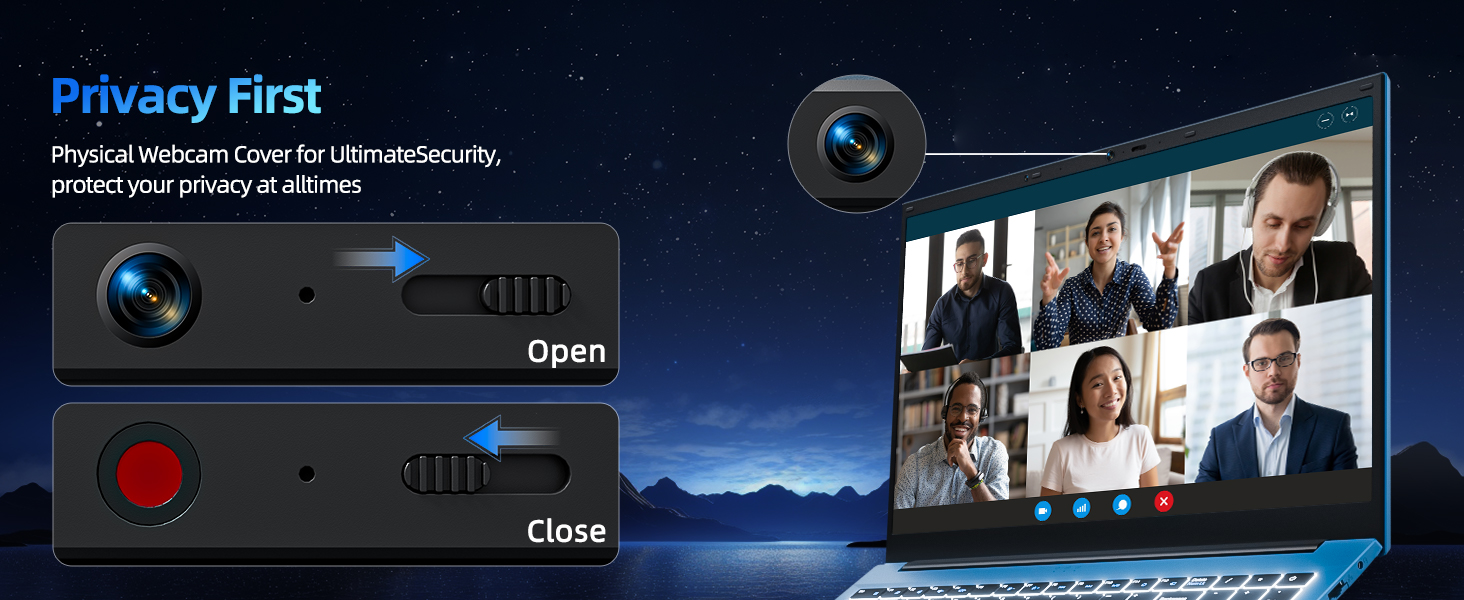
Поверителност на 4.3 Webкапак на камерата
For enhanced privacy, the laptop includes a built-in physical webcam switch. Slide the cover to open or close the webкамера според нуждите.
5. Поддръжка
5.1 Общи грижи
- Избягвайте излагането на лаптопа на екстремни температури, пряка слънчева светлина или висока влажност.
- Дръжте течности далеч от устройството.
- Работете внимателно с лаптопа, за да предотвратите физически повреди.
5.2 Почистване
- Използвайте мека кърпа без власинки, за да почистите екрана и външната част.
- За упорити петна, леко дampИзплакнете кърпата с вода или почистващ препарат за екрани.
- Не пръскайте почистващи препарати директно върху лаптопа.
5.3 Грижи за батерията
- За да удължите живота на батерията, избягвайте честото ѝ пълно разреждане.
- Съхранявайте лаптопа на хладно и сухо място, ако не го използвате за продължителни периоди.
- The 7000mAh/53.2Wh battery provides up to 8 hours of typical use.
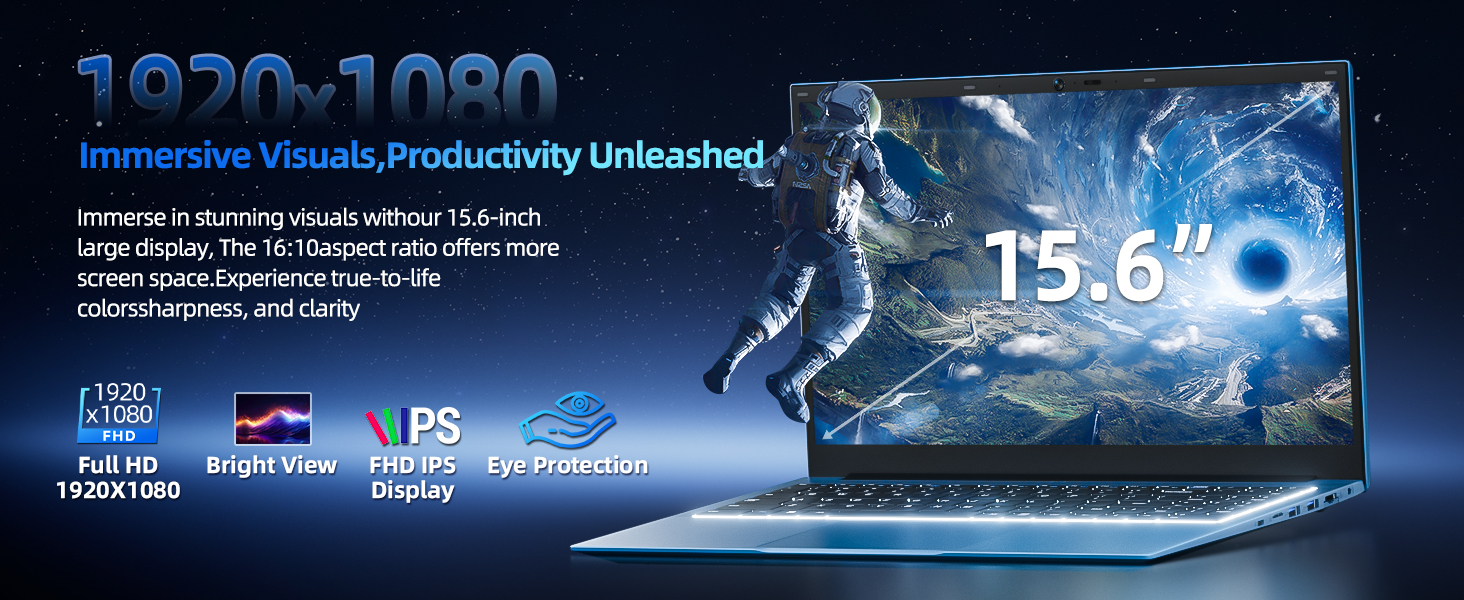
Image: Visual representation of the SGIN Y101 laptop's 7000mAh/53.2Wh large capacity battery, indicating its suitability for extended use.
6. Отстраняване на проблеми
This section addresses common issues you might encounter with your SGIN Y101 laptop.
6.1 Проблеми със захранването и зареждането
- Лаптопът не се включва: Уверете се, че захранващият адаптер е правилно свързан и батерията е достатъчно заредена. Опитайте с друг контакт.
- Laptop turns on but screen is black: Connect to an external monitor via HDMI to check if the display is the issue. Restart the laptop.
6.2 Дисплей и графика
- Screen flickering or unusual display: Update graphics drivers. If connecting to an external display, ensure the cable is secure.
- Screen appears dim or too bright: Adjust brightness settings in Windows or using keyboard function keys.
6.3 Проблеми със свързаността
- Wi-Fi връзката не се осъществява: Check if Wi-Fi is enabled in Windows settings. Restart your router and the laptop. Ensure correct password entry.
- USB устройства, които не са разпознати: Опитайте с друг USB порт. Уверете се, че драйверите на устройството са инсталирани.
6.4 Клавиатура и тъчпад
- Клавиатурата не реагира: Restart the laptop. Ensure no foreign objects are under the keys.
- Тъчпадът не работи: Check Windows settings to ensure the touchpad is enabled. Restart the laptop.
- Подсветката не работи: Натиснете Fn + F5 to ensure it's toggled on.
If you encounter persistent issues not covered here, please refer to the support section for assistance.
7. Спецификации
| Характеристика | детайл |
|---|---|
| Име на модела | SGIN-Y101 |
| Процесор | Intel Core i3-10100 (2-core, 4-thread, 6MB cache, up to 3.9GHz) |
| RAM | 16GB DDR3 SDRAM |
| Съхранение | 1024GB SSD (expandable with TF card up to 1TB) |
| Дисплей | 15.6-инчов Full HD (1920x1080) IPS дисплей |
| Операционна система | Windows 11 Начало |
| Батерия | 7000mAh / 53.2Wh (up to 8 hours battery life) |
| Безжична връзка | WiFi 6 (802.11ax) |
| Портове | USB 3.0, HDMI, Micro SD slot, Type-C, Kensington lock, 3.5mm Headphone jack, RJ45 Ethernet |
| Размери (ДxШxВ) | 15.6 x 9 x 0.6 инча |
| Тегло | 4.97 паунда |
| Цвят | Сив |
8. Гаранция и поддръжка
Your SGIN Y101 laptop comes with comprehensive support and warranty:
- 1-Year Protection: Enjoy a 1-year protection plan covering manufacturing defects.
- 1-Year Repair Service: Продуктът включва 1-годишна гаранция за ремонт.
- 30-дневна политика за връщане: Възможност за връщане в рамките на 30 дни от покупката.
- 24/7 поддръжка на клиенти: Access instant customer help for any queries or issues.
For support, please contact SGIN customer service through the official channels provided at the time of purchase or on the SGIN webсайт.
9. Видео с демонстрация на продукта
Watch this official video for a visual guide on the SGIN 15.6 Inch Laptop Computer's features and connectivity options.
Видео: Овърview and demonstration of the SGIN 15.6-inch laptop, showcasing its design, features, and available ports.


